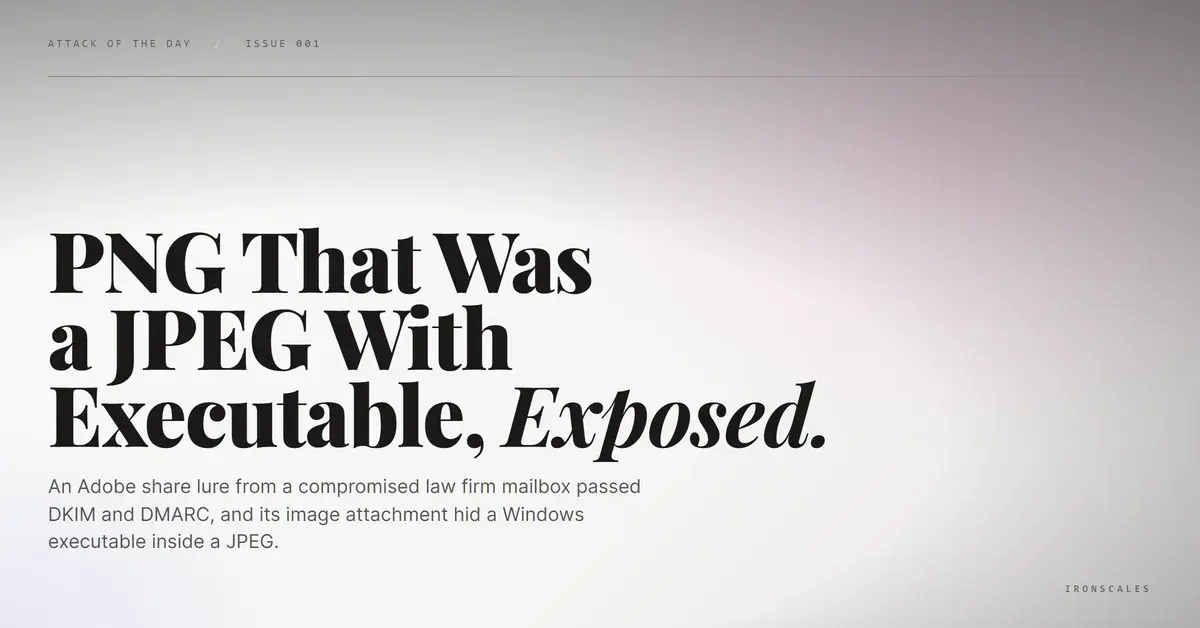
TL;DR A U.S. municipal government's emergency services department received an Adobe Document Cloud share notice from a real law firm's mailbox. DKIM validated, DMARC passed, and composite authentication returned a full-confidence result, because the sending account had been compromised rather than spoofed. The call to action led to an Adobe-branded download page on an unrelated privacy-protected domain. The attachment declared itself a PNG, resolved as a JPEG, and carried a Windows executable header spliced in near the middle, with file entropy and bit-level statistics that ruled out accidental corruption.
Severity: High Brand-Impersonation Account-Takeover Malware-Delivery Credential-Harvesting MITRE: T1566.001 MITRE: T1566.002 MITRE: T1036.008 MITRE: T1027.003 MITRE: T1078.004
The message that reached a U.S. municipal government's emergency services department was not pretending to be someone it could not prove it was. It arrived from a real law firm's mailbox on a domain that had been registered since the late 1990s. DKIM validated against that domain. DMARC aligned and passed. Composite authentication returned a full-confidence result. Three mailboxes in the department received it, one of them a senior departmental officer, and every cryptographic check a gateway could run came back exactly the way the firm's genuine correspondence comes back. The attachment was named like a picture. It was not a picture.
The trust anchor belonged to somebody else
The sending domain was not a lookalike, a typosquat, or a fresh registration wearing a professional costume. It was the real thing, a decades-old domain belonging to an established regional law firm, with a second firm-branded domain of similar vintage appearing in the signature block. The signature carried a named partner, a street address, and a phone number, all of them verifiable, because all of them were genuine.
That combination is the tell that matters most here. A spoofer working from outside cannot produce a valid DKIM signature for a domain it does not control. When the signature validates and the From header aligns, the overwhelmingly likely explanation is that the attacker is not spoofing at all but sitting inside the mailbox, sending through the firm's own authenticated path. The transport confirms it: a standard Exchange Online outbound route with no sanitization gateway in the chain, and an SPF result of none that is the ordinary artifact of that outbound relay configuration rather than a failure worth chasing. The 2024 Verizon Data Breach Investigations Report put stolen credentials in 38% of breaches, the single most common initial action, and this is what that statistic looks like when it lands in an inbox. The compromise is upstream at a trusted third party, and the downstream recipient inherits it as a perfectly authenticated email. Defending against it is a matter of account takeover protection and relationship modeling, not stricter authentication policy.
A document too large to send
The pretext was ordinary to the point of being boring, which is the point. The body explained that the real document was too large to attach and had therefore been transmitted securely through Adobe Document Cloud, then offered a single call to action labeled VIEW DOCUMENT. Oversized-file excuses are durable because they are true often enough to be unremarkable, and because they justify moving the recipient off email and onto the web without ever raising the subject of credentials or payment. The external-sender banner sat at the top of the message, warning that the mail originated outside the organization, and did nothing to help, because the sender genuinely was an outside party the department genuinely corresponded with.
The link did not go to Adobe. It resolved to hxxps://mes-pk[.]com/Blacklaw, a domain with no relationship to the law firm, registered a couple of years earlier behind privacy protection, parked on shared throwaway hosting, publishing neither DMARC nor DNSSEC, with reverse DNS that did not match the domain. A snapshot of the destination showed an Adobe-branded modal prompting a document download. A direct fetch of the same path returned a 404, which is the ordinary behavior of adversary infrastructure that serves its payload selectively and shows scanners an empty room. This is T1566/002 spearphishing link delivery wearing a brand that nobody questions, and it is the pattern CISA phishing guidance describes when it tells defenders to treat the destination, not the display, as the object of scrutiny.
See Your Risk: Calculate how many threats your SEG is missing
The attachment lied three times
The file that came with the message was where the tradecraft got interesting. It declared itself an image with a .png extension. Static analysis identified the actual container as a JPEG, so the extension was already wrong. Then, roughly 27,174 bytes into a 47,728-byte file, a Windows portable executable signature appeared, the familiar two-byte marker that begins every Windows program. An executable was riding inside the image, past the halfway point, where nothing that renders a thumbnail will ever look.
Two measurements confirm this was construction rather than corruption. Byte entropy came in at 7.73 out of a theoretical maximum of 8, which is high even for already-compressed image data. The least significant bit statistics were skewed as well, a ratio near 0.589 against an expected value close to half, with bit-level entropy of about 0.977. Compression artifacts and truncated downloads do not produce that profile. Deliberately packed non-image content does. The technique is documented as T1036/008 masquerade file type for the extension deception and T1027/003 steganography for the concealment, and both exist for the same reason: an inspection layer that trusts a filename, and a person who trusts a file icon, are both looking at a label instead of at bytes. Catching it requires malware and URL attack protection that reads the header and the statistical shape of a file rather than the name it was given.
Nothing failed, so behavior had to decide
With authentication clean and the sender legitimate, there was no gate left to trip. Detection came from the other direction. The platform's link scanner rated the VIEW DOCUMENT destination malicious outright. Language and structure patterns in the body did not match how that correspondent normally wrote, and the act of sending an image attachment with an off-brand download link did not match what that correspondent normally sent. Community reputation signals tied the message to phishing activity already reported elsewhere. Themis, the IRONSCALES Adaptive AI analyst, assembled those into a single verdict at 90% confidence, additionally noting that one recipient was a high-value target. All three receiving mailboxes plus one forwarded copy were quarantined automatically, before anyone reached the download prompt.
The lesson is uncomfortable but simple. An authentication pass is a statement about a mailbox, and a file extension is a statement about a filename. Neither is a statement about intent. When a trusted correspondent's account is the delivery vehicle and an image is the container, every claim in the message is technically accurate and the message is still hostile. What remains is the difference between how a relationship normally behaves and how it behaved this time, which is why that comparison has to run continuously rather than at the perimeter.
Indicators of Compromise
| Type | Indicator | Context |
|---|
| URL | hxxps://mes-pk[.]com/Blacklaw | Malicious call-to-action destination serving an Adobe-branded document-download page; returned an inconsistent 404 on direct fetch |
| Domain | mes-pk[.]com | Attacker-controlled payload host, registered a couple of years prior, privacy-protected, shared hosting, no DMARC or DNSSEC, PTR mismatch |
| Domain | blackmclaw[.]com | Compromised third-party sending domain (legitimate, registered in the late 1990s); DKIM-authenticated delivery vector, not attacker-owned |
| Filename | image.png | Declared attachment name; actual container is JPEG, with an embedded Windows PE signature at offset ~27,174 |
| Hash (MD5) | 2810395bc6869aa0e3a31d1ff0724a49 | Image file carrying the appended Windows executable, 47,728 bytes |
| File anomaly | Byte entropy 7.73, LSB ratio ~0.589, LSB entropy ~0.977 | Statistical profile consistent with embedded non-image payload rather than compression artifacts |
| Authentication | SPF none (outbound relay artifact), DKIM pass, DMARC pass, compauth pass reason=100 | Fully authenticated delivery via a compromised legitimate mailbox |
| Lure text | Document share notice claiming the file was too large to email and was sent via Adobe Document Cloud | Oversized-file pretext justifying the move from email to web |
MITRE ATT&CK Mapping
- T1078/004, Valid Accounts: Cloud Accounts. The compromised law firm mailbox supplied authenticated delivery.
- T1566/001, Phishing: Spearphishing Attachment. The misnamed image carried the executable.
- T1566/002, Phishing: Spearphishing Link. The VIEW DOCUMENT call to action led to the fake Adobe download page.
- T1036/008, Masquerading: Masquerade File Type. Declared as a PNG, detected as a JPEG, containing a PE.
- T1027/003, Obfuscated Files or Information: Steganography. The executable was concealed inside image data.
Email Attack of the Day is a daily series from
IRONSCALES spotlighting real phishing attacks caught by Adaptive AI and our community of 36,000+ security professionals. Each post breaks down a real attack. What it looked like, why it worked, and what to do about it.







/Blue%20Feature%20Flower%20Icons/gear%20head%20icon.svg)
/Misc%20Icons/icon-nav-credential-theft.svg)










/Leadership%20Headshots/Audian%20Paxson%20Headshot%201000x1000%20032026.webp?width=100&height=100&name=Audian%20Paxson%20Headshot%201000x1000%20032026.webp)



.png?width=50&height=50&name=Untitled%20-%20July%2030%2c%202026%20at%2014.53.38%20(3).png)



/Misc%20Icons/icon-red-teaming-agent-gradient-simple.svg)
/Misc%20Icons/icon-phishing-soc-agent-gradient-simple.webp?width=158&height=167&name=icon-phishing-soc-agent-gradient-simple.webp)
/Misc%20Icons/icon-phishing-simulation-agent-gradient-simple.svg)


/Misc%20Icons/icon-nav-encryption.svg)