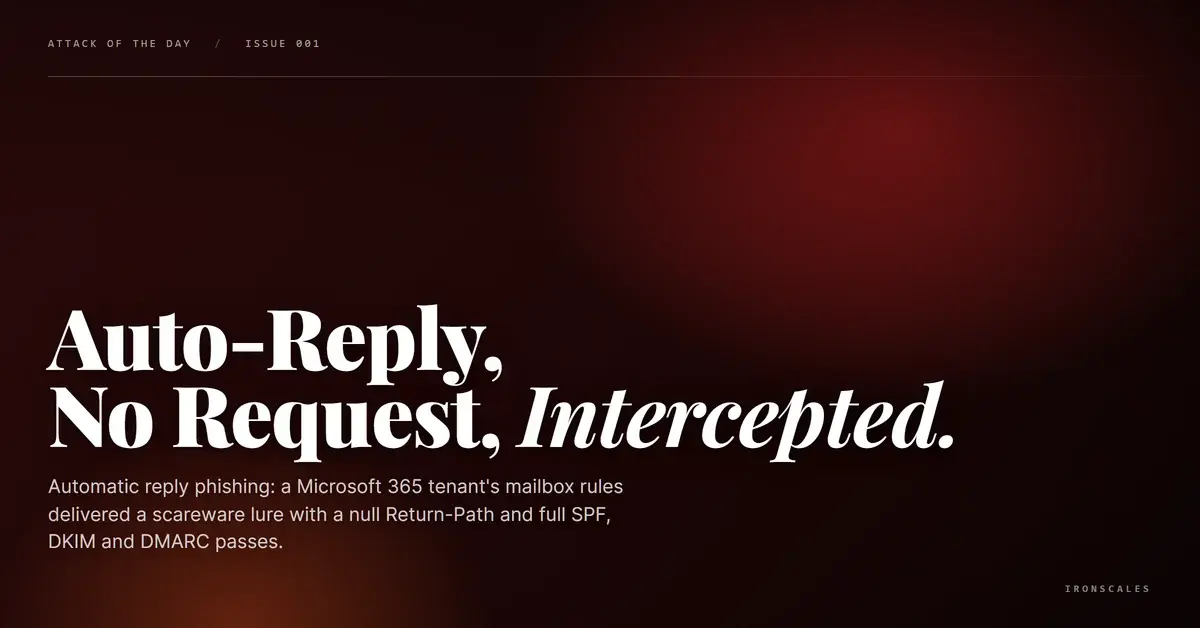
TL;DR A phishing campaign impersonated a major U.S. bank's password change notification system, passing SPF, DKIM, and DMARC authentication with a perfect compauth score of 100. The email contained zero malicious links and zero attachments. The entire attack vector was a callback phone number, making it invisible to link scanners, sandboxes, and URL reputation engines. IRONSCALES flagged the email through behavioral analysis of sender patterns and content structure, catching what authentication protocols and traditional defenses could not.
Severity: High Vishing Social Engineering Credential Theft MITRE: T1566.001 MITRE: T1598.004 MITRE: T1204.001
No links. No attachments. A perfect authentication score. And four mailboxes hit across a single organization.
A phishing email impersonating a major U.S. bank's automated notification system landed in inboxes at a professional services firm with every technical credential in order. SPF passed. DKIM passed. DMARC passed. Microsoft's composite authentication returned a score of 100, the highest possible. The email carried zero malicious URLs and zero attachments. Its entire payload was a phone number.
This is what callback phishing looks like when it is done well.
A Password You Never Changed
The email arrived formatted as a "Password Change Notification" from the bank's commercial services division. The subject line read "High Priority" followed by the bank's name. The body addressed the recipient by name and stated that their commercial banking password had been recently changed online.
The call to action was simple: if you did NOT make this change, call this number immediately or contact your relationship manager.
That phone number is the attack. Everything else, the branding, the legal disclaimers, the "do not respond to this email" footer, exists to make the recipient pick up the phone. Once they do, the attacker controls the conversation. From there, credential harvesting, account verification pretexts, and remote access requests are all on the table.
The FBI's 2024 Internet Crime Report documented over $4.57 billion in losses from business email compromise, with callback and hybrid vishing schemes increasingly cited as initial access vectors. This attack fits that pattern precisely.
Why Every Technical Control Missed It
Here is what makes this campaign especially effective: the email's authentication stack is nearly indistinguishable from legitimate bank correspondence.
The message originated from the bank's internal mail infrastructure, traversed through a Proofpoint gateway (a well-known email security provider), and arrived at the target's Microsoft 365 environment. The DKIM signature was verified against the bank's actual domain. SPF confirmed the sending IP was authorized. DMARC aligned and passed. Microsoft's compauth result returned reason=100, meaning the message met every composite authentication check Microsoft applies.
The X-Mailer header identified the sending application as the bank's own notification system. The relay chain showed the message passing through the bank's internal Exchange servers before hitting the Proofpoint gateway. Nothing in the infrastructure screams "phishing."
And that is exactly the problem. Traditional email security, whether a secure email gateway or native Microsoft 365 filtering, anchors heavily on authentication signals, sender reputation, link scanning, and attachment sandboxing. When an email passes authentication from a reputable domain, contains no links to scan, and carries no files to detonate, it sails through.
Microsoft's own SFTY:9.25 flag in the Forefront headers hints that something felt off. That flag correlates with social engineering and fraud indicators. But the email still landed in the inbox with an SCL (Spam Confidence Level) of just 1.
See Your Risk: Calculate how many threats your SEG is missing
The Behavioral Signals That Mattered
IRONSCALES classified this email as phishing through behavioral and contextual analysis, the same signals that technical controls overlooked.
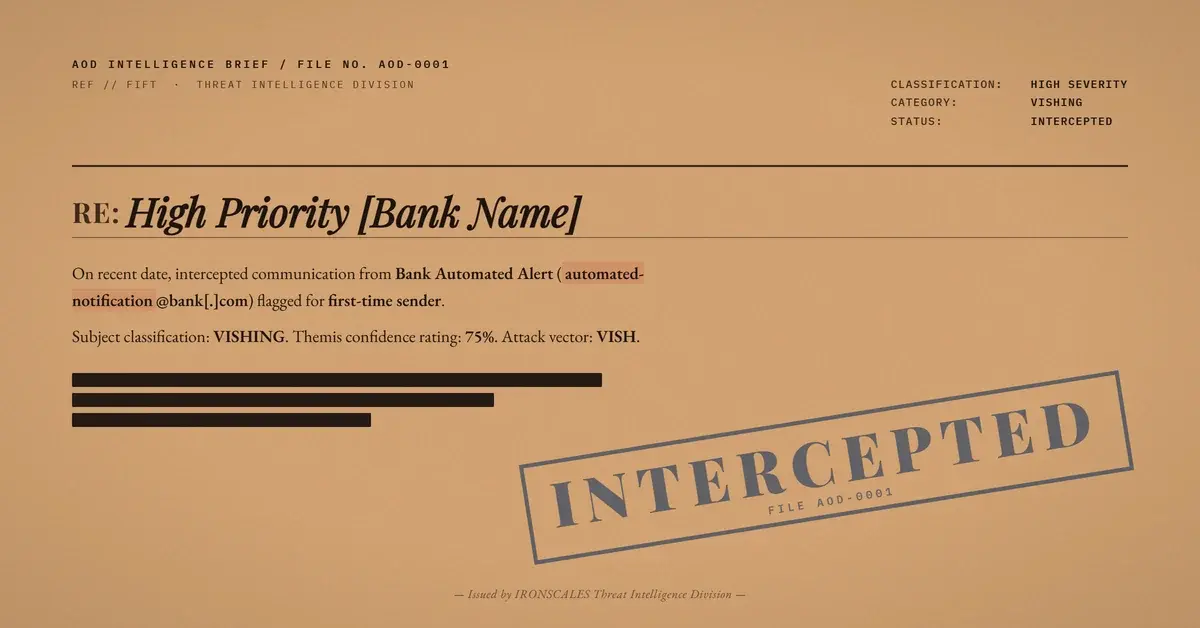
First-time sender. The automated notification address had never previously sent email to this recipient or organization. Legitimate banks do not typically introduce new automated notification addresses without prior correspondence patterns.
Urgency plus action mismatch. The email created immediate anxiety (your password was changed) and directed the recipient toward an unverifiable action channel (a phone number) rather than linking to the bank's authenticated online portal.
Recipient targeting pattern. Four mailboxes at the same professional services firm received the message simultaneously. A real password change notification goes to one account holder. A phishing campaign broadcasts.
Content structure anomaly. The message body mimicked transactional notification formatting, but the combination of first-time sender, urgency framing, and callback-only action vector matched known vishing patterns that IRONSCALES tracks across its community of 36,000+ security professionals.
These are not signals that a link scanner or sandbox can evaluate. They require understanding of sender behavior over time, content intent analysis, and cross-mailbox correlation. This is the domain where AI-driven platforms separate from static rule engines.
Where This Fits in the ATT&CK Framework
This attack maps to multiple techniques:
- T1566.001 (Phishing: Spearphishing Attachment/Link): Initial access via targeted phishing email. Though no link or attachment carried the payload, the technique classification applies to the delivery mechanism.
- T1598.004 (Phishing for Information: Spearphishing Voice): The actual exploitation vector. The email is a pretext to initiate a voice channel where credential harvesting occurs.
- T1204.001 (User Execution: Malicious Link): Adapted here to user execution via phone call, requiring the victim to voluntarily initiate contact.
The Verizon 2024 DBIR found that social engineering remains the top action variety in breaches, with pretexting (the technique underlying callback phishing) growing significantly year over year.
The Telltale Signs
| Type | Indicator | Context |
|---|
| Sender Address | ITDirectNotifyAlert[.]Bancorp@53[.]com | Automated notification address, first-time sender |
| Phone Number | (866) 475-0729 | Callback number embedded in email body |
| Sending IP | 205[.]220[.]177[.]171 | Proofpoint gateway IP (mx0b-00642301[.]pphosted[.]com) |
| X-Mailer | Fifth Third Notification System | Custom mailer header on phishing message |
| Subject | High Priority,Fifth Third Direct Alert | Urgency framing in subject line |
| Authentication | SPF=pass, DKIM=pass, DMARC=pass, compauth=100 | Full authentication pass, no spoofing detected |
What to Do When the Email Looks Perfect
This attack reinforces a principle that security teams need to internalize: authentication proves origin, not intent. An email can come from exactly where it claims to come from and still be a phishing attack.
For this specific threat pattern, prioritize these actions:
- Treat callback numbers as untrusted by default. Any email requesting a phone call should be verified against contact information obtained independently from the organization's official website.
- Flag first-time automated senders. Notification addresses that have never contacted your organization before deserve additional scrutiny, even when authentication passes perfectly.
- Correlate across mailboxes. A password change notification hitting multiple recipients simultaneously is a campaign indicator, not a coincidence. Cross-mailbox analysis is essential for catching broadcast phishing disguised as transactional alerts.
- Brief users on vishing as a phishing vector. According to the Microsoft Digital Defense Report 2024, social engineering attacks increasingly use hybrid delivery where email is the setup and voice is the execution. Users trained only to look for suspicious links will miss this entirely.
- Deploy behavioral detection. When the attack carries no technical payload, only behavioral signals (sender novelty, urgency patterns, action channel analysis) can catch it. Static rules and reputation databases are blind here.
The most dangerous phishing emails are the ones that look exactly like the real thing. This one did.
Email Attack of the Day is a daily series from
IRONSCALES spotlighting real phishing attacks caught by Adaptive AI and our community of 36,000+ security professionals. Each post breaks down a real attack. What it looked like, why it worked, and what to do about it.







/Blue%20Feature%20Flower%20Icons/gear%20head%20icon.svg)
/Misc%20Icons/icon-nav-credential-theft.svg)










/Leadership%20Headshots/Audian%20Paxson%20Headshot%201000x1000%20032026.webp?width=100&height=100&name=Audian%20Paxson%20Headshot%201000x1000%20032026.webp)



.png?width=50&height=50&name=Untitled%20-%20July%2030%2c%202026%20at%2014.53.38%20(3).png)



/Misc%20Icons/icon-red-teaming-agent-gradient-simple.svg)
/Misc%20Icons/icon-phishing-soc-agent-gradient-simple.webp?width=158&height=167&name=icon-phishing-soc-agent-gradient-simple.webp)
/Misc%20Icons/icon-phishing-simulation-agent-gradient-simple.svg)


/Misc%20Icons/icon-nav-encryption.svg)