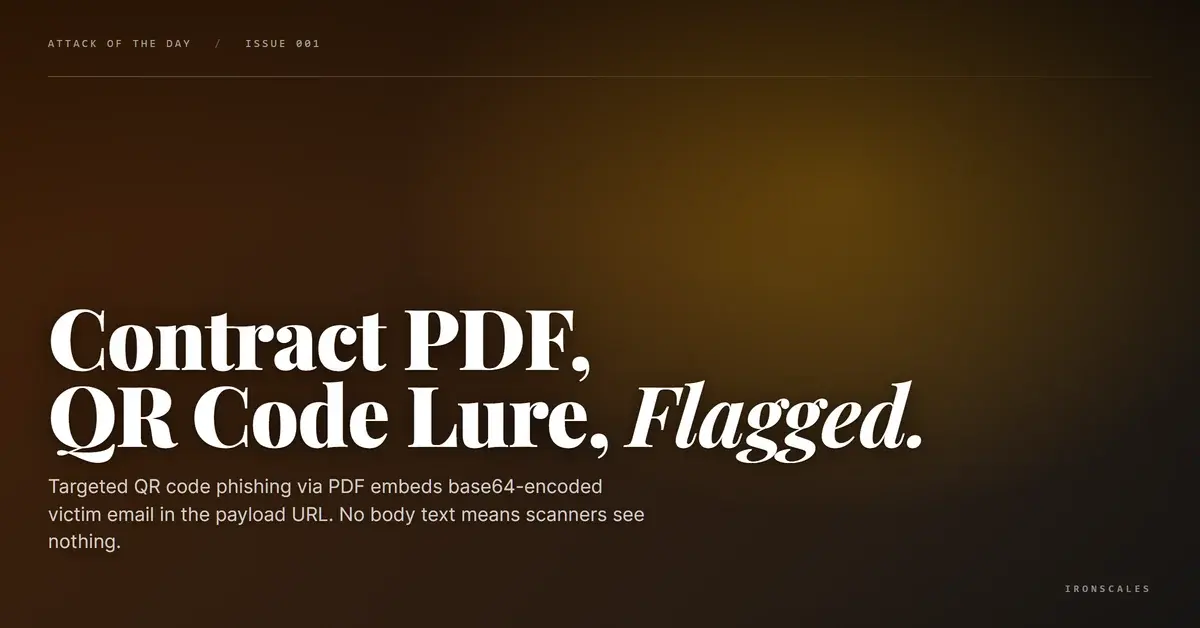
TL;DR Attackers sent a blank-body email with a PDF attachment disguised as a contract agreement. Inside the PDF, a QR code decoded to a credential harvesting URL hosted on userfocusedtech[.]de, with the victim's email address base64-encoded directly into the URL fragment. This per-recipient personalization means every QR code is unique, defeating signature-based detection. The sending domain concretejsl[.]com failed SPF, had no DKIM, and published no DMARC policy. Themis classified the attachment as malicious with an 89% confidence score and auto-quarantined within two seconds of delivery.
Severity: High Credential Theft Qr Code Phishing Spearphishing MITRE: {'id': 'T1566.001', 'name': 'Phishing: Spearphishing Attachment'} MITRE: {'id': 'T1204.001', 'name': 'User Execution: Malicious Link'} MITRE: {'id': 'T1036', 'name': 'Masquerading'}
A 77-kilobyte PDF arrived in the inbox of an employee at a cybersecurity company. The email body was completely empty. No greeting, no context, no text at all. Just a subject line referencing a completed agreement, the target company's name for credibility, and a single PDF attachment called _Agreement_Project2026.pdf.
Inside that PDF was a QR code. And inside that QR code was the recipient's own email address, base64-encoded into the payload URL. This wasn't a mass-blast campaign hoping someone would bite. Every QR code was built for a specific target.
Themis flagged the attachment as malicious at 89% confidence and quarantined the message within two seconds of delivery. The recipient never saw it. But the technique behind this attack, where the entire payload lives inside an image inside a document, represents a growing blind spot for organizations that still rely on text-based scanning to catch phishing.
See Your Risk: Calculate how many phishing emails your gateway is missing right now
A Blank Email With a Loaded Attachment
The social engineering here was minimalist by design. The subject line read "Completed: Please sign your requested Agreement" followed by a randomized ID string, with the target organization's name prepended for personalization. The sender address, Javier@concretejsl[.]com, came from a domain registered just four months earlier through GoDaddy with sparse WHOIS data.
The email body contained nothing. Zero text. This is deliberate. Email security gateways that scan message bodies for suspicious language, urgency cues, or embedded phishing URLs find nothing to evaluate. Natural language processing engines designed to detect social engineering? Nothing to process. The entire attack payload lives inside the PDF.
This technique maps to MITRE ATT&CK T1566.001 (Spearphishing Attachment), where the malicious content is delivered via a file rather than a link in the message body. The blank-body approach adds a layer of evasion that makes traditional content inspection effectively useless.
The QR Code That Knows Who You Are
Open the PDF and you see what looks like a standard contract signing request. "Please review and sign this agreement." No forms, no JavaScript, no AcroForm fields. The PDF itself is inert. The only interactive element is a QR code image.
Decode that QR code and you get:
hxxps://werkmastercom[.]userfocusedtech[.]de/yskuH/#[base64-recipient-email]
That trailing fragment, [base64-recipient-email], is base64. Decoded, it resolves to the recipient's email address. Every single QR code in this campaign is unique, generated per target with their identity pre-loaded into the credential harvesting URL.
This is T1204.001 (User Execution: Malicious Link) with a twist. The victim executes the link by scanning a QR code with their phone, shifting the interaction from a managed corporate endpoint to a personal mobile device with fewer security controls. According to Abnormal Security's 2025 threat report, QR code phishing attacks increased over 400% year-over-year, and the FBI's IC3 has flagged quishing as an emerging vector in credential theft campaigns.
The personalization serves two purposes. First, it pre-fills the victim's email on the harvesting page, making the credential prompt feel like a legitimate authentication step. Second, it ensures every payload URL is unique, which means URL reputation databases and signature-based detection have no previously seen indicator to match against.
Get a Demo: See how IRONSCALES detects QR code threats that bypass your gateway
Infrastructure Built to Disappear
The attacker's infrastructure tells a familiar story: cheap, disposable, and designed for short-lived campaigns.
The sending IP, 104[.]168[.]56[.]196, belongs to ColoCrossing, a budget hosting provider in Buffalo, NY. ColoCrossing infrastructure shows up frequently in phishing campaigns, something Spamhaus has documented extensively. The PTR record resolves to 104-168-56-196-host[.]colocrossing[.]com, a generic reverse DNS entry that signals a disposable VPS rather than legitimate mail infrastructure.
Email authentication was nonexistent. SPF failed (the sending IP isn't authorized for concretejsl[.]com). DKIM was absent (no cryptographic signature). DMARC returned a "bestguesspass" because the domain publishes no DMARC record at all, a result that means nothing was actually verified. According to the Global Cyber Alliance's DMARC adoption tracking, roughly 40% of domains still lack any DMARC policy, giving attackers a wide field of spoofable infrastructure.
The credential harvesting page sits on userfocusedtech[.]de, a German-registered domain behind Cloudflare with limited WHOIS data. Hosting the landing page behind Cloudflare's CDN adds a layer of reputation laundering, since security tools evaluating the domain see Cloudflare's IP ranges rather than the actual malicious server. This is T1036 (Masquerading), applied to infrastructure rather than file naming.
| Type | Indicator | Context |
|---|
| Domain | concretejsl[.]com | Sender domain, registered 2024-11-19 via GoDaddy |
| Domain | userfocusedtech[.]de | Credential harvesting landing page (behind Cloudflare) |
| Domain | werkmastercom[.]userfocusedtech[.]de | Full landing page subdomain |
| IP | 104[.]168[.]56[.]196 | Sending IP, ColoCrossing hosting, Buffalo NY |
| URL | hxxps://werkmastercom[.]userfocusedtech[.]de/yskuH/ | QR code destination (base64 victim ID appended as fragment) |
| File | _Agreement_Project2026.pdf (77KB) | Malicious PDF attachment containing QR code |
Why Text Scanners Never Had a Chance
This attack was engineered to be invisible to every text-based detection layer. No URLs in the email body. No URLs as visible text in the PDF. No JavaScript, no macros, no exploits. The only indicator is a QR code image, which requires image recognition and QR decoding capabilities that most secure email gateways simply don't have.
The Adaptive AI engine within IRONSCALES evaluated the full signal chain: a recently registered sender domain, complete authentication failure across SPF, DKIM, and DMARC, a blank email body paired with an unsolicited attachment, and embedded QR code content decoded to a suspicious destination. That multi-signal correlation is what drove the 89% confidence classification and the two-second quarantine. Community intelligence from the IRONSCALES network of 36,000+ security professionals had already flagged structurally similar campaigns, reinforcing the verdict.
What Security Teams Should Do This Week
Audit your QR code detection capabilities. If your email security stack can't decode QR codes inside PDF attachments and evaluate the resulting URLs, you have a gap. Ask your vendor directly whether their solution handles image-based payloads in attached documents, not just in the email body.
Enforce DMARC reject policies on your own domains. This attack succeeded in part because concretejsl[.]com published no DMARC record. While you can't control attacker domains, you can ensure your own domains have p=reject policies that prevent spoofing. DMARC management is table stakes.
Train users on QR code risks. According to the Verizon 2025 DBIR, the human element remains a factor in over 60% of breaches. Employees need to understand that scanning a QR code from an unsolicited email is functionally identical to clicking a suspicious link. Phishing simulation programs should include QR code scenarios.
Watch for blank-body emails with attachments. An email with no text and an unexpected PDF attachment is not normal business communication. Build detection rules or awareness around this pattern, especially when paired with authentication failures.
The days when phishing lived exclusively in email body text are over. Attackers have moved the payload into images, into documents, into QR codes, into any format that traditional scanners aren't built to read. The question isn't whether your organization will receive a QR code phishing attack. It's whether your detection stack can read the image before your employee scans it.
Try It Free: Start your free trial of IRONSCALES and catch what your gateway misses
Email Attack of the Day is a daily series from
IRONSCALES spotlighting real phishing attacks caught by Adaptive AI and our community of 36,000+ security professionals. Each post breaks down a real attack. What it looked like, why it worked, and what to do about it.







/Blue%20Feature%20Flower%20Icons/gear%20head%20icon.svg)
/Misc%20Icons/icon-nav-credential-theft.svg)










/Leadership%20Headshots/Audian%20Paxson%20Headshot%201000x1000%20032026.webp?width=100&height=100&name=Audian%20Paxson%20Headshot%201000x1000%20032026.webp)



.png?width=50&height=50&name=Untitled%20-%20July%2030%2c%202026%20at%2014.53.38%20(3).png)



/Misc%20Icons/icon-red-teaming-agent-gradient-simple.svg)
/Misc%20Icons/icon-phishing-soc-agent-gradient-simple.webp?width=158&height=167&name=icon-phishing-soc-agent-gradient-simple.webp)
/Misc%20Icons/icon-phishing-simulation-agent-gradient-simple.svg)


/Misc%20Icons/icon-nav-encryption.svg)