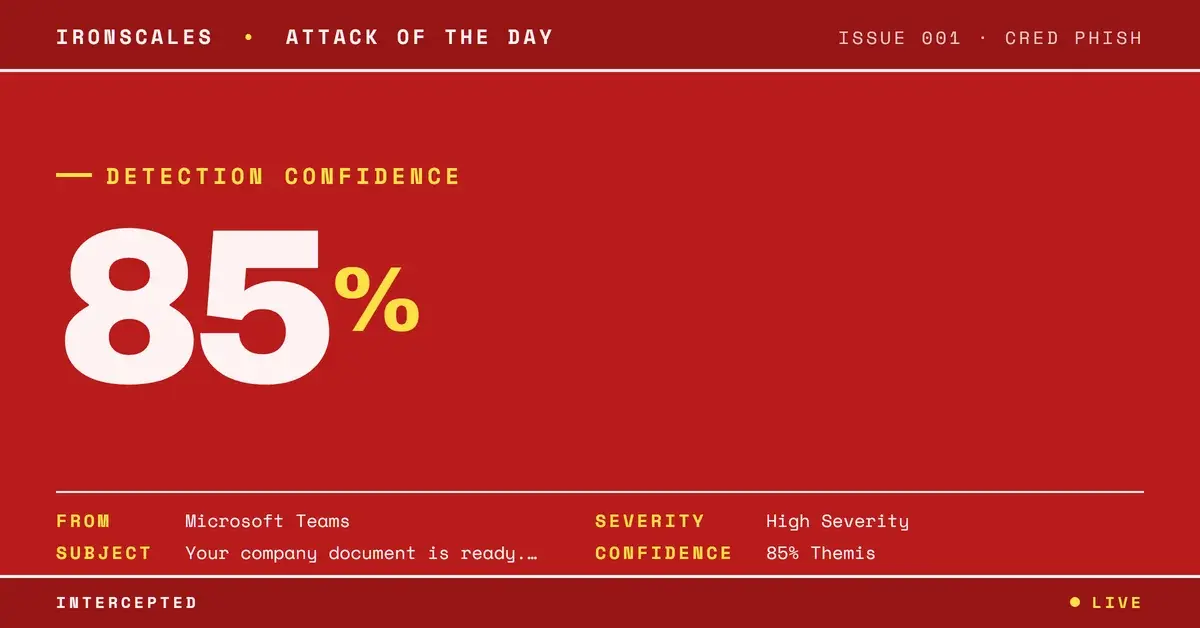
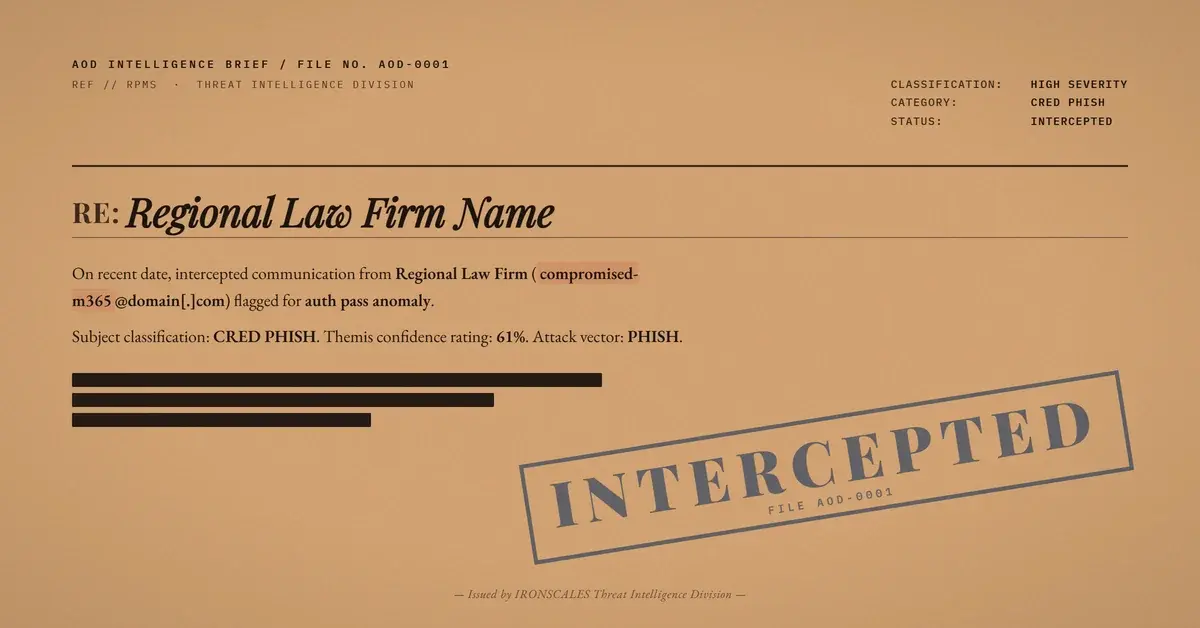
TL;DR A compromised Microsoft 365 account delivered a 540KB encrypted RPMSG attachment to a forensic engineering firm. The email body was completely empty, the subject line referenced a regional law firm by name, and the message carried High Importance and X-Priority:1 flags. SPF, DKIM, DMARC, and ARC all passed. Every automated scanner returned a 'clean' verdict on the attachment because the RPMSG encryption prevented content inspection. Themis flagged the message at 61% confidence based on structural anomalies.
Severity: High Credential Harvesting Scanner Evasion MITRE: T1566.001 MITRE: T1027 MITRE: T1078.004
The email body was empty. Completely empty. No greeting, no context, no instructions. Just a subject line referencing a regional law firm, a 540KB encrypted attachment, and a red exclamation mark screaming "High Importance."
Every scanner that touched it returned the same verdict: clean.
That verdict was not wrong, exactly. It was incomplete. The attachment was an RPMSG file, Microsoft's encrypted message format, and no automated tool in the delivery chain could decrypt it to inspect what was inside. The scanner did not find anything malicious because the scanner could not find anything at all.
The Anatomy of Nothing
In April 2026, IRONSCALES flagged a suspicious message targeting an employee at a forensic engineering consultancy. The email arrived from a compromised Microsoft 365 account. The subject line contained only the name of a regional law firm. No additional context. No "please review" or "action required." Just the firm name, implying enough familiarity that the recipient would know what it was about.
The body was blank. No text, no images, no embedded links. The only content was a single attachment: a 540KB RPMSG (Rights-Protected Message) file. RPMSG is the container format used by Microsoft's Azure Information Protection and Office 365 Message Encryption. When a legitimate sender encrypts an email through M365, the recipient receives an RPMSG attachment that can only be decrypted by authenticating with Microsoft.
The attacker understood that this encryption creates a functional blind spot. According to the Microsoft Digital Defense Report 2024, threat actors are increasingly leveraging platform-native features (encryption, rights management, and cloud storage sharing) as evasion tools. The platform's own security feature becomes the attack's shield.
Authentication That Proves the Wrong Thing
The message passed every authentication check in the stack. SPF passed because the email was sent through Microsoft's own outbound infrastructure. DKIM passed because Microsoft signed it. DMARC aligned because both mechanisms used the compromised account's legitimate domain. ARC (Authenticated Received Chain) passed cleanly through each relay hop.
Composite Authentication (compauth) returned a passing result. From the perspective of every protocol designed to verify sender legitimacy, this email was authentic. It was authentic because the account was compromised, not spoofed. The attacker was sending from inside the house.
The Verizon 2024 Data Breach Investigations Report found that stolen credentials remain the most common initial access vector, involved in over 40% of breaches. When attackers control a legitimate account, authentication becomes a liability rather than a defense. Every check confirms the message is "real," which is precisely the conclusion the attacker needs the recipient to reach.
Why Urgency Flags Are a Weapon
The attacker set two urgency markers: the Importance: High header and X-Priority: 1. In most email clients, this combination triggers a red exclamation icon next to the message and bold formatting in the inbox list.
These flags do not affect delivery or filtering. They affect human behavior. A message marked "High Importance" from what appears to be a law firm, with no body text and an encrypted attachment, creates a specific psychological pressure: this must be confidential, it must be time-sensitive, and I should open it before asking questions.
The FBI IC3 2024 Annual Report documented that social engineering attacks exploiting urgency and authority cues resulted in $2.9 billion in losses. The urgency flag is not a technical exploit. It is a social engineering primitive, and it costs nothing to deploy.
See Your Risk: Calculate how many threats your SEG is missing
The Scanner's Dilemma
Here is the core problem. Email security scanners analyze content. When the body is empty, there is no text for natural language processing to evaluate. When the attachment is encrypted with Microsoft's own rights management, there is no payload for sandbox detonation to examine. The scanner's only option is to return "clean," which in this case means "unable to determine."
This is not a hypothetical gap. The attachment verdict on this message was explicitly "clean." Not "encrypted" or "unable to scan." Clean. That verdict label gives downstream systems and human reviewers a false sense of confidence. CISA advisories have repeatedly highlighted the risks of encrypted content evasion, recommending that organizations treat unscanned attachments as high-risk rather than clean.
Themis flagged this message at 61% confidence. That score reflects the structural anomalies rather than content analysis: empty body combined with encrypted attachment, urgency flags on an unsolicited message, a subject line pattern inconsistent with normal law firm correspondence to this recipient, and sender behavioral deviation. The score was not high enough for automatic quarantine at the default threshold, but it triggered enhanced review that led to manual quarantine across all affected mailboxes.
MITRE ATT&CK Mapping
This attack maps to several MITRE ATT&CK techniques:
- T1566.001 (Phishing: Spearphishing Attachment): Malicious content delivered as an email attachment (encrypted RPMSG file).
- T1027 (Obfuscated Files or Information): Microsoft's native encryption used to prevent security tool inspection of the payload.
- T1078.004 (Valid Accounts: Cloud Accounts): The attack originated from a compromised M365 account, providing full authentication legitimacy.
Indicators of Compromise
| Type | Indicator | Context |
|---|
| Attachment | RPMSG file, 540KB | Encrypted payload, scanner-opaque |
| Email Header | Importance: High, X-Priority: 1 | Urgency social engineering |
| Attachment Verdict | "clean" (unable to inspect) | False negative from encryption evasion |
| Authentication | SPF pass, DKIM pass, DMARC pass, ARC pass | Compromised account, not spoofed |
| Subject Pattern | Law firm name only (no context) | Authority impersonation pretext |
The Verdict That Should Not Exist
The word "clean" should never appear on an attachment that no scanner could read. That semantic gap, between "inspected and found safe" and "unable to inspect," is the structural weakness this attack exploits.
Organizations should reconfigure their email security policies to treat encrypted attachments from external senders as elevated risk, not clean. The IBM Cost of a Data Breach 2024 report found that breaches involving compromised credentials take an average of 292 days to identify and contain. When the initial delivery mechanism is an encrypted file that passes every check, that timeline only gets longer. Detection must move beyond content analysis and into behavioral territory: who sent this, is this communication pattern normal, and does the structural profile of this message match legitimate encrypted correspondence? Those are the questions that authentication cannot answer and that scanners were never designed to ask.
Email Attack of the Day is a daily series from
IRONSCALES spotlighting real phishing attacks caught by Adaptive AI and our community of 36,000+ security professionals. Each post breaks down a real attack. What it looked like, why it worked, and what to do about it.







/Blue%20Feature%20Flower%20Icons/gear%20head%20icon.svg)
/Misc%20Icons/icon-nav-credential-theft.svg)










/Leadership%20Headshots/Audian%20Paxson%20Headshot%201000x1000%20032026.webp?width=100&height=100&name=Audian%20Paxson%20Headshot%201000x1000%20032026.webp)



.png?width=50&height=50&name=Untitled%20-%20July%2030%2c%202026%20at%2014.53.38%20(3).png)



/Misc%20Icons/icon-red-teaming-agent-gradient-simple.svg)
/Misc%20Icons/icon-phishing-soc-agent-gradient-simple.webp?width=158&height=167&name=icon-phishing-soc-agent-gradient-simple.webp)
/Misc%20Icons/icon-phishing-simulation-agent-gradient-simple.svg)


/Misc%20Icons/icon-nav-encryption.svg)