TL;DR A sales representative at a medical device manufacturer received a document notification impersonating Fifth Third Bank. SPF returned None for the sending host, yet a DKIM signature aligned with the From domain was enough for a full DMARC pass and a full composite authentication pass. The sending domain and the landing page both belonged to unrelated real businesses. The one fabricated element was the call to action, whose visible text hid seven ordinary ASCII letters inside inline tags styled to near-zero width, so humans read a clean phrase and scanners read garbage.
Severity: High Credential-Harvesting Brand-Impersonation Scanner-Evasion Authentication-Abuse MITRE: T1566.002 MITRE: T1027 MITRE: T1204.001
In mid-June 2026, a sales representative at a medical device manufacturer received a document notification with a clean bill of authentication health. DKIM passed. DMARC passed. Microsoft composite authentication returned a full pass (compauth=pass reason=100). The Sender Policy Framework check returned nothing at all: not a fail, not a softfail, but Received-SPF: None, because the host that delivered the message had never been authorized to send for that domain by anybody.
That is not a filter bug. It is the specification working as written, and it is why a credential harvesting page got a foot in the door.
How DKIM Alone Produced a Clean Pass
DMARC is often read as a statement that a domain vouches for a message. What it asserts is narrower. Under the current specification, RFC 9989, which obsoleted the original DMARC document in May 2026, a message passes DMARC when either SPF or DKIM produces a passing result that aligns with the domain in the From header. Either one, not both.
In this message the From domain was [redacted-bw-domain], a domain registered in 2017 to a real media business in Botswana. The Return-Path pointed at a subdomain of it that designates no permitted sending hosts, so when the gateway checked the delivering IP (54[.]240[.]9[.]114, an Amazon SES egress host resolving to a9-114[.]smtp-out[.]amazonses[.]com), the answer came back None. On the DKIM side there were two valid signatures: one with the signing domain set to the sending platform itself, and one with the signing domain set to [redacted-bw-domain] using an auto-generated selector of the kind that platform issues when a customer verifies a domain.
That second signature aligns with the From domain. One aligned pass is the whole requirement, so the result was dmarc=pass action=none, and Microsoft's composite authentication followed it to a full pass. Every layer downstream then assumed the message genuinely came from the domain it named. The domain's own published policy was permissive anyway, so a failure would not have triggered enforcement, but there was no failure to enforce against.
The useful inversion is that a DKIM key is a provisioning fact, not an ownership fact: whoever could add a DNS record for that domain could mint a signature for it. SPF was left untouched, the fingerprint of access good enough to verify a domain with a sending platform but not to keep the zone consistent.
Whoever Sent This Owned Nothing
Every piece of infrastructure in the attack was borrowed. The sending domain was a nine-year-old media company on generic shared hosting nameservers, with a registrant contact at the company's own publishing domain and no relationship to a United States regional bank. The landing page sat on an eleven-year-old Malaysian corporate domain, referenced here as [redacted-my-domain], whose mail DNS is delegated to Microsoft 365 and whose registration carries ordinary registrar privacy. Both are functioning legitimate businesses and bystanders here rather than attacker assets, which matters operationally: blocklisting either one punishes an uninvolved company while the attacker rotates to the next borrowed host.
There was no attacker-registered domain to pivot on and no attachment. Even the visual trust cues were genuine.
The Bank's Own Anti-Phishing Page as a Prop
The footer hotlinked four live Fifth Third Bank pages: the customer login page, the customer service page, the privacy and security page, and the bank's own phishing-awareness education page. All four resolve to the bank's real web domain, so URL reputation had nothing negative to contribute: four of the six links in the message were the bank's own pages.
The body copy carried an e-signature pretext, a document pending for review, referencing two fabricated file names built around a funds distribution agreement PDF and an updated wire agreement, each prefixed with the recipient's own employer name. Nothing was attached; the documents existed only as text to justify the button.
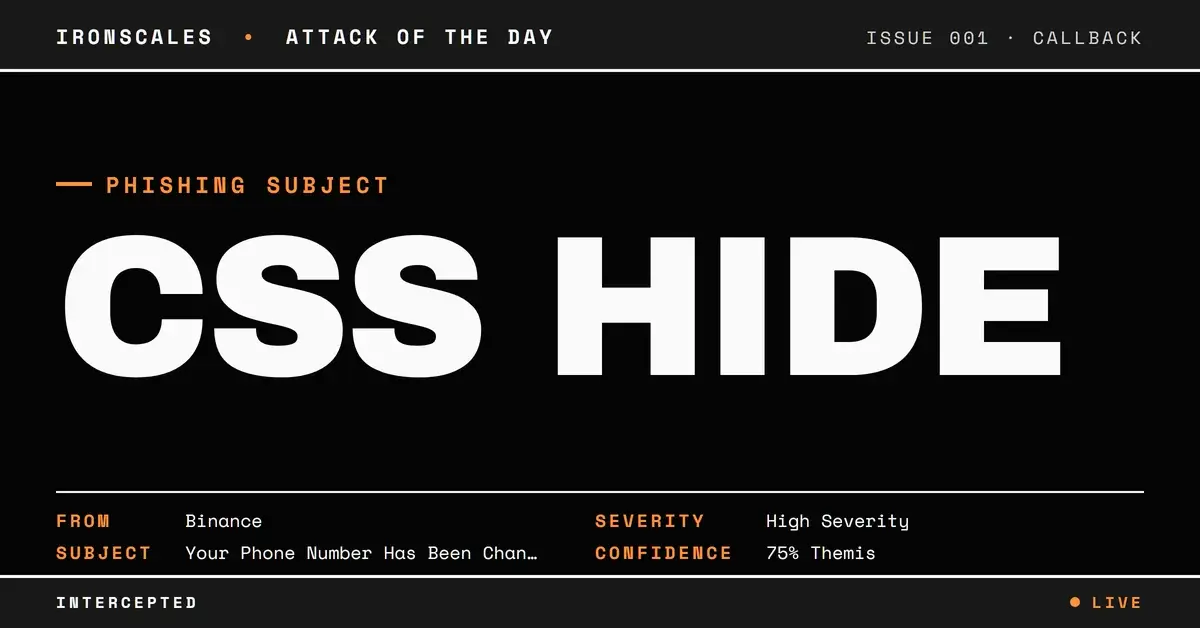
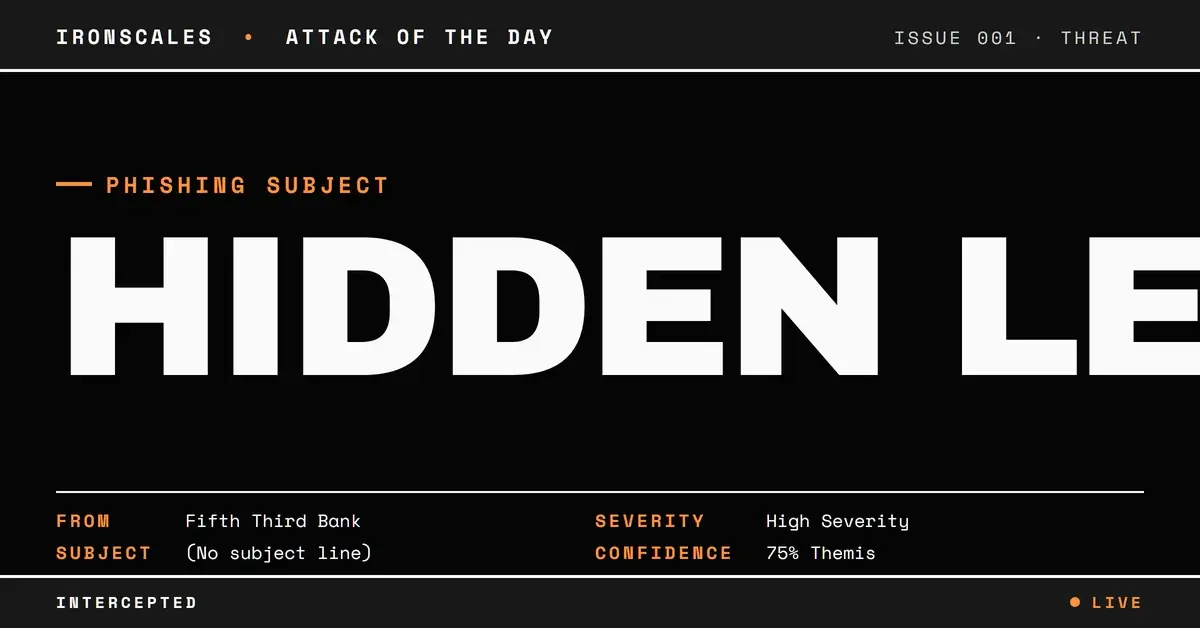
One more detail matters for what it removes: the message carried no subject text at all, which leaves subject-line heuristics nothing to score.
See Your Risk: Calculate how many threats your SEG is missing
Seven Hidden Letters in the Button Text
The call to action rendered, to a human eye, as an ordinary instruction to view and complete tasks. Text extracted from the underlying HTML read Vwiew aind cxomxplaete tmaspks.
Every character in that string is plain ASCII, drawn from the same alphabet as the rest of the sentence. Seven junk letters (w, i, x, x, a, m, p) had been interleaved into the words, each one individually wrapped in its own inline formatting element (underline, superscript and teletype tags), and each of those elements carried inline styling that collapsed it to near-zero width with overflow hidden. The browser clips the padding to nothing, so the reader sees a clean phrase while any process that concatenates the text nodes sees the garbled version.
That is a pure detection-evasion play, mapped to obfuscated content under MITRE ATT&CK T1027. Exact-string matching on CTA copy fails, as do keyword rules for lure phrasing and fingerprints built on hashed anchor text.
The irony is that the evasion is louder than the thing it hides. Legitimate marketing HTML is messy, but bulk senders do not interleave individual letters into visible words and hide them with per-character width rules. The discrepancy between rendered text and raw text is the indicator, and a stack that only ever reads one of those views cannot see it.
Behind that button sat an Outlook Safe Links wrapper, and the decoded destination was a path on the Malaysian bystander domain. The redirector was a legitimate security product doing its job on a message that had already been accepted.
What Actually Flagged It
Themis, our Adaptive AI, scored the incident at 87 percent confidence and labeled it credential theft. Content analysis called out the call-to-action link and its display text specifically, a community insight matched the message with high confidence to phishing reported by another organization in the network, and sender analysis flagged inconsistencies for a sender with no prior relationship to the recipient.
None of that depended on a string match, a reputation hit or an authentication failure, which is fortunate: authentication said pass, URL reputation said clean, and the subject line said nothing. The incident was automatically resolved as phishing and delivery was reverted for the single affected mailbox, with no analyst action recorded.
Defensive Takeaways
Read a DMARC pass as an alignment fact rather than a trust verdict, and treat the specific shape seen here as suspicious in its own right: an aligned DKIM signature on an aged domain paired with an SPF result of None for the delivering host. That asymmetry says the sending path was provisioned by someone who did not own the whole zone. The 2026 Verizon Data Breach Investigations Report puts phishing behind 16 percent of breaches as an initial access vector, with credentials involved in 39 percent, so the payoff for quiet authentication laundering stays high.
Second, compare what a message renders against what it contains. Flag inline elements sized to near-zero width, single-character formatting elements inside link text, and any gap between the anchor text a user sees and the one a parser extracts. Third, resist blocklisting a compromised third party's entire domain when a specific URL path and sender pattern will do. Both CISA phishing guidance and the NIST definition of phishing frame the problem as deceptive presentation rather than malicious infrastructure, which is exactly why credential harvesting protection has to look past a green authentication result.
Indicators of Compromise
| Type | Indicator | Context |
|---|
| Sender address | [redacted]@[redacted-bw-domain] | From address, sender alias read "Complete Document"; bystander domain, genericized |
| Sending domain | [redacted-bw-domain] | Registered 2017 to a real media company; DKIM aligned via a bulk sending platform, SPF never updated |
| Return-Path domain | [redacted-subdomain].[redacted-bw-domain] | smtp.mailfrom target; designates no permitted sending hosts |
| IP | 54[.]240[.]9[.]114 | Delivering host, a9-114[.]smtp-out[.]amazonses[.]com |
| Authentication | spf=none; dkim=pass; dmarc=pass action=none; compauth=pass reason=100 | DKIM-only alignment produced the DMARC pass |
| URL | hxxps://[redacted-my-domain]/js | Decoded CTA destination behind a Safe Links wrapper; bystander domain registered 2013, genericized |
| Anchor text | Vwiew aind cxomxplaete tmaspks | Extracted CTA text; seven ASCII letters hidden by near-zero-width inline styling |
| URL | hxxps://www[.]53[.]com/content/fifth-third/en/login[.]html | Genuine Fifth Third Bank page hotlinked as a trust cue |
| URL | hxxps://www[.]53[.]com/mkg/security/phishing/index[.]html | The bank's own phishing-awareness page, hotlinked as a trust cue |
| File name | [recipient org] - FundsDistribution_Agreement2026.pdf | Fabricated document named in the body; no attachment present |
| File name | [recipient org]- WireAgreement2026 updated | Second fabricated document name in the body |
| Subject | (blank) | No subject text present on the message |
| Message-ID | 0100019ebd5a6e7e-bd2161f0-1cd1-40a0-9182-9723aa8e657d-000000@email[.]amazonses[.]com | Bulk sending platform message identifier |
MITRE ATT&CK Mapping
| Technique | ID | Application |
|---|
| Phishing: Spearphishing Link | T1566.002 | Bank e-signature pretext driving a single credential harvesting link |
| Obfuscated Files or Information | T1027 | Junk ASCII letters hidden in anchor text with near-zero-width inline styling |
| User Execution: Malicious Link | T1204.001 | Recipient click required to reach the landing page on a compromised third-party site |
Email Attack of the Day is a daily series from
IRONSCALES spotlighting real phishing attacks caught by Adaptive AI and our community of 36,000+ security professionals. Each post breaks down a real attack. What it looked like, why it worked, and what to do about it.







/Blue%20Feature%20Flower%20Icons/gear%20head%20icon.svg)
/Misc%20Icons/icon-nav-credential-theft.svg)










/Leadership%20Headshots/Audian%20Paxson%20Headshot%201000x1000%20032026.webp?width=100&height=100&name=Audian%20Paxson%20Headshot%201000x1000%20032026.webp)



.png?width=50&height=50&name=Untitled%20-%20July%2030%2c%202026%20at%2014.53.38%20(3).png)



/Misc%20Icons/icon-red-teaming-agent-gradient-simple.svg)
/Misc%20Icons/icon-phishing-soc-agent-gradient-simple.webp?width=158&height=167&name=icon-phishing-soc-agent-gradient-simple.webp)
/Misc%20Icons/icon-phishing-simulation-agent-gradient-simple.svg)


/Misc%20Icons/icon-nav-encryption.svg)