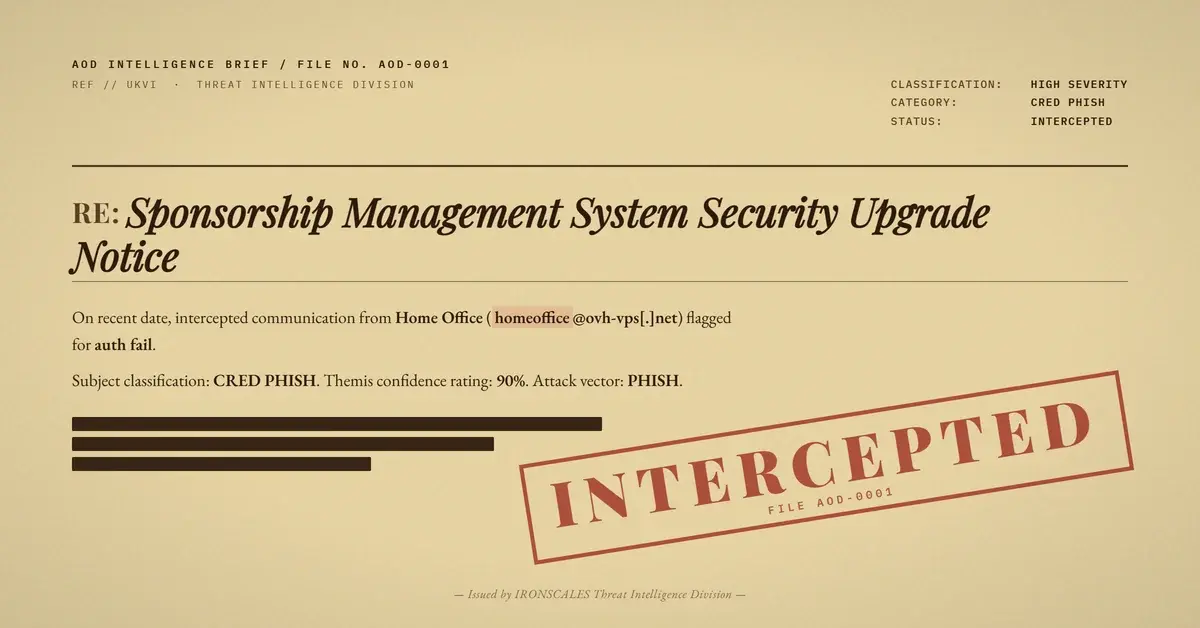
TL;DR An attacker sent a healthcare provider's senior director a message where the display name and subject line both used mixed-script Unicode characters to visually mimic the target organization's own domain name. The entire body was three words and a number. A PDF named as an advance request completed the lure. The sending account was a real consumer ISP mailbox, so every authentication protocol passed. Themis auto-resolved the incident in under two seconds on behavioral signals alone.
Severity: High Brand-Impersonation Bec Spearphishing MITRE: {'id': 'T1566', 'name': 'Phishing'} MITRE: {'id': 'T1566.001', 'name': 'Spearphishing Attachment'} MITRE: {'id': 'T1684.001', 'name': 'Impersonation'}
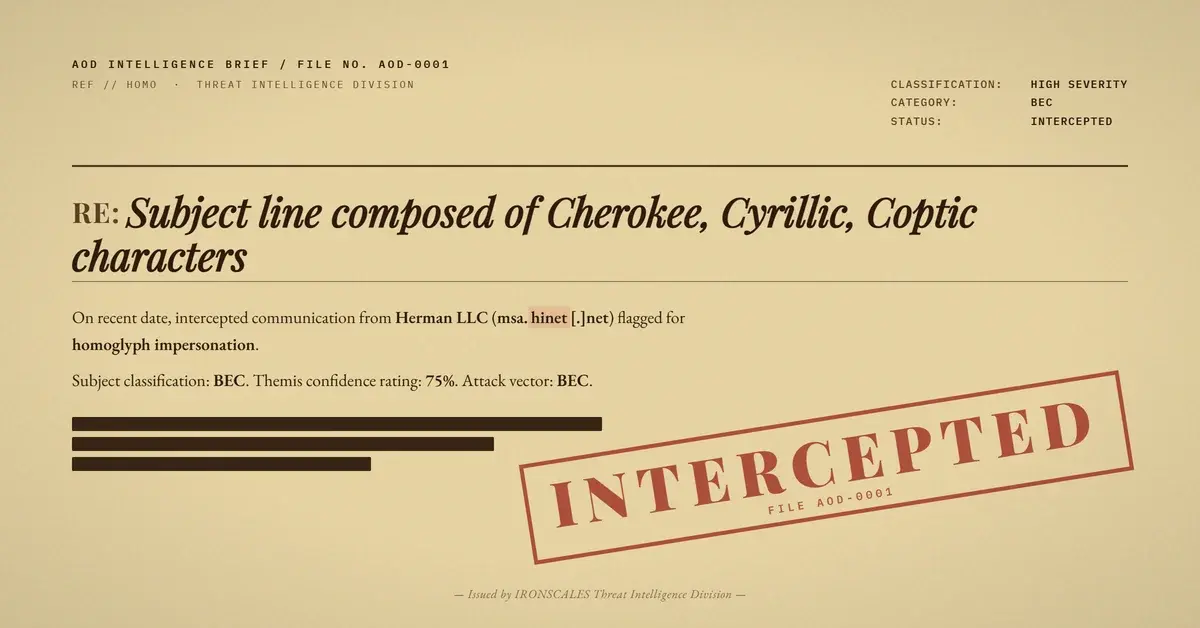
The entire body of this phishing email was seven characters: "ACCESS C0DE - 260." No greeting, no sender context, no explanation of what the code was for or what the recipient should do with it. The display name read "Herman LLC." The subject line appeared to show the recipient's own company domain followed by a timestamp. Every email authentication protocol, SPF, DKIM, and DMARC, returned a pass. The email reached a senior director's inbox with high-priority flags set, a PDF attached, and Microsoft's own safety banner reading "You don't often get email from this sender."
What the safety banner did not say, and what the authentication results could not say, was that both the display name and the subject line had been constructed from mixed-script Unicode characters drawn from Cherokee, Cyrillic, Coptic, and other non-Latin blocks. Visually, everything looked normal. At the code-point level, almost nothing was.
When the Domain in the Subject Line Is Not the Domain in the Subject Line
The subject line appeared, at a glance, to show the recipient's own corporate domain, as if the message had been generated by a system at their own organization. The timestamp in the subject even matched the date the email was received. But the characters that composed that domain name were not ASCII. The "I" was U+10409, a Cherokee letter. The "y" was a Cyrillic small letter. The "e" was a Cyrillic small letter "ie." The period-com suffix used U+10437 and U+10440, both from the Deseret script. None of those code points appear in any legitimate domain registration. The result was a subject line that decoded to a different string entirely but looked, to a human scanning their inbox, exactly like their employer's name.
This is the core technique behind homoglyph impersonation: Unicode's vast character space contains hundreds of glyphs that are visually indistinguishable from Latin letters at typical screen resolutions. Attackers do not need to register a lookalike domain. They do not need to compromise a legitimate account. They only need to replace a few characters in a visible field that email infrastructure never validates.
The display name followed the same logic. "Herman LLC" as rendered in an email client was actually composed from a Cherokee character for the capital H, a Cyrillic small "e," a standard ASCII "r," more Cyrillic characters, and NFKD-incompatible variants throughout. The result visually suggested a legitimate business name without containing a single expected code point. Authentication protocols checked the sending domain, msa.hinet[.]net, and confirmed it was who it said it was. Nobody was checking whether "Herman" was spelled in Latin.
The Sending Infrastructure: Legitimate, Authorized, and Unrelated
The message originated from a consumer ISP account on Taiwan-based HiNet's mail infrastructure. The IP address 203[.]69[.]209[.]167, with a PTR record of cmsr-t-8[.]hinet[.]net, is HiNet's outbound mail relay. The injection point was a dynamic residential address in the same network, consistent with a personal or low-cost account. The HiNet SMTP infrastructure is fully legitimate. It publishes an SPF record, a DKIM signing key, and a DMARC policy. All three authenticated correctly for this message because the message genuinely originated from a HiNet mailbox.
This is the structural vulnerability that phishing detection built around authentication results cannot close. SPF validates that the sending IP is authorized to send for the claimed envelope domain. DKIM validates that the message content was not altered after the sending server signed it. DMARC validates that the two checks align and that the sending domain matches the From header domain. All three checks were satisfied because the attacker used a real mailbox at a real ISP. The domain the attacker was impersonating, the healthcare provider's own domain, appears nowhere in the technical headers. It appears only in the subject line and the display name, two fields that authentication infrastructure does not touch.
The spam confidence level assigned by Microsoft Exchange Online Protection was 1, indicating low likelihood of spam. The safety flag of 9.25 from the anti-spam report indicated social engineering characteristics, but the message still reached the inbox. No attachment signature matched a known malicious payload. The PDF, an "advance request" document roughly 100 KB in size, was marked clean by the gateway.
See Your Risk: Calculate how many threats your SEG is missing
A PDF That Does Not Need to Be Malicious to Be Dangerous
The attachment's filename framed it as a formal financial document, an advance request, timestamped to match the email's arrival. No active malware was detected. According to the Verizon 2024 Data Breach Investigations Report, the human element is involved in 68% of breaches, and the most effective social engineering does not rely on malware at all. A "clean" PDF that instructs a recipient to call a phone number, reply with banking details, or scan a QR code is operationally dangerous regardless of what any sandbox verdict says.
The minimal body text, "ACCESS C0DE - 260," with a zero substituted for the letter O, was designed to provoke a response or to tell the recipient they needed the attachment for context. There was no explanation of what the code authorized or who issued it. That unexplained urgency, combined with high-priority flags and a subject line that appeared to be from internal systems, was the psychological mechanism. The FBI's 2024 Internet Crime Report documented over $2.9 billion in business email compromise losses, and staging emails like this one, minimal in content, high in implied authority, and designed to initiate a reply chain, are a recognized early step in those campaigns.
How IRONSCALES Caught It Before the Recipient Could React
The incident was created and automatically resolved as phishing within approximately one second. That speed is significant because it reflects what behavioral and contextual AI can evaluate that authentication results cannot. IRONSCALES' Themis analyzed the message against the recipient organization's communication history and identified that this sender had never contacted anyone at the organization before. The recipient was a senior executive in a business development role, a profile consistent with targeting in vendor email compromise and advance-fee schemes. The message body contained no business context, only a minimal code string. The combination of a first-time sender, a VIP target, display-name anomalies, and content that provided no legitimate business purpose produced an automatic phishing determination before the recipient opened the message.
The IRONSCALES Adaptive AI platform, drawing on behavioral signals from a community of over 36,000 security professionals, treats authentication pass/fail as one signal among many rather than as a binary gate. This case is an example of why that architecture matters. Every technical check returned clean. The threat was entirely in the visible surface layer that technical checks are not designed to evaluate.
What Defenders Should Watch For
Homoglyph attacks have shifted from domain registration to display names and subject lines precisely because domain-level controls improved. Organizations that rely on domain reputation, authentication verdicts, or attachment scanning as their primary phishing filter have no detection path for a message like this one. The defense requires evaluating the visual layer: checking that display names and subject fields compose only expected code points, flagging Unicode characters outside standard Latin blocks, and treating first-time-sender-to-VIP contacts as elevated risk regardless of authentication outcome. The Microsoft Digital Defense Report 2024 notes that social engineering continues to outpace technical exploit as the primary initial access vector, and techniques that exploit human visual processing rather than software vulnerabilities are particularly resistant to gateway-layer controls.
CISA's phishing guidance emphasizes sender verification before acting on any request, but homoglyphs undermine the human verification step at its root: the user who checks the sender name sees a string that looks correct even though it is not. The authentication that appears in the email client header shows a pass because the underlying domain passed. Closing this gap requires systems that inspect what the eye sees rather than what the header contains.
---
Indicators of Compromise
| Type | Value | Notes |
|---|
| Sending email | lin[.]palsain[@]msa[.]hinet[.]net | Consumer ISP account; auth passes |
| Sending domain | msa[.]hinet[.]net | HiNet Taiwan; legitimate infrastructure |
| Sending IP | 203[.]69[.]209[.]167 | PTR: cmsr-t-8[.]hinet[.]net |
| Injection IP | 111[.]251[.]25[.]35 | Dynamic residential; PTR: 111-251-25-35[.]dynamic-ip[.]hinet[.]net |
| Attachment MD5 | af52d8a27aab2e0d6346dc6193e3733b | PDF; 106 KB; gateway-clean |
| Attachment type | PDF "advance request" lure | No active malware; social engineering decoy |
| Display name | Mixed-script Unicode "Herman LLC" | Contains Cherokee, Cyrillic characters |
| Subject technique | Mixed-script Unicode domain homoglyph | Visually mimics victim org's own domain |
---
MITRE ATT&CK Mapping
| Technique | ID | Relevance |
|---|
| Phishing | T1566 | Overall campaign classification |
| Spearphishing Attachment | T1566.001 | PDF "advance request" as primary lure |
| Impersonation | T1684.001 | Mixed-script Unicode homoglyphs in display name and subject line to visually impersonate the recipient organization |
Email Attack of the Day is a daily series from
IRONSCALES spotlighting real phishing attacks caught by Adaptive AI and our community of 36,000+ security professionals. Each post breaks down a real attack. What it looked like, why it worked, and what to do about it.







/Blue%20Feature%20Flower%20Icons/gear%20head%20icon.svg)
/Misc%20Icons/icon-nav-credential-theft.svg)










/Leadership%20Headshots/Audian%20Paxson%20Headshot%201000x1000%20032026.webp?width=100&height=100&name=Audian%20Paxson%20Headshot%201000x1000%20032026.webp)



.png?width=50&height=50&name=Untitled%20-%20July%2030%2c%202026%20at%2014.53.38%20(3).png)



/Misc%20Icons/icon-red-teaming-agent-gradient-simple.svg)
/Misc%20Icons/icon-phishing-soc-agent-gradient-simple.webp?width=158&height=167&name=icon-phishing-soc-agent-gradient-simple.webp)
/Misc%20Icons/icon-phishing-simulation-agent-gradient-simple.svg)


/Misc%20Icons/icon-nav-encryption.svg)