.png?width=50&height=50&name=Untitled%20-%20July%2030%2c%202026%20at%2014.53.38%20(3).png)








/Misc%20Icons/icon-red-teaming-agent-gradient-simple.svg)
/Misc%20Icons/icon-phishing-soc-agent-gradient-simple.webp?width=158&height=167&name=icon-phishing-soc-agent-gradient-simple.webp)
/Misc%20Icons/icon-phishing-simulation-agent-gradient-simple.svg)


/Misc%20Icons/icon-nav-encryption.svg)


/Blue%20Feature%20Flower%20Icons/gear%20head%20icon.svg)
/Misc%20Icons/icon-nav-credential-theft.svg)










/Leadership%20Headshots/Audian%20Paxson%20Headshot%201000x1000%20032026.webp?width=100&height=100&name=Audian%20Paxson%20Headshot%201000x1000%20032026.webp)
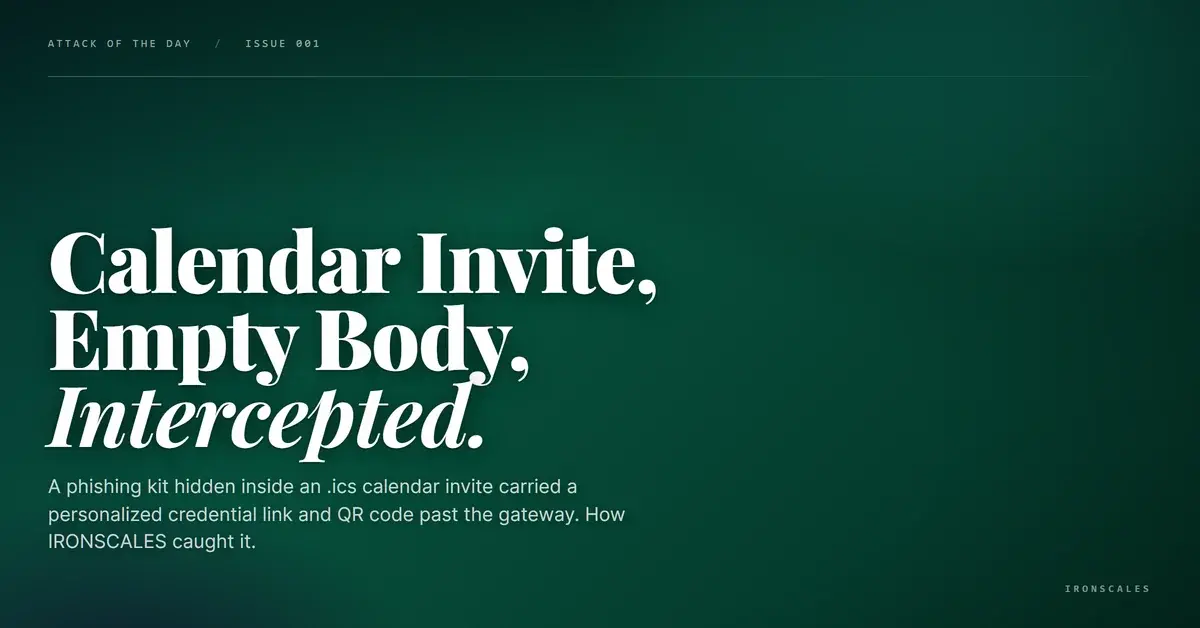
The email body was almost nothing. A yellow "unusual sender" banner, and beneath it a single company logo pulled in as an inline image. No paragraph, no link, no button. To a gateway scanning the body for URLs and text, there was nothing there to score.
The recipient was a manager in the operations group at a freight and logistics company, and the subject line named the company directly and referenced a "Code of Conduct Assessment." Everything that made the message an attack was folded into the attachment: an .ics calendar invite. And a calendar invite is precisely the file type most email defenses wave through without a second look.
Everything Lived Inside the .ics
Open the calendar file and the empty email came into focus. The .ics was 87 KB -- enormous for a scheduling entry -- because it carried a full two-page lure rendered as images and stuffed into the event's DESCRIPTION field and a set of nonstandard X- properties. Inside were multiple base64-encoded image blobs (the largest around 66 KB), data URIs, and inline HTML
The lure itself was a piece of internal-process theater. "Priority Invitation. WORKFORCE ASSESSMENT." A mandatory quarterly internal policy review, framed as required for "ongoing compliance," with a deadline of the end of the month and a nudge that completion "could influence professional development." Page two escalated to the payoff: proceed through a "secure access" step, keep the "access code" private, and -- the tell that any trained user should catch -- "Do not share this email, as it contains secure access to our SharePoint platform." The footer invented a plausible-sounding authority, "PolicySecure Corp," to lend the whole thing a compliance sheen.
This is phishing that impersonates the victim's own organization rather than an outside brand -- a mandatory HR-style review the recipient would feel obligated to complete quickly and quietly. MITRE ATT&CK classifies the delivery as Spearphishing Attachment (T1566.001) and the internal-process disguise as Masquerading: Match Legitimate Name or Location (T1036.005).
Two Roads to the Same Credential Page
Rendering the images was only half the file. The .ics also carried two independent routes to the same destination.
The first was a plaintext link whose path ended in the recipient's own corporate email address, sitting in the clear inside the URL. That is credential harvesting built for one mailbox: the landing page can pre-fill the victim's identity on load, so it looks like it already knows who they are before they type a character. The second route was a QR code embedded in the same file, encoding the identical personalized URL -- a quishing payload aimed at pushing the victim onto a personal phone, outside the reach of corporate controls. Follow the link on the desktop or scan the code with a phone, and both roads led to the same "verify access" credential page.
Neither the link nor the QR appeared anywhere a body scanner would look. Both were sealed inside the calendar attachment, which is exactly why the attacker chose to put them there. This kind of format shift -- moving the payload out of the email body and into an image or attachment -- is the same evasion the Microsoft Digital Defense Report 2024 flagged as driving the rise in QR-based phishing.
The Domain Wasn't New -- It Was Quiet
The credential page lived on mghins[.]net, and here the case corrected an assumption worth stating plainly. The instinct with a throwaway phishing domain is to expect a same-day registration. This one was not: WHOIS shows it registered on 2026-02-11 through Hostinger, roughly four and a half months before the attack. It sat behind Cloudflare nameservers and resolved through Cloudflare proxy IPs, and it published no MX, SPF, or DMARC records at all -- a domain built to host a page and nothing else. An aged, quiet, mail-less domain like this slips past reputation heuristics tuned to punish freshly registered domains.
The sending path is where the story turns. The message came from a compromised mailbox on a legitimate, eight-year-old domain -- a small-business Microsoft 365 tenant -- so it authenticated cleanly at its origin. But it was then relayed onward through a Barracuda gateway egress and an unattributable host (31865fdd18[.]biz, whose PTR record resolves to "InfoDomainNonexistent") that the original domain never authorized. By the time it reached the target, SPF and DKIM alignment had broken and DMARC was set to none.
None of that stopped delivery. The upstream Barracuda gateway scored the message 0.15 -- well below its quarantine threshold -- and Microsoft stamped it with a spam confidence level of -1, the value reserved for mail it trusts. Two layers of established filtering looked at a nearly empty email with a calendar attachment and delivered it to the inbox. According to the FBI IC3 2024 Internet Crime Report, phishing and its variants remain the most-reported cybercrime category by complaint volume, and cases like this are why: the delivery mechanism keeps outrunning body-and-signature scanning.
Why a Calendar File Is a Blind Spot
A Secure Email Gateway (SEG) does two things well: it extracts and scores URLs and text from the email body, and it checks attachments against malware signatures. An .ics invite defeats both. It carries no executable code to trip a signature engine, and its lure is stored as images, not readable text, so there is nothing to extract. Unless the defense actually renders the embedded images, OCRs them, and decodes any QR codes inside, the calendar file reads as inert scheduling data. The 2026 Verizon Data Breach Investigations Report still puts phishing behind 16% of breaches as an initial access vector -- and the technique survives precisely by moving into formats gateways do not open.
IRONSCALES Adaptive AI treated the attachment as content to be read, not a file type to be trusted. Themis rendered and OCR'd the base64 images inside the .ics, decoded the embedded QR code, and correlated the sender-to-brand mismatch against the broken authentication and the unauthorized relay hops. It reached a 90% phishing verdict -- tagging the message as credential theft, an image-based attack, and a QR code attack -- and quarantined it across the affected mailboxes before the recipient acted on it. The IBM Cost of a Data Breach 2024 report puts the average breach that starts with a credential-harvesting vector at $4.81 million, which is the loss a single completed "compliance review" was quietly reaching for.
The defensive takeaway is narrow and specific. Ask your email security stack one question: when a calendar invite arrives, does anything render the images inside it, decode a QR code buried in an event description, and follow a link that never touches the email body? CISA's network-defender phishing guidance assumes the payload is inspectable. This one was, but only if you open the file the rest of the world treats as harmless. If your controls stop at "we scan links in the body," a calendar invite is a clear road in.
See Your Risk: Calculate how many threats your SEG is missing
Indicators of Compromise
| Type | Indicator | Context |
|---|---|---|
| Credential-harvest domain | mghins[.]net | Registered 2026-02-11 via Hostinger; Cloudflare-fronted; no MX/SPF/DMARC records |
| Phishing URL | hxxps://mghins[.]net/[recipient-email] | Recipient's own email in plaintext URL path; encoded identically in a QR code inside the .ics |
| Resolving IPs | 104[.]21[.]86[.]234, 172[.]67[.]137[.]155 | Cloudflare proxy addresses fronting the phishing host |
| Relay host | 31865fdd18[.]biz | Unauthorized relay in the received chain; PTR resolves to "InfoDomainNonexistent" |
| Attachment | .ics calendar invite (87,273 bytes) | Two-page lure rendered as embedded base64 images (largest blob ~66 KB); carried both the personalized link and the QR code |
| Auth result | spf=fail; dkim=fail; dmarc=none | Clean at origin, broke alignment after relay through an unauthorized gateway egress |
Explore More Articles
Say goodbye to Phishing, BEC, and QR code attacks. Our Adaptive AI automatically learns and evolves to keep your employees safe from email attacks.