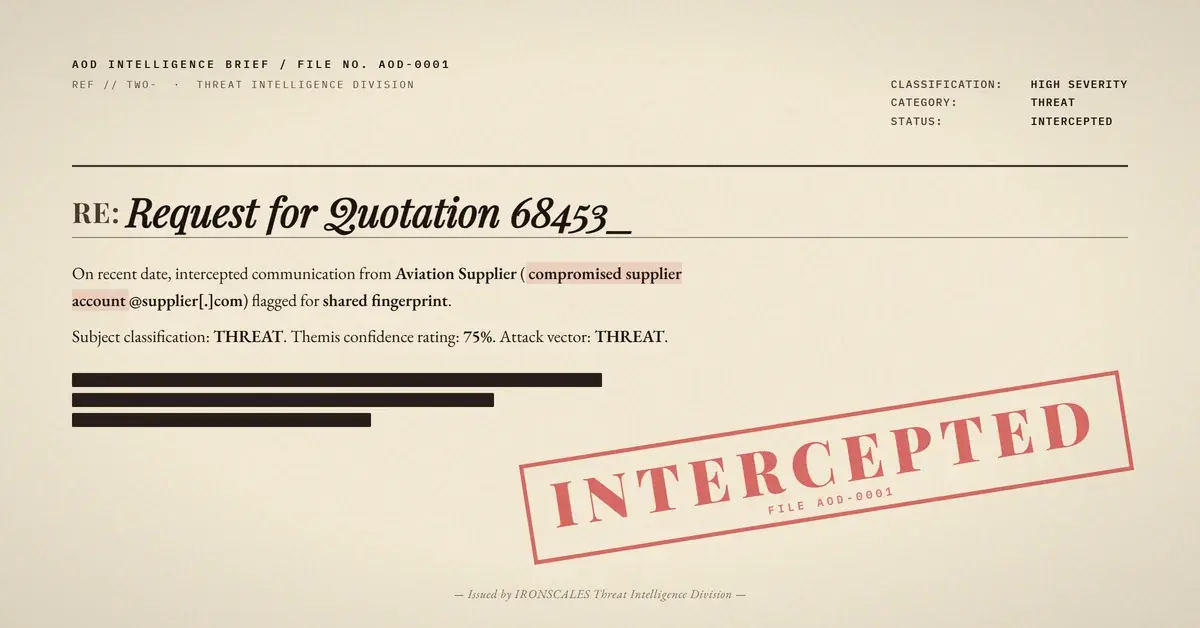
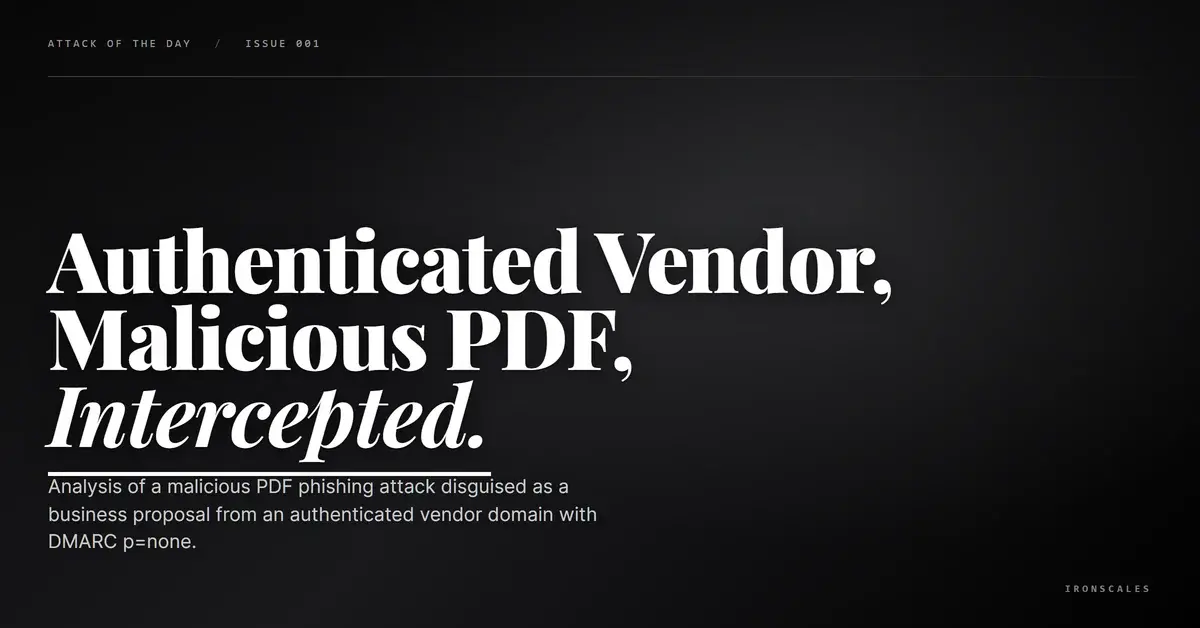
TL;DR An attacker sends a four-word email ('Please see attached.') from a California industrial services domain (tdi-ca[.]com) through Microsoft 365 infrastructure. SPF and DKIM pass, but DMARC is set to p=none, offering no enforcement protection. The attached PDF, disguised as a dated business proposal, is flagged as malicious by automated triage. The sender identity cannot be verified against public records, this is a first-time contact, and the signature block contains a misspelling. Multiple mailboxes are quarantined after delivery.
Severity: High Malware-Delivery Vendor-Impersonation MITRE: T1566.001 MITRE: T1204.002
"Please see attached." Four words, a corporate signature block, and a PDF named to look like a routine business proposal. That was the entire email. No context about what the proposal covered, no reference to a prior conversation, no mention of a project or deadline. Just a directive to open the attachment, dressed in the authentication credentials of a real California industrial services company.
The email arrived from l.puentes@tdi-ca[.]com, a domain registered since 2013 with MX records pointing to Microsoft 365 protection hosts. SPF passed for the sending IP, DKIM validated against ThermalDynamicsInc589.onmicrosoft[.]com, and ARC results confirmed the authentication chain was preserved across relay hops. The message genuinely transited through the domain's authorized Microsoft infrastructure.
The one authentication gap: DMARC was published as p=none. The domain owner was monitoring authentication failures but not enforcing rejection, leaving the door open for anyone who could send from the domain's infrastructure to deliver email without consequence.
The Malicious Attachment
The email carried two files:
- Outlook-Thermal Dy.png (96 KB): A corporate logo image. Verdict: clean.
- Thermal - Proposal 02.05.26.pdf (131 KB): A date-stamped proposal document. Verdict: malicious.
The PDF filename followed a social engineering lure pattern: company name, document type, and a recent date. For a recipient who works with vendors regularly, a "Proposal" PDF from a known-looking industrial services company is an expected communication. The date stamp adds urgency, suggesting a time-sensitive document that needs review.
Automated triage flagged the PDF with a malicious verdict (hash: d192c6f809d2e3eab44ad97259a411c5). The sandbox environment could not complete full parsing of the file contents, but the ingestion metadata classification was definitive. The combination of a malicious PDF, a four-word context-free body, and a first-time sender from a domain with no DMARC enforcement paints a clear picture.
The Sender Identity Problem
The From header showed a name and email address with a professional signature block: a street address in Porterville, California (1221 North Main Street, Suite #1), a company phone number, and a logo. The physical address and phone number aligned with publicly verifiable business listings. The signature looked real.
But the sender's name could not be matched to any public employee listing for the company. And the signature contained at least one misspelling ("remanucaturing"), a subtle indicator that the signature block may have been copied imperfectly from legitimate company materials.
This is what vendor account compromise looks like from the recipient's perspective. The domain is real. The infrastructure is legitimate. The authentication passes. The only signals are behavioral: first-time sender, context-free body, unverifiable identity, and a minor typo in the signature.
See Your Risk: Calculate how many threats your SEG is missing
MITRE ATT&CK
How Adaptive AI Detects This
When SPF and DKIM pass, traditional gateways often stop evaluating. The Adaptive AI on the IRONSCALES platform continues the analysis: first-time sender, DMARC p=none, context-free body pattern, and an attachment that triggers malicious classification form a combined risk signal that overrides individual authentication passes. Community intelligence identifies when the same PDF hash or sender domain appears across multiple organizations, catching vendor account compromise campaigns before they scale. Research shows that 67.5 phishing emails per 100 mailboxes per month bypass traditional secure email gateways.
Hardening Recommendations
- Detonate all PDF attachments from first-time senders in a dynamic sandbox. Static analysis alone misses runtime behaviors like JavaScript execution, remote resource loading, and embedded exploit triggers.
- Flag context-free attachment emails. "Please see attached" with no additional context is a well-documented social engineering pattern. Automated rules should quarantine these for review.
- Require DMARC enforcement for vendors. Organizations that send you proposals and invoices should publish DMARC at
p=quarantine or p=reject. Track vendor DMARC posture as part of supply chain risk management.
- Block known malicious PDF hashes at the gateway. Hash
d192c6f809d2e3eab44ad97259a411c5 should be blocked across all endpoints.
- Verify unexpected proposals out of band. Before opening any unsolicited proposal, call the vendor's published main number to confirm the communication is legitimate.
Indicators of Compromise
| Indicator | Type | Context |
|---|
l.puentes@tdi-ca[.]com | Email | Sender, unverified identity |
tdi-ca[.]com | Domain | Sending domain, DMARC p=none |
ThermalDynamicsInc589.onmicrosoft[.]com | Domain | DKIM signing domain |
thermaldynamics[.]co | Domain | Linked in signature |
d192c6f809d2e3eab44ad97259a411c5 | Hash (MD5) | Malicious PDF |
Thermal - Proposal 02.05.26.pdf | Filename | Malicious attachment |
d786b884668e622451e84e7a65120869 | Hash (MD5) | Logo PNG (clean) |
Email Attack of the Day is a daily series from
IRONSCALES spotlighting real phishing attacks caught by Adaptive AI and our community of 36,000+ security professionals. Each post breaks down a real attack. What it looked like, why it worked, and what to do about it.







/Blue%20Feature%20Flower%20Icons/gear%20head%20icon.svg)
/Misc%20Icons/icon-nav-credential-theft.svg)










/Leadership%20Headshots/Audian%20Paxson%20Headshot%201000x1000%20032026.webp?width=100&height=100&name=Audian%20Paxson%20Headshot%201000x1000%20032026.webp)



.png?width=50&height=50&name=Untitled%20-%20July%2030%2c%202026%20at%2014.53.38%20(3).png)



/Misc%20Icons/icon-red-teaming-agent-gradient-simple.svg)
/Misc%20Icons/icon-phishing-soc-agent-gradient-simple.webp?width=158&height=167&name=icon-phishing-soc-agent-gradient-simple.webp)
/Misc%20Icons/icon-phishing-simulation-agent-gradient-simple.svg)


/Misc%20Icons/icon-nav-encryption.svg)