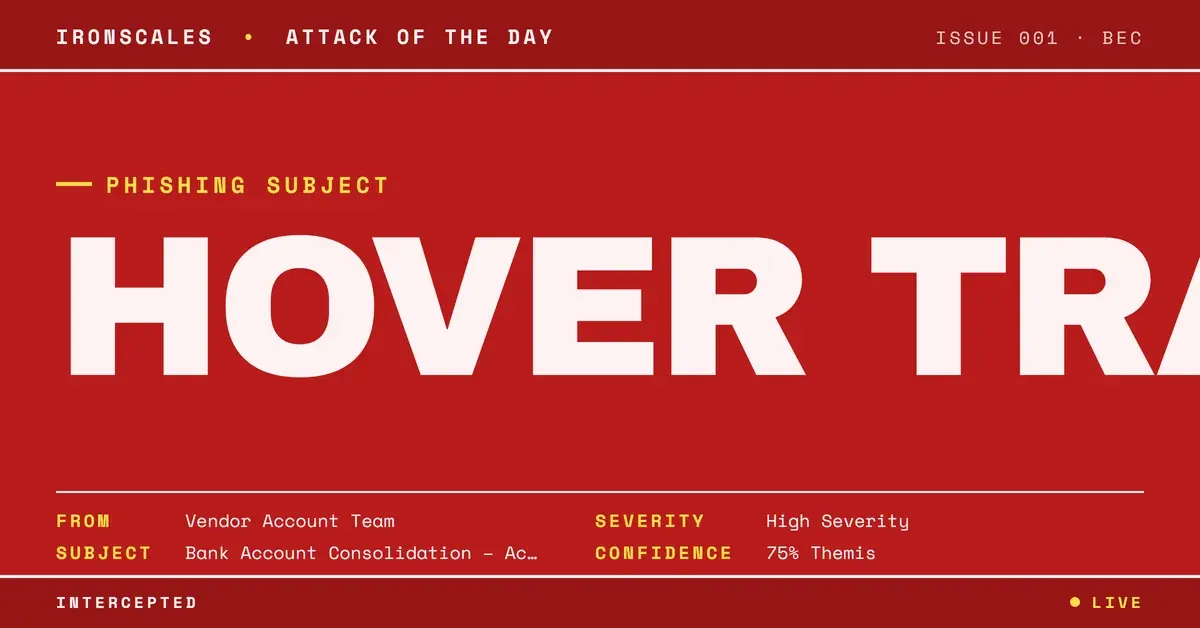
TL;DR A diversified holding company received a vendor bank-change request from a lookalike domain registered 28 days earlier. Hovering the signature link showed the genuine vendor site, the signature mailto reached a real vendor employee, and both links and both PDFs scanned clean, because no link was malicious. The proof was elsewhere: a Chase letter whose printed year is one later than its source timestamp, a 2019 office scan edited the morning of the send, and two documents that disagree on bank branch, job title and phone region. A human analyst confirmed it malicious.
Severity: High Vendor Email Compromise Bec Brand Impersonation MITRE: T1566.001 MITRE: T1583.001 MITRE: T1036
Hover over the link in this vendor email and you get the real vendor's website. Click the email address in the signature and it opens a message to a real employee at the real vendor. Scan both links and both PDF attachments: clean.
It was still a business email compromise bank-change attempt, and the only reason anyone knows is that the recipient did not trust the sender.
Why every link check passed
The signature carried two links. The visible text read like the lookalike sender's domain. The underlying hrefs, both of them, went to the genuine marine satellite-communications vendor's own site. The signature's email link displayed the lookalike address but its mailto targeted a named employee at the real vendor.
The evidence fits a signature copied from a genuine message, with only the visible text edited. We cannot say it was engineered to defeat hover training, and the record does not need that claim.
The point is narrower and more useful. Both URL scanners scored the links clean because they scanned the genuine site. Nothing was missed. There was simply no malicious destination anywhere in the message, so a defender whose process is "hover, then trust" got the answer "trust."
The 2026 Verizon Data Breach Investigations Report puts the human element in 62% of breaches. A verification habit that a clean hover can satisfy is a habit attackers can satisfy too.
What was actually false
Two things, and neither is a link.
The first is the sender domain. It transposes two letters of the genuine vendor's domain and was registered 28 days before the send, through a consumer registrar, with mail hosted on Google. Three CC addresses sat on it: a collections mailbox, an order-to-cash mailbox for Europe, and one built on a personal name. Three colleagues at the victim, a diversified holding company, were also copied.
The lookalike authenticated cleanly as itself at origin. SPF and DKIM passed there. The softfail, DKIM body-hash failure and ARC failure recorded at the recipient's Microsoft hop came from the recipient's own gateway sitting in the path, not from tampering. There was no enforcing DMARC policy to say otherwise.
The second false thing was the pair of PDFs.
A Chase letter that dates itself
The message announced that, effective that day, the vendor and its sister business had moved to a single bank account, and asked that all future payments go to the attached details. The first attachment, a JPMorgan Chase account verification letter, was meant to back that up.
Its printed date reads 05/09/2026. Its XMP source creation date is 2025-05-09, same day and month, one year earlier. It was last modified at 08:36 on the morning of the send, in a +02:00 offset that matches the email's own timestamp. Two end-of-file markers show an incremental update was appended after the original was built.
That is consistent with re-dating. It is not proof alone, and we do not claim the source was a real letter issued to someone else. The statement that the details are "as of May 9, 2026" also predates the "effective August 24th" consolidation it supports, which is odd but not conclusive by itself.
Two documents that contradict each other
The second PDF, on vendor letterhead, carries a 2019 creation date from an office multifunction scanner. Its history records three scanned-document edits across two days, the last at 08:40 on the send morning, again in +02:00.
Set the two files side by side and they disagree:
- The same account sits at a bank branch in Texas in one document and in Minnesota in the other.
- The email signature gives the signer one job title, an accounts receivable role, and the letter gives the same name a vice president and controller title.
- The letterhead pairs a New Mexico area-code phone line with a Raleigh fax line that matches the letterhead's own address. The phone looks edited and the fax looks retained.
Neither file contained a script, launch action, embedded file or link object, in raw bytes or in any stream that decompressed. They are paper, not payload.
Reused template, wrong salutation
The message opens "Attention:" followed by a first name that does not belong to the person it was sent to. The References header lists 47 message IDs, each with the same Gmail prefix as the message's own ID, and the signature HTML carries 47 matching nested Gmail id prefixes ending in an Outlook Web App marker. The body is wrapped in dozens of empty quote containers with no quoted text inside.
We can say the signature HTML passed through Gmail reply layers 47 times and the threading was styled to look like an ongoing conversation. We cannot say it represents 47 targets. Three further copies with a Re: subject reached other victim mailboxes later the same day. Who sent them was not established, and nothing shows anyone replied or paid.
See Your Risk: Calculate how many threats your SEG is missing
Indicators
| Type | Indicator | Context |
|---|
| Domain | mackyacomm[.]com | Lookalike sender, registered 28 days before send, Google-hosted mail |
| Email | Collections@mackyacomm[.]com | CC posing as vendor accounts receivable |
| Email | OTC.Europe@mackyacomm[.]com | CC posing as an order-to-cash team |
| File | JPMorgan Chase Bank, N.A Confirmation letter.pdf | Printed 05/09/2026, source date 2025-05-09, modified on send morning |
| Hash (MD5) | 5eba7bc709b90fc177fd94ff7c8cd527 | Bank confirmation letter |
| Hash (MD5) | 2ba436506a9303c3fab55d0712bed841 | Vendor-letterhead wire instructions, scanned 2019, edited on send morning |
MITRE mapping: T1566.001 for the attachments, plus lookalike domain acquisition and masquerading.
What to check when the links are clean
The recipient reported the message as an unknown sender. A human analyst marked it malicious, and all four copies were removed from every mailbox. The Themis sender insight had noted the newly registered return-path domain.
A later automated re-analysis labelled the message safe, reasoning from the same clean genuine-site links. It is a useful reminder that the link check is the weak point, in software as well as in habit.
For accounts payable, the working rules are plain. Read the From and CC domains character by character. Open the PDF properties and compare creation and modification dates with the printed date. Confirm any bank change by calling a contact already on file, as CISA's phishing guidance advises for unexpected requests. The FBI IC3 reporting on business email compromise exists because these requests work.
Vendor impersonation like this is what vendor email compromise looks like when the vendor is never compromised at all. Layering Adaptive AI analysis over the gateway helps because it judges the sender and the documents, not just the URLs. See also the NIST definition of phishing for the baseline vocabulary.
Email Attack of the Day is a daily series from
IRONSCALES spotlighting real phishing attacks caught by Adaptive AI and our community of 35,000+ security professionals. Each post breaks down a real attack. What it looked like, why it worked, and what to do about it.







/Blue%20Feature%20Flower%20Icons/gear%20head%20icon.svg)
/Misc%20Icons/icon-nav-credential-theft.svg)










/Leadership%20Headshots/Audian%20Paxson%20Headshot%201000x1000%20032026.webp?width=100&height=100&name=Audian%20Paxson%20Headshot%201000x1000%20032026.webp)



.png?width=50&height=50&name=Untitled%20-%20July%2030%2c%202026%20at%2014.53.38%20(3).png)



/Misc%20Icons/icon-red-teaming-agent-gradient-simple.svg)
/Misc%20Icons/icon-phishing-soc-agent-gradient-simple.webp?width=158&height=167&name=icon-phishing-soc-agent-gradient-simple.webp)
/Misc%20Icons/icon-phishing-simulation-agent-gradient-simple.svg)


/Misc%20Icons/icon-nav-encryption.svg)