Five layers of a 2026 phish, two studies three years apart, and the tells that replaced the ones you were taught.
In October 2022, Osterman Research published a study we commissioned, The Business Cost of Phishing. It created a baseline for us to use as a pulse check on how phishing impacts organizations. A security team spent 27.5 minutes on every phishing email, from first sight to full removal, at a cost of $31.32 per message. Day-to-day phishing consumed one third of the available hours of the IT and security team.
Four weeks later, ChatGPT launched to the general public.
Osterman surveyed the same ground in the fall of 2025 and published The (Higher) Business Cost of Phishing in June 2026.
Time per phishing email fell to 23.2 minutes. Cost per message fell to $27.51. That is a 16% improvement per incident and a 12% reduction in cost. It would appear that AI-powered defenses worked.
Now the other column. Phishing consumes 36.5% of team hours, up from 33.5%. Annual salary spent per professional on phishing rose to $51,948, a 13.6% increase. Half of organizations rate phishing a high or extreme threat, against one third in 2022.
Every message got cheaper to handle. The bill went up anyway. There are simply more of them, and the ones that land are harder to resolve.
Osterman put it plainly. Their 2022 report does not mention artificial intelligence once. The 2026 report has it on every page.
So what does a phishing email actually look like in 2026, and why do the tools built for the 2022 version keep waving it through?
The Old and New Tells
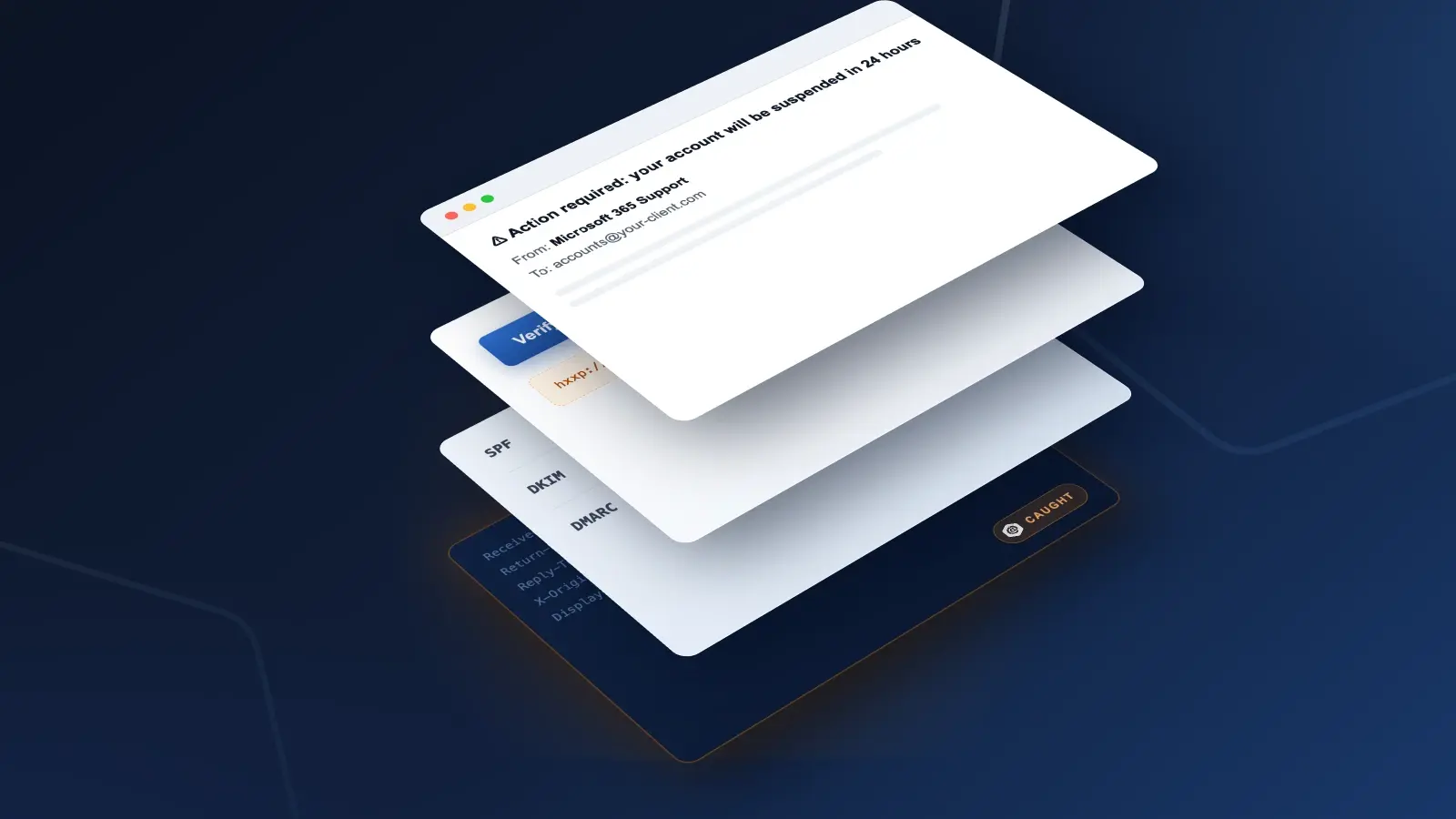
Every tell you were taught to look for in 2022 was a property of the message. Something in the header, body, attachment, or link was wrong, and finding it was the job. Every tell that matters in 2026 is a property of the context. The message itself is more often than not, clean.
Here is the same anatomy, labeled twice.
| Where To Look |
Pre-Gen AI Tell |
The Modern-Day Tell |
| Sender Address |
- A lookalike domain
- Mismatched display name
- Free mail account
|
- A real mailbox on a real domain
- No prior relationship to the recipient
|
| Authentication |
SPF/DKIM/DMARC fail |
- All three pass, against a policy the attacker published
- Domain age is the signal left
|
| Writing Quality |
- Spelling errors
- Broken grammar
- Odd phrasing
|
- Clean prose and correct context
- Assembled from LinkedIn and other public sources
|
| Attachment + Link |
- A payload to scan
- Known-bad URL
|
- Nothing to scan
- A link on infrastructure with a clean reputation
|
| Scanner Verdict |
Clean at delivery means clean |
A message that scans safe at delivery can be weaponized after it |
| Channel |
Attack lives in the inbox |
Opens in email and moves to a voice call, a chat message, or an SMS |
| The Ask |
Enter credentials on a fake login page |
Reply to this address, add this contact, or type your work email into this form |
| Voice + Video |
Outside the threat model |
A voicemail or video call from your CEO may be synthetic |
The research supports every row on the right. Compromised internal accounts are the most concerning threat type at 58.6%. Obfuscation, including post-delivery weaponization of links, and AI-personalized attacks tie at 57.8%. Multi-stage attacks that cross channels concern 56.3%. Phishing now appears in collaboration platforms like Microsoft Teams and Slack for 65.4% of organizations, against roughly 40% in 2022. On deepfakes, 62.5% expect voice and video fakes to increase the time they spend on phishing, and 31.3% rate the impact extreme, the highest score of any trend Osterman tested. Employees now have two jobs: judge whether their CEO sent the email, then judge whether a call from that same CEO is real.
This is why stacks do not get replaced. The left column still works. Obvious phishing arrives every day and your existing tools still catch it. Block counts climb and the quarterly report looks healthy. Osterman said it directly: defenses catch the obvious threats and miss the sophisticated ones. A tool that blocks ten thousand crude lures and misses one typosquat asking for ACH details will look like it is working right until the wire goes out.
That is the diagram. Now the dissection, in five layers. Every example is a real attack from 2026.
Layer 1: The Sender Is Real
In mid-July 2026, two mailboxes at a services organization received a payment summary from a utility company employee. The account was genuine. The attacker had taken it over. The message left the utility's real Microsoft 365 tenant and carried its real legal disclaimer footer. SPF passed. DKIM passed. DMARC passed. The ARC chain sealed clean end to end.
Nothing about the sender was fake. That was the point.
Adaptive AI flagged it as credential theft at 90% confidence on three behavioral facts. The sender had never written to these recipients. The promised attachment did not exist. The display text did not match the link destination.
What this means in practice: authentication proves a message came from where it says. It does not prove the human behind the mailbox is who it says. Content inspection answers the first question only.
Layer 2: Authentication Passes By Design
A large U.S. healthcare system received an ACH enrollment notice from arthrrex[.]com. The real vendor is arthrex[.]com. One doubled letter, buried where the eye does not go.
The attacker registered that domain in February 2026 and configured it properly. SPF passed. DKIM passed under their own key. DMARC passed and aligned, against a quarantine policy the attacker published themselves. Microsoft's composite check returned a full pass, reason code 100.
Every authentication signal was legitimate, because the attacker owned the domain. Themis scored it at 84% confidence on one factor: domain age. The real vendor registered in December 1997. Domain age was the only clean signal the attacker had not controlled.
Speed makes the same point. A renewal notice impersonating SendGrid was genuinely relayed through SendGrid's own infrastructure, DKIM-signed by sendgrid[.]net. Its lure domain was created 15 minutes and 40 seconds before delivery.
What this means in practice: treat an allowlist of authenticated senders as an attack surface. That is how it behaves once an attacker can pass authentication on demand.
Layer 3: There Is Nothing to Scan
A scanner needs an object. Osterman's report names the consequence in a single line: just because a new message scans as safe does not mean it is safe. Obfuscation, including links weaponized after delivery, concerns 57.8% of them.
Go back to the typosquat. The attached PDF hashed clean, with no JavaScript and no form fields. The malicious instruction was one sentence of plain text with no anchor tag: write back with your banking details.
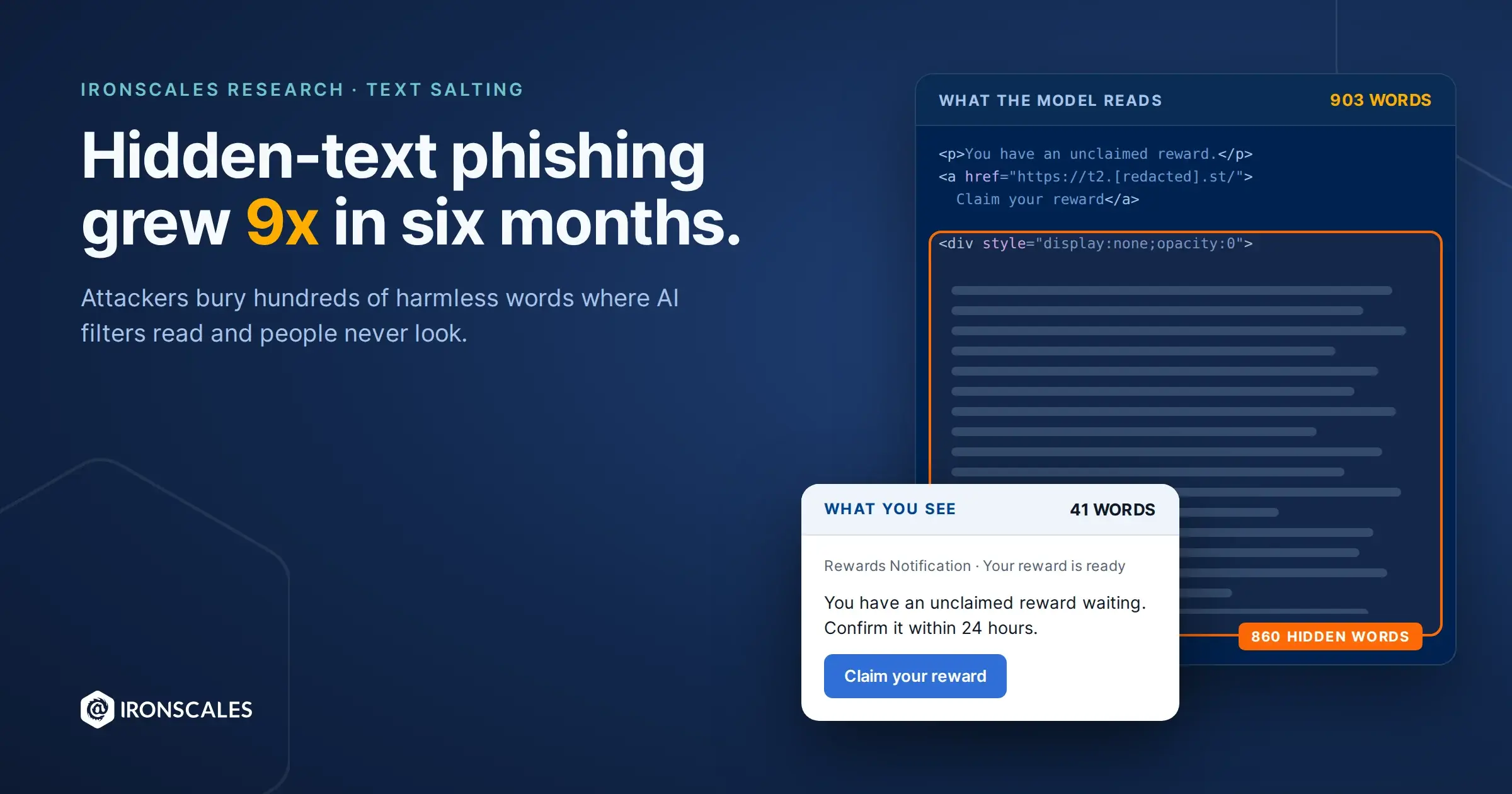
A message to a global agrochemical company went further. Zero links, zero attachments, authentication clean. Text only, pitching a paid stock-trading group over WeChat. The attacker padded the HTML body with public-domain novel prose styled silver on silver, invisible to the reader and fully present to any system weighing content statistically. Themis still flagged it at 71% on language structure, first-time sender, and an unsolicited financial ask.
What this means in practice: ask what their current filtering does with an email that contains no link, no attachment, and no malicious content. The answer is usually a pause. That pause is the conversation.
Layer 4: The Path Bends After the Click
A staffing company received a DocuSign completion notice, apparently from its own finance executive. The button went to a free Linktree profile. Scanners returned clean, because Linktree is a legitimate service. There is no domain to block.
Reuse gave it away. The same hard-coded 32-character security code appeared verbatim in four sends to three mailboxes across five weeks. Recipients changed. The kit did not.
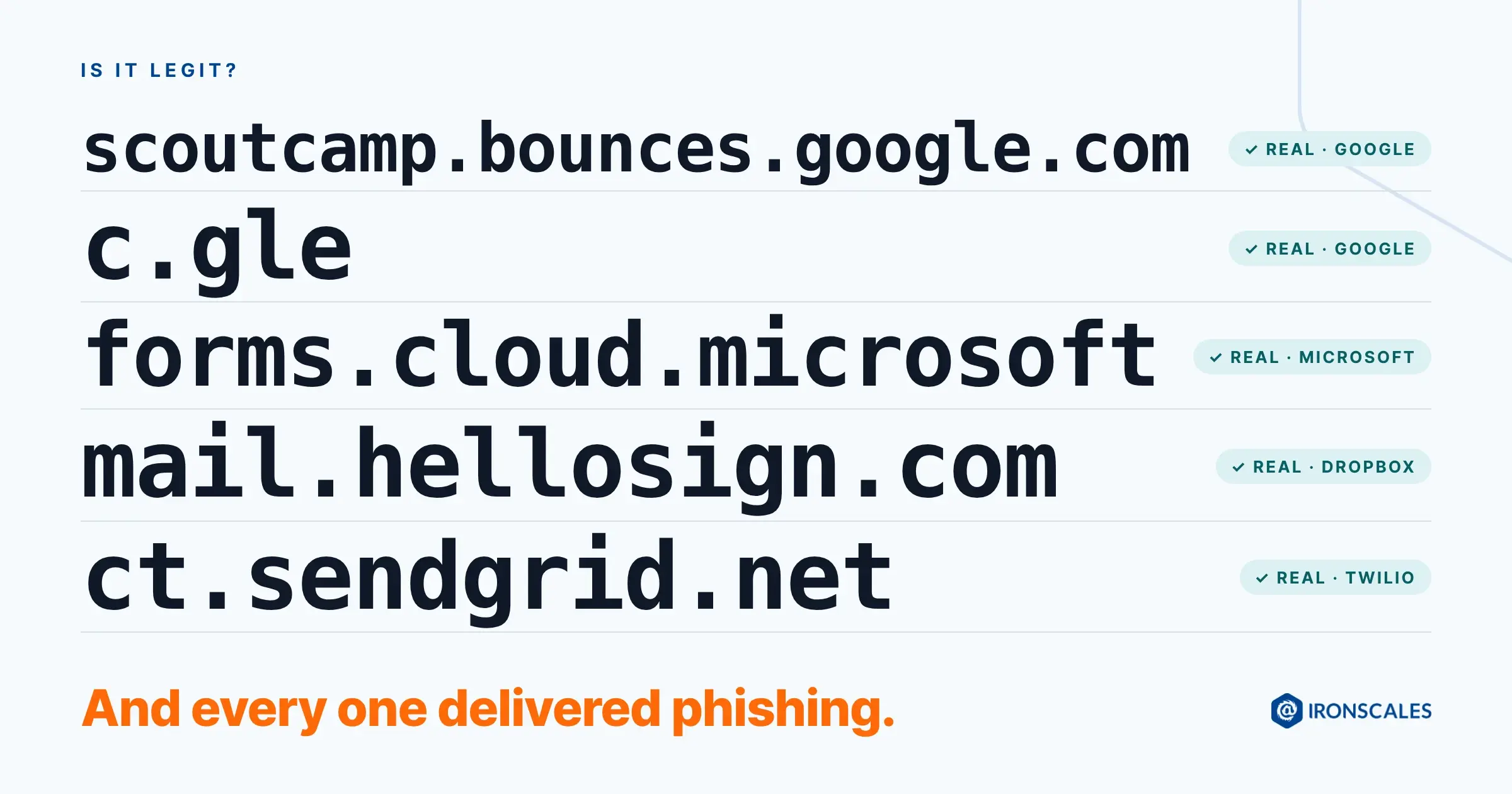
In another case, a hijacked mailbox sent a link hosted on Microsoft's own marketing infrastructure at public-usa[.]mkt[.]dynamics[.]com. Reputation systems rated it clean, because the host deserves a clean rating.
What this means in practice: reputation attaches to the host, never to the individual page it serves. Attackers stopped buying infrastructure and started borrowing it.
Layer 5: The Ask
The 2022 archetype ended at a fake login page. Watch what these attacks actually asked a human to do. Reply with your banking details. Add this WeChat contact. Type your work email into this form.
None of those are technical events. Nothing installs. An employee performs one small, work-shaped action.
The grant case is the cleanest example. Attackers compromised a nonprofit mailbox, found a real federal grant notification thread, added one paragraph at the top, and blind-copied an operations executive at an unrelated firm. Everything below their paragraph was authentic, including header images hotlinked from government servers.
Authentication here was weak: no SPF record, DMARC failing against a policy of none. It made no difference, because authentication is not what caught it. Adaptive AI scored it at 82% on relationship logic. The recipient was not in the thread they were being shown, delivery happened by Bcc behind an undisclosed-recipients field, and the grant brand had no connection to the sending domain.
What this means in practice: no control on the message will catch an ask this small. The control lives in the process around the request. Any instruction that moves money or credentials needs verification through a channel the message did not choose.
The Pattern Below Each Layer
Each attack passed something. Authentication, or reputation, or a scanner verdict, or all three. Each was caught on behavior and relationship instead: who normally talks to whom, what a thread should contain, how old a domain is, whether the promised object exists.
That distinction is the whole master class. Content-based detection asks whether the object in front of it is bad. These attacks bring no object, or they bring a clean one. The question that catches them is a different question: does this message make sense, coming from this person, to this recipient, right now?
Become an Expert in Your Own Right
Everything above came from our Attack of the Day series. It is a daily teardown of a real attack: sender, authentication results, link path, the ask, and the signals that caught it. Filter it by attack type, by industry, or by the brand being spoofed, and you are reading your own threat model, described by someone else.
Read one a day. It takes four minutes. Then look for the same shape in your own environment, because the domain will be dead by lunch and the shape will not. A first-time external sender with a payment instruction. A thread where the recipient is not in the thread. A link on infrastructure you would never think to question.
Three questions are worth asking of your own stack, and of any vendor asking to replace it.
-
What does your current filtering do with an email that has no link, no attachment, and no malicious content?
-
What happens when the attacker publishes their own valid SPF, DKIM, and DMARC records?
-
What happens when the sender is a real employee at a real vendor whose mailbox was taken over last Tuesday?
Ask them in that order. You are describing the last three years accurately, and letting the prospect notice which side of it their stack was built for.
Expertise here comes from attention rather than access. Read the attacks, learn the shapes, and carry the questions into your next review.







/Blue%20Feature%20Flower%20Icons/gear%20head%20icon.svg)
/Misc%20Icons/icon-nav-credential-theft.svg)














.png?width=50&height=50&name=Untitled%20-%20July%2030%2c%202026%20at%2014.53.38%20(3).png)



/Misc%20Icons/icon-red-teaming-agent-gradient-simple.svg)
/Misc%20Icons/icon-phishing-soc-agent-gradient-simple.webp?width=158&height=167&name=icon-phishing-soc-agent-gradient-simple.webp)
/Misc%20Icons/icon-phishing-simulation-agent-gradient-simple.svg)


/Misc%20Icons/icon-nav-encryption.svg)
/Leadership%20Headshots/Audian%20Paxson%20Headshot%201000x1000%20032026.webp?width=100&height=100&name=Audian%20Paxson%20Headshot%201000x1000%20032026.webp)