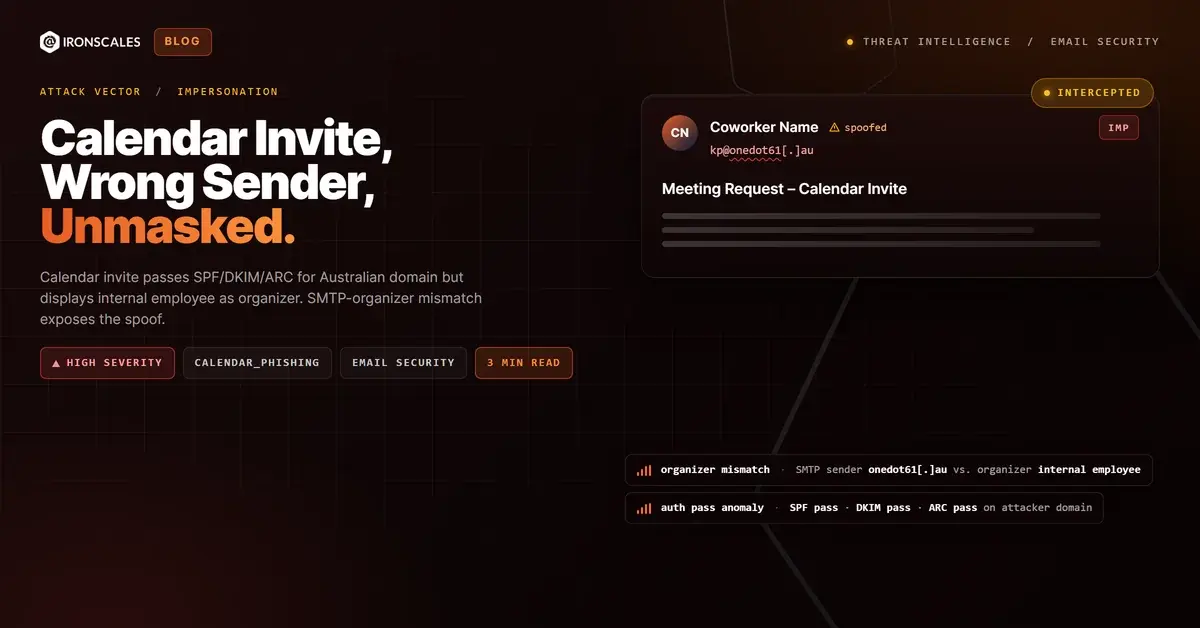
TL;DR A calendar invite sent from an-it-distributor[.]example, an Australian domain registered through CyberCircle, passed SPF, DKIM, and ARC authentication. The organizer field displayed an internal employee's name and corporate email address at a cybersecurity vendor, creating the appearance of a legitimate meeting request from a colleague. The invite included a Zoom meeting link with a specific meeting ID and passcode, alongside links to fillout[.]com and calendly[.]com. The SMTP sender and the calendar organizer were entirely different identities. Three mailboxes quarantined the message based on behavioral signals.
Severity: High Impersonation Calendar Phishing MITRE: {'id': 'T1566.002', 'name': 'Phishing: Spearphishing Link'} MITRE: {'id': 'T1684.001', 'name': 'Impersonation'}
The calendar invite looked like an internal meeting request. The organizer field displayed a colleague's name and corporate email address at a cybersecurity vendor. The Zoom link included a meeting ID and passcode. It looked routine.
The SMTP sender was [sender]@an-it-distributor[.]example, an Australian domain with no prior relationship to the organization. SPF passed. DKIM passed. ARC passed. Every authentication check confirmed the email was legitimately sent from an-it-distributor[.]example. None of them checked whether the organizer field was telling the truth.
The Gap Between SMTP Authentication and Calendar Identity
The iCalendar format allows the ORGANIZER property to be set independently of the SMTP envelope. This means an attacker can authenticate a message through their own domain while setting the calendar organizer to any name and email address they choose. The recipient's calendar application displays the organizer identity, not the SMTP sender, making the impersonation invisible in the calendar UI.
In this case, the SMTP sender authenticated through an-it-distributor[.]example, a domain registered through CyberCircle in Australia. The domain had valid SPF and DKIM records. ARC headers confirmed the authentication chain survived relay processing. But the organizer field displayed a different identity entirely: a real employee at the target organization, complete with the correct corporate email address.
The invite included a Zoom meeting link (us06web[.]zoom[.]us, Meeting ID 85802428869, Passcode 777167), a fillout[.]com form link, and a calendly[.]com scheduling link. Each of these is a legitimate platform. The Zoom link could host a real meeting controlled by the attacker. The form and scheduling links could serve as data collection or social engineering touchpoints. None of the embedded URLs would trigger reputation-based blocking.
Why Calendar Invites Are a Preferred Impersonation Vehicle
Calendar invites auto-populate in most email clients. They create calendar entries, generate reminder notifications, and display the organizer's name every time the recipient checks their schedule. Unlike a standard email that sits in an inbox, a calendar invite persists across multiple touchpoints in the victim's workflow.
The display name spoofing technique here was more effective than a standard email impersonation because the calendar interface presents the organizer as the meeting creator, not as a message sender. Recipients are accustomed to accepting calendar invites from colleagues without scrutinizing the underlying SMTP metadata.
The mismatch between the SMTP sender ([sender]@an-it-distributor[.]example) and the organizer (an internal employee address) was the discriminating signal. This divergence is not normal in legitimate meeting workflows. Behavioral analysis that correlates sender reputation, first-time sender status, and organizer-SMTP alignment flagged the anomaly. Three mailboxes were quarantined before any recipient interacted with the Zoom link or embedded forms.
See Your Risk: Calculate how many threats your SEG is missing
Indicators of Compromise
| Type | Indicator | Context |
|---|
| SMTP Sender | [sender]@an-it-distributor[.]example | Australian domain, CyberCircle registrant |
| Sending Domain | an-it-distributor[.]example | SPF/DKIM/ARC pass |
| Zoom Meeting | us06web[.]zoom[.]us / ID 85802428869 / Passcode 777167 | Attacker-controlled meeting room |
| Form Link | fillout[.]com | Data collection endpoint |
| Scheduling Link | calendly[.]com | Social engineering touchpoint |
| Auth Results | SPF: pass, DKIM: pass, ARC: pass | Full authentication for an-it-distributor[.]example |
| Organizer Field | Internal employee name and email (spoofed) | SMTP-organizer identity mismatch |
MITRE ATT&CK Mapping
| Technique | ID | Relevance |
|---|
| Phishing: Spearphishing Link | T1566.002 | Calendar invite with Zoom, form, and scheduling links |
| Impersonation | T1684.001 | Internal employee identity set in calendar organizer field |
Email Attack of the Day is a daily series from
IRONSCALES spotlighting real phishing attacks caught by Adaptive AI and our community of 36,000+ security professionals. Each post breaks down a real attack. What it looked like, why it worked, and what to do about it.







/Blue%20Feature%20Flower%20Icons/gear%20head%20icon.svg)
/Misc%20Icons/icon-nav-credential-theft.svg)










/Leadership%20Headshots/Audian%20Paxson%20Headshot%201000x1000%20032026.webp?width=100&height=100&name=Audian%20Paxson%20Headshot%201000x1000%20032026.webp)



.png?width=50&height=50&name=Untitled%20-%20July%2030%2c%202026%20at%2014.53.38%20(3).png)



/Misc%20Icons/icon-red-teaming-agent-gradient-simple.svg)
/Misc%20Icons/icon-phishing-soc-agent-gradient-simple.webp?width=158&height=167&name=icon-phishing-soc-agent-gradient-simple.webp)
/Misc%20Icons/icon-phishing-simulation-agent-gradient-simple.svg)


/Misc%20Icons/icon-nav-encryption.svg)