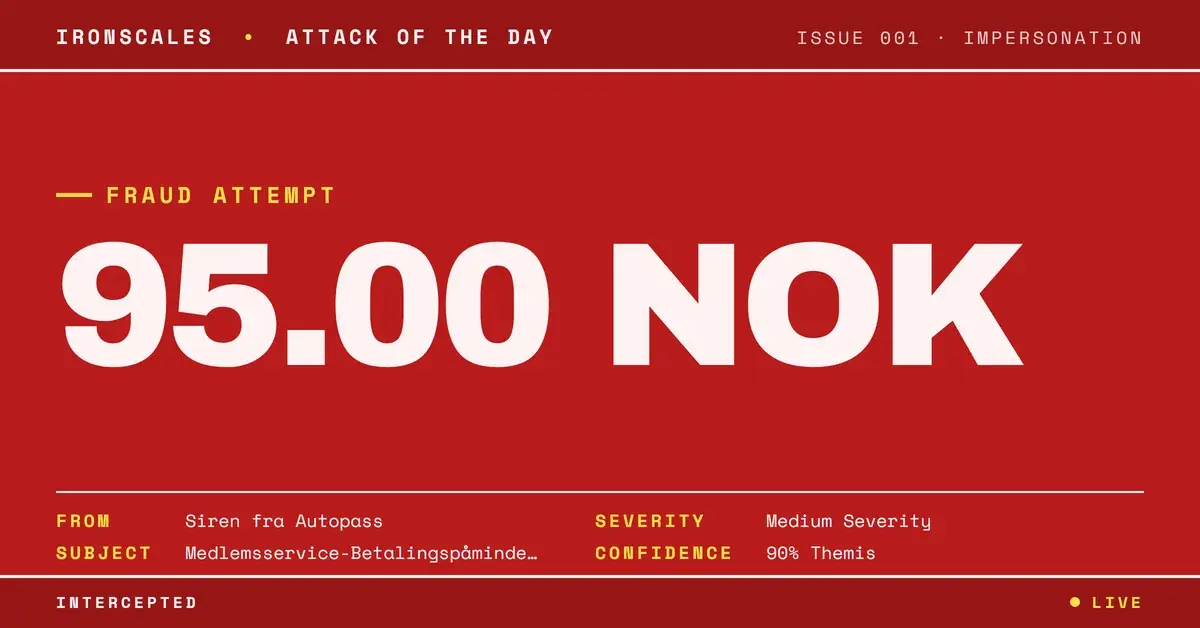
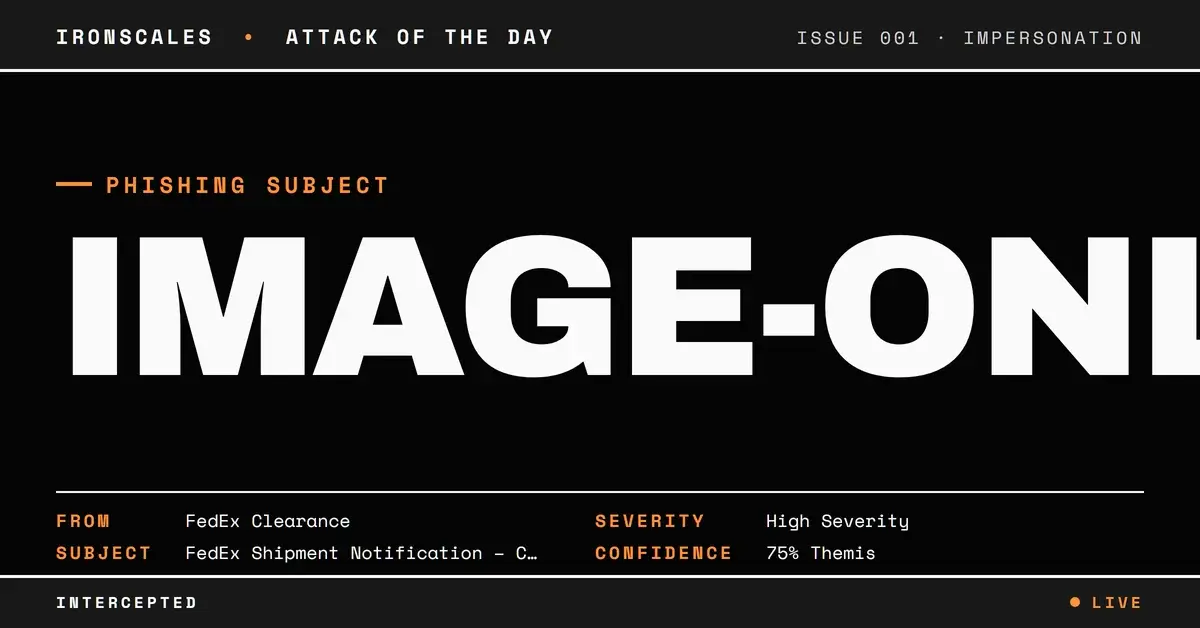
TL;DR A shipment notification impersonating FedEx reached a supply-chain team from a genuinely authenticated fedex.com address, passing SPF, DKIM, and DMARC. The payload was a three-page image-based PDF that defeated sandbox OCR, hiding whatever text it carried from every content scanner. Two tells gave it away: a secondary DKIM signature for myfedex[.]onmicrosoft[.]com that failed to verify, and an unrelated Gmail address quietly included on the corporate recipient list to capture replies. IRONSCALES Themis flagged the behavioral pattern and quarantined the message across four mailboxes despite the clean authentication.
Severity: High Phishing Brand Impersonation Credential Harvesting MITRE: T1566.001 MITRE: T1684.001
The email that landed in the Thailand supply-chain team's inbox looked exactly like every customs notification they process in a week. It came from a real FedEx clearance address. It passed SPF. It passed DKIM. It passed DMARC under a reject policy. Microsoft scored it as authenticated, compauth 100. Every gateway control in the path waved it through.
The payload was a three-page PDF. When the sandbox tried to read it, there was nothing to read.
That was the point.
When the Green Checkmark Is the Disguise
Brand impersonation usually means a lookalike domain or a spoofed header that authentication is supposed to catch. This case was the opposite problem. The message genuinely originated from fedex.com infrastructure, routed through a legitimate Proofpoint outbound relay, and the fedex.com DKIM signature verified cleanly. There was no domain to block and no spoof to flag. The trust was real.
There was one crack in the authentication story. The message carried a second DKIM signature, this one for myfedex[.]onmicrosoft[.]com, and that signature did not verify. A primary signature that passes while a secondary signature fails is a small thing, but it is a real thing. It tells you the composition or forwarding path of this message was not the clean, single-origin path a routine FedEx notification would take. Authentication was not lying, but it was not telling the whole story either.
This is the gap attackers have learned to live in. Authentication answers one question: was this message sent through infrastructure authorized for this domain? It does not answer the question that matters: should you trust what the message is asking you to do. A compromised mailbox, an abused vendor account, or a hijacked partner thread all produce mail that authenticates perfectly. The 2024 Verizon Data Breach Investigations Report found phishing present in 15% of breaches, and much of the malicious email gateways catch is plain phishing with no malware attached. The payload is the person, not the file.
The PDF Built to Defeat OCR
The attachment was a 79 KB PDF, three pages, and the platform scanner returned a verdict of clean. No embedded JavaScript. No AcroForm fields. No OpenAction or Launch directives. No URLs in the raw streams. On paper, an inert document.
That inertness was engineered. Every page was a single image XObject. There was no selectable text anywhere in the file, so text extraction returned nothing, and when the sandbox attempted optical character recognition to read the images, the OCR did not complete. Whatever the pages actually said, a fake clearance form, a payment instruction, a phone number to call, a login prompt, none of it was visible to any tool that reasons over text.
This is Spearphishing Attachment (T1566.001) wearing an evasion layer. Content filters, natural-language models, keyword rules, and DLP engines all operate on text. Flatten the message into pixels and you blind every one of them at once. A human opens the PDF and reads it instantly. The scanner sees a clean image and moves on. That asymmetry is the entire technique, and it is why the 2024 Microsoft Digital Defense Report tracks image-based and text-free lures as a growing share of what slips past automated inspection.
The Gmail Address on the To Line
The recipient list is where the attacker's hand showed. Alongside four legitimate corporate supply-chain addresses sat one that did not belong: bestfreightaey15@gmail[.]com. A personal Gmail account, quietly included on a business shipment thread between a global manufacturer and its shipping provider.
That address is the collection point. When a busy recipient hits reply-all to confirm the shipment, provide a delivery address, or ask a clarifying question, the response does not just go back to FedEx. It goes to the attacker's inbox too. No credential-harvesting page required, no malware needed. The reply itself is the exfiltration.
The body reinforced the mismatch. Despite a recipient list of specifically named people, the greeting was a generic, grammatically broken salutation addressed to a "value customer" rather than to anyone by name, and the text carried the awkward phrasing of a lure written to a template, including "Please confirm this shipment clear by FedEx or your shipping ?" This was the first email this sender had ever sent to the organization, and the primary target was a regional supply-chain director, a VIP whose reply carries operational weight. This maps cleanly to Impersonation (T1684.001), which the FBI Internet Crime Complaint Center ties to business email compromise losses of more than $2.9 billion in its 2023 report.
How the Signals Stacked Up
No single indicator here was a smoking gun. The domain was real, the links pointed to genuine FedEx-hosted PDFs, and the attachment scanned clean. Any one control looking at any one attribute would have passed this message, which is exactly what the gateway did.
Detection came from the combination. IRONSCALES Adaptive AI scored the message on behavior rather than reputation: a first-time sender reaching a VIP, a generic salutation aimed at named recipients, an unexpected external Gmail address on a corporate thread, an unreadable image payload, and a failed secondary DKIM signature. Individually forgettable. Together, a profile that matches credential theft attempts the platform has seen across its customer base. Themis flagged the message at 72% confidence, labeled it credential theft against a VIP recipient, and the response was autonomous. The message was quarantined across all four affected mailboxes and the incident resolved as phishing without an analyst touching it.
See Your Risk: Calculate how many threats your SEG is missing
Indicators of Compromise
| Type | Indicator | Context |
|---|
| Domain | fedex[.]com | Legitimately authenticated sending domain (SPF/DKIM/DMARC pass); brand abused, not spoofed |
| Domain | myfedex[.]onmicrosoft[.]com | Secondary DKIM signing domain; signature failed to verify |
| Email | bestfreightaey15@gmail[.]com | Unrelated external Gmail on the corporate recipient list; reply-capture collection point |
| Relay IP | 205[.]220[.]179[.]9 | Proofpoint outbound relay authorized for fedex.com |
| Hash (MD5) | b01a6dd5362a32cfb8a772ec3ce44915 | Three-page image-based PDF, 79 KB, OCR failed in sandbox |
Why a Passing Signature Is Not a Verdict
The lesson is not that authentication is worthless. SPF, DKIM, and DMARC are foundational, and you should enforce them. The lesson is that authentication is a fact about routing, not a judgment about intent, and attackers have fully internalized the difference.
Three practical moves follow from this case. First, treat a failed secondary DKIM signature or any authentication inconsistency as a signal worth scoring, even when the primary domain passes. Second, do not let a clean attachment verdict end the analysis. An image-only PDF that defeats OCR should raise suspicion precisely because it is unreadable, not lower it. A layered inbox that augments the gateway and M365 or your SEG with behavioral analysis is the control that sees what a content scan cannot. Third, watch the recipient list, not just the sender. An unexpected external address on an internal or vendor thread is one of the most reliable tells of a reply-capture scheme, and it is trivial to check once you know to look.
For guidance on building these habits into a defensible process, CISA's phishing guidance for network defenders remains a strong baseline. But the takeaway from this one is simpler. When a message clears every authentication check and still cannot be read by a single one of your text-based tools, that is not the absence of a threat. That is the shape of one.
Email Attack of the Day is a daily series from
IRONSCALES spotlighting real phishing attacks caught by Adaptive AI and our community of 36,000+ security professionals. Each post breaks down a real attack. What it looked like, why it worked, and what to do about it.







/Blue%20Feature%20Flower%20Icons/gear%20head%20icon.svg)
/Misc%20Icons/icon-nav-credential-theft.svg)










/Leadership%20Headshots/Audian%20Paxson%20Headshot%201000x1000%20032026.webp?width=100&height=100&name=Audian%20Paxson%20Headshot%201000x1000%20032026.webp)



.png?width=50&height=50&name=Untitled%20-%20July%2030%2c%202026%20at%2014.53.38%20(3).png)



/Misc%20Icons/icon-red-teaming-agent-gradient-simple.svg)
/Misc%20Icons/icon-phishing-soc-agent-gradient-simple.webp?width=158&height=167&name=icon-phishing-soc-agent-gradient-simple.webp)
/Misc%20Icons/icon-phishing-simulation-agent-gradient-simple.svg)


/Misc%20Icons/icon-nav-encryption.svg)