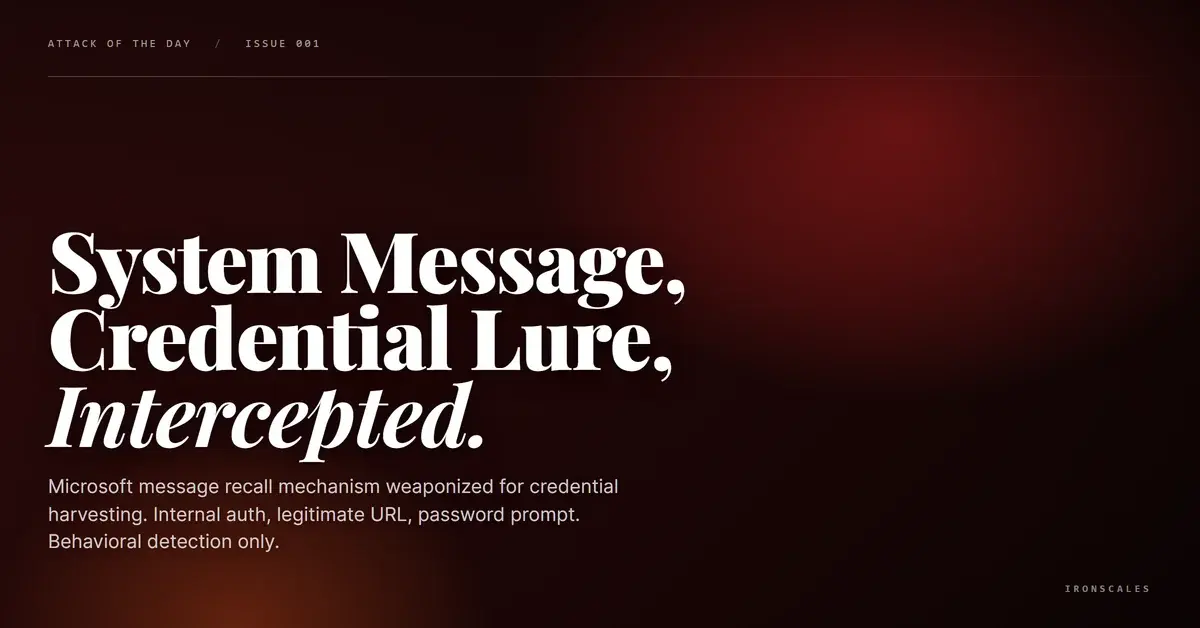
TL;DR Microsoft's Transport Message Recall Routing Agent generated an email authenticated as Internal (AuthAs=Internal, AuthMechanism=05) with direction Originating. The message recall report referenced a real-looking insurance claim subject and linked to a legitimate outlook.office.com URL. But the body included an explicit credential prompt: 'If prompted, login with your email address and password.' Themis classified the message at 72% confidence as VIP Recipient, flagging it as first-time sender and high risk. Four mailboxes were quarantined. The attack weaponized a Microsoft system mechanism to deliver a credential harvest that appeared to be an internal notification.
Severity: High Credential Harvesting Internal Mechanism Abuse MITRE: {'id': 'T1534', 'name': 'Internal Spearphishing'} MITRE: {'id': 'T1078', 'name': 'Valid Accounts'} MITRE: {'id': 'T1566.002', 'name': 'Phishing: Spearphishing Link'}
The email was not sent by an attacker's mail server. It was generated by Microsoft's own Transport Message Recall Routing Agent, authenticated as Internal, with direction set to Originating. And it told the recipient to log in with their email address and password.
A System Message That Asked for Credentials
The message arrived at a mid-size insurance brokerage as a "Message Recall Report." The subject referenced what appeared to be a legitimate insurance claim: a wind damage report for a Texas school district, complete with file numbers, reference codes, and a named vendor. The From address was Office365Reports@microsoft[.]com. The headers confirmed: Auto-Submitted: auto-generated, X-MS-Exchange-Generated-Message-Source: Transport Message Recall Routing Agent.
The "View Message Recall Report" link pointed to outlook[.]office[.]com/mail/messageRecall.html with a full message ID parameter. A legitimate Microsoft URL, hosted on Microsoft infrastructure, following the expected recall report format.
But the body also contained this line: "If prompted, login with your email address and password."
That is not standard language in a Microsoft message recall notification. It is a credential harvesting prompt embedded in what the mail system treated as trusted internal traffic.
Internal Authentication Created a Blind Spot
Because the Transport Message Recall Routing Agent generated this email, it carried AuthAs=Internal with AuthMechanism=05. The direction was Originating, not Incoming. SCL was 1. From the perspective of any security tool that distinguishes internal from external mail, this was system traffic.
That classification matters. Internal messages typically bypass the inbound scanning pipeline entirely. URL reputation checks, sender verification, content analysis: all of these are calibrated for external threats. An email that the mail platform itself generated sits inside the trust boundary by definition.
The MITRE ATT&CK framework maps this to T1534 (Internal Spearphishing): using internal messaging systems to deliver malicious content that bypasses perimeter controls. The twist here is that the attacker did not need to compromise an internal account in the traditional sense. They triggered a Microsoft system mechanism that produced the delivery vehicle for them.
Detection Required Looking Past the Envelope
Themis, the IRONSCALES Adaptive AI, classified the message at 72% confidence with a VIP Recipient label. The detection signals were behavioral: the sender was a first-time correspondent to this recipient, the message was flagged as high risk, and the community intelligence layer identified the pattern as anomalous. Four mailboxes were quarantined.
The recall subject referenced a specific insurance claim that the recipient's organization had no documented relationship with. That contextual mismatch, combined with the credential prompt, was the signal that authentication and system trust could not provide.
See Your Risk: Calculate how many threats your SEG is missing
Indicators of Compromise
| Type | Indicator | Context |
|---|
| Sender Address | Office365Reports@microsoft[.]com | Microsoft system-generated sender |
| Auth Status | AuthAs=Internal, AuthMechanism=05 | Internal authentication, system-generated |
| Message Source | Transport Message Recall Routing Agent | Microsoft Exchange recall mechanism |
| Recall Link | outlook[.]office[.]com/mail/messageRecall.html?messageid=DM8P221MB0523B843476359C224750363B40B2@DM8P221MB0523[.]NAMP221[.]PROD[.]OUTLOOK[.]COM | Legitimate Microsoft recall URL |
| SCL | 1 | Low spam confidence, consistent with internal traffic |
| Direction | Originating | Not inbound, generated within the mail platform |
MITRE ATT&CK Mapping
| Technique | ID | Relevance |
|---|
| Internal Spearphishing | T1534 | System-generated internal message used as delivery mechanism |
| Valid Accounts | T1078 | Leveraged Microsoft internal authentication status |
| Phishing: Spearphishing Link | T1566.002 | Credential prompt with link to outlook.office.com recall page |
Email Attack of the Day is a daily series from
IRONSCALES spotlighting real phishing attacks caught by Adaptive AI and our community of 36,000+ security professionals. Each post breaks down a real attack. What it looked like, why it worked, and what to do about it.







/Blue%20Feature%20Flower%20Icons/gear%20head%20icon.svg)
/Misc%20Icons/icon-nav-credential-theft.svg)










/Leadership%20Headshots/Audian%20Paxson%20Headshot%201000x1000%20032026.webp?width=100&height=100&name=Audian%20Paxson%20Headshot%201000x1000%20032026.webp)



.png?width=50&height=50&name=Untitled%20-%20July%2030%2c%202026%20at%2014.53.38%20(3).png)



/Misc%20Icons/icon-red-teaming-agent-gradient-simple.svg)
/Misc%20Icons/icon-phishing-soc-agent-gradient-simple.webp?width=158&height=167&name=icon-phishing-soc-agent-gradient-simple.webp)
/Misc%20Icons/icon-phishing-simulation-agent-gradient-simple.svg)


/Misc%20Icons/icon-nav-encryption.svg)