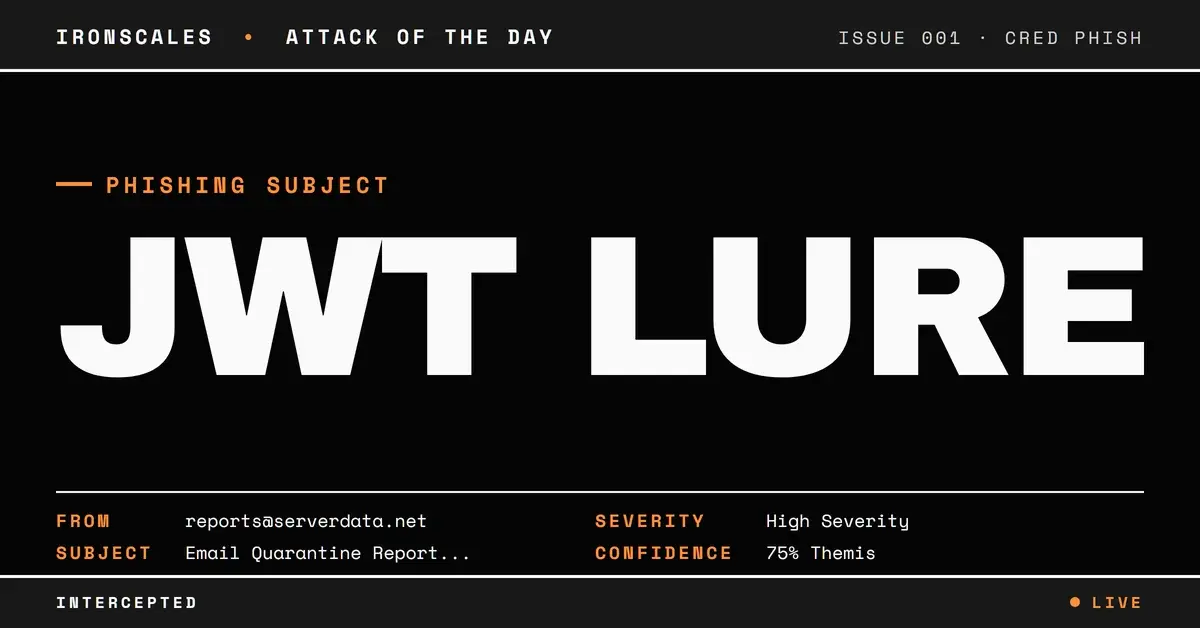
TL;DR Attackers sent a fake email quarantine digest from serverdata.net infrastructure, embedding JWT tokens in 'Allow' and 'Manage quarantined email' buttons that pointed to co.quarantine.serverdata.net. One link displayed membership@ihrm[.]or[.]ke but actually redirected to the attacker domain, a classic display-text mismatch. The subject targeted allstaff@nnedv[.]org but delivered to a completely different organization, revealing mass-targeting infrastructure. IRONSCALES community intelligence flagged the campaign across multiple tenants within minutes.
Severity: High Credential Harvesting Brand Impersonation MITRE: {'id': 'T1566.002', 'name': 'Phishing: Spearphishing Link'} MITRE: {'id': 'T1204.001', 'name': 'User Execution: Malicious Link'} MITRE: {'id': 'T1036', 'name': 'Masquerading'}
Of all the emails a security-aware employee might encounter, quarantine notifications are supposed to be the safe ones. They come from your email security provider. They list messages that were caught before they reached your inbox. They have "Allow" and "Manage" buttons that let you review and release legitimate mail. You've been trained to trust them.
That's exactly why attackers are now building phishing campaigns that look identical to quarantine digests. When the security workflow becomes the attack vector, the training that was supposed to protect your users becomes the mechanism that compromises them.
Get a Demo: See how IRONSCALES detects phishing that impersonates security workflows
The Quarantine Digest That Wasn't
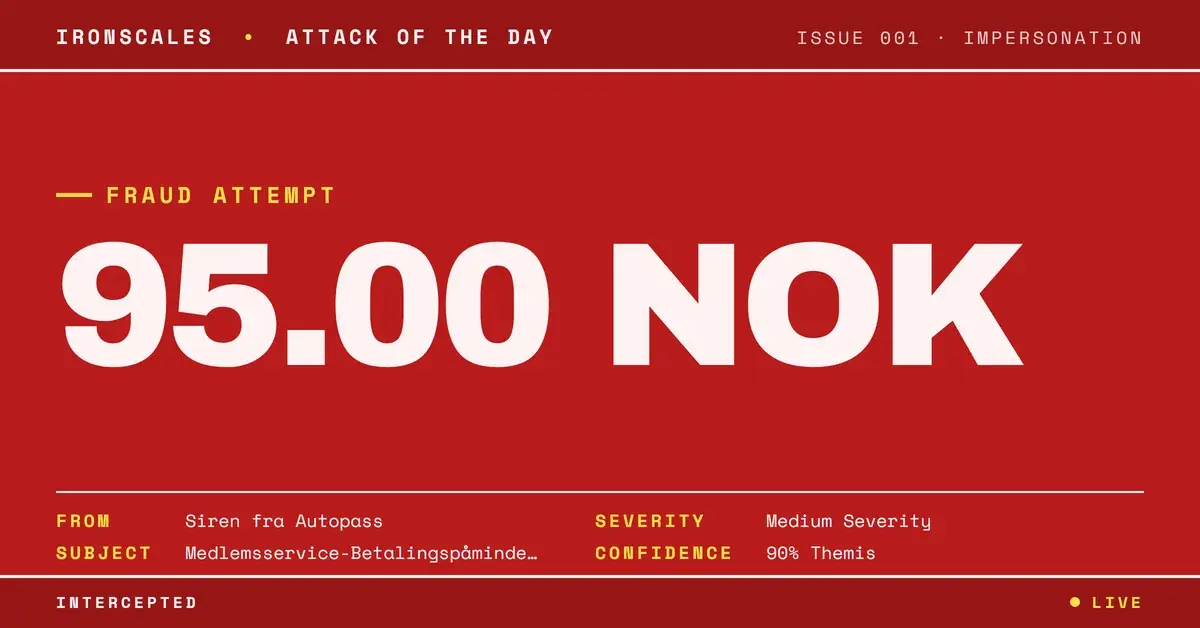
On March 19, 2026, employees at a mid-size HR consulting firm received what appeared to be a standard email quarantine report from their hosting provider's email security system. The subject line was specific and familiar: "Email Quarantine Report (allstaff@nnedv[.]org) - 3/19/26." The sender was reports@serverdata[.]net. The message contained three action buttons: "Allow," a link displaying an email address, and "Manage quarantined email."
Every element was designed to match the visual and functional patterns of legitimate quarantine notifications. But three details revealed the deception.
Three Red Flags Buried in the Details
1. The subject didn't match the recipient. The quarantine report claimed to be for allstaff@nnedv[.]org (a nonprofit organization), but it was delivered to employees at a completely different company, an HR consulting firm. This mismatch is a signature of mass-targeting infrastructure: the attacker generated quarantine reports referencing one organization and blasted them to recipients at others, counting on the urgency of "quarantined mail" to override the obvious question of why someone else's quarantine report landed in your inbox.
2. Display text masked the real destination. One of the three links displayed membership@ihrm[.]or[.]ke, the email address of a legitimate Kenyan HR professional organization. But the actual URL behind that text pointed to co.quarantine.serverdata[.]net with a long JWT query string. This display-text/URL mismatch, one of the most reliable phishing indicators according to CISA, was hidden behind what looked like a normal email address in the quarantine listing.
3. JWT tokens embedded in every action link. All three buttons carried JWTs (JSON Web Tokens) as query parameters, complete with kid, sub, iss, iat, and exp fields. These tokens encoded specific action URLs like /email/5074973055/allow and /manageQuarantine. The tokens were well-formed and structurally valid, making them look like authenticated, session-specific actions rather than static phishing links.
Inside the JWT: How the Action Links Worked
Decoding one of the JWTs reveals the structure the attacker built:
`` { "jti": "rdMRbyaEUSCTY8vZ9PYRGw", "sub": "ec8e199f-430e-492e-acf6-a203d6c956d2", "iss": "Quarantine Email Digest Service [10.224.95.6]", "iat": 1773928810, "exp": 1776607210, "actionUrl": "/email/5074973055/allow" } ``
The iss (issuer) field references an internal IP address, adding another layer of apparent legitimacy. The exp (expiration) gives the token a 30-day window. The actionUrl specifies what happens when the user clicks. Whether these tokens would actually release quarantined mail or redirect to a credential harvesting page, the intent is the same: trick the user into clicking by mimicking a trusted security action.
See Your Risk: Calculate how many threats your SEG is missing
The Authentication Puzzle
The email's authentication results added complexity. SPF and DMARC both passed for serverdata[.]net, a domain registered since 2002 with GoDaddy. This isn't a throwaway domain. The message was sent from legitimate infrastructure (out.exch030.serverdata[.]net, IP 64[.]78[.]48[.]58), routed through several internal relays, and even passed through an Inky phishing protection gateway.
But DKIM told a different story. An early authentication header showed DKIM passing, while the final hop showed a body-hash mismatch. This split is consistent with message body modification in transit (common when security gateways rewrite content), but it's also consistent with tampering. The mixed signals created ambiguity that an attacker could exploit.
| Type | Indicator | Context |
|---|
| Domain | co.quarantine.serverdata[.]net | All action links pointed here |
| Domain | serverdata[.]net | Sender domain (registered 2002) |
| IP | 64[.]78[.]48[.]58 | Primary sending IP |
| IP | 64[.]78[.]32[.]85 | Relay IP |
| Email | reports@serverdata[.]net | Sender address |
| Email | membership@ihrm[.]or[.]ke | Display text masking real URL |
Why This Pattern Is Especially Dangerous
Quarantine impersonation attacks exploit a paradox in security training. Organizations teach employees to interact with quarantine notifications as part of their email security workflow. Users are expected to click "Allow" or "Manage" buttons in these digests. The action that security teams have normalized is the exact action the attacker needs.
IBM's 2024 Cost of a Data Breach Report found that phishing remains the most common initial attack vector, and the most effective phishing campaigns are those that align with established user behaviors. Quarantine notifications fit that pattern perfectly: they're routine, they're expected, and they require action.
The IRONSCALES community flagged this campaign rapidly. Because the same quarantine template was targeting multiple organizations simultaneously, community-driven threat intelligence connected the dots across tenants. Themis, the IRONSCALES Adaptive AI virtual SOC analyst, correlated the community signals with the behavioral anomalies (subject/recipient mismatch, display-text URL deception) and quarantined the messages across three affected mailboxes within seconds.
Protecting Against Quarantine Impersonation
Verify quarantine notifications out-of-band. If you receive a quarantine digest, access your quarantine portal directly through your browser rather than clicking links in the email. This single habit defeats the entire attack chain.
Flag subject/recipient mismatches. When a quarantine report references an address at a different organization, that's not a configuration error. It's a red flag. Security tools should automatically flag emails where the subject line references a domain that doesn't match the recipient's organization.
Inspect display text vs. actual URLs. Any email where the visible link text doesn't match the destination URL should be treated as suspicious. This applies especially to quarantine notifications, where action links should always point to your known security provider's domain.
Leverage community intelligence. Attackers run these campaigns across many organizations simultaneously. Platforms that share threat data across their customer base, like IRONSCALES, can detect and block quarantine phishing campaigns as soon as the first organization reports one.
Try It Free: Start your free trial of IRONSCALES
Email Attack of the Day is a daily series from
IRONSCALES spotlighting real phishing attacks caught by Adaptive AI and our community of 36,000+ security professionals. Each post breaks down a real attack. What it looked like, why it worked, and what to do about it.







/Blue%20Feature%20Flower%20Icons/gear%20head%20icon.svg)
/Misc%20Icons/icon-nav-credential-theft.svg)










/Leadership%20Headshots/Audian%20Paxson%20Headshot%201000x1000%20032026.webp?width=100&height=100&name=Audian%20Paxson%20Headshot%201000x1000%20032026.webp)



.png?width=50&height=50&name=Untitled%20-%20July%2030%2c%202026%20at%2014.53.38%20(3).png)



/Misc%20Icons/icon-red-teaming-agent-gradient-simple.svg)
/Misc%20Icons/icon-phishing-soc-agent-gradient-simple.webp?width=158&height=167&name=icon-phishing-soc-agent-gradient-simple.webp)
/Misc%20Icons/icon-phishing-simulation-agent-gradient-simple.svg)


/Misc%20Icons/icon-nav-encryption.svg)