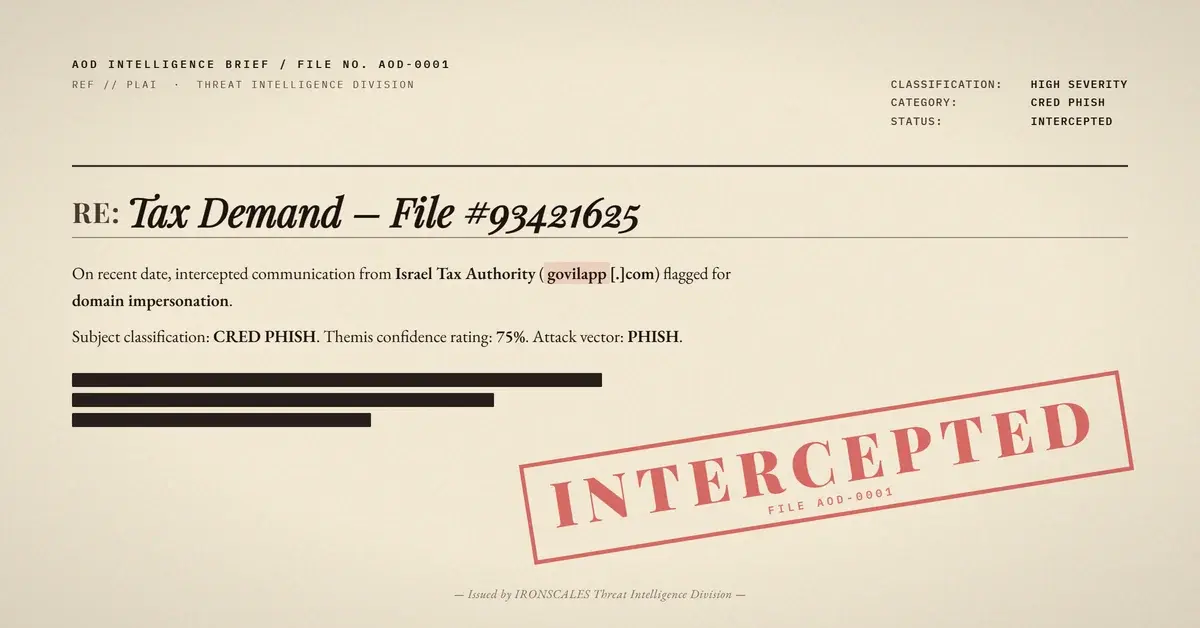
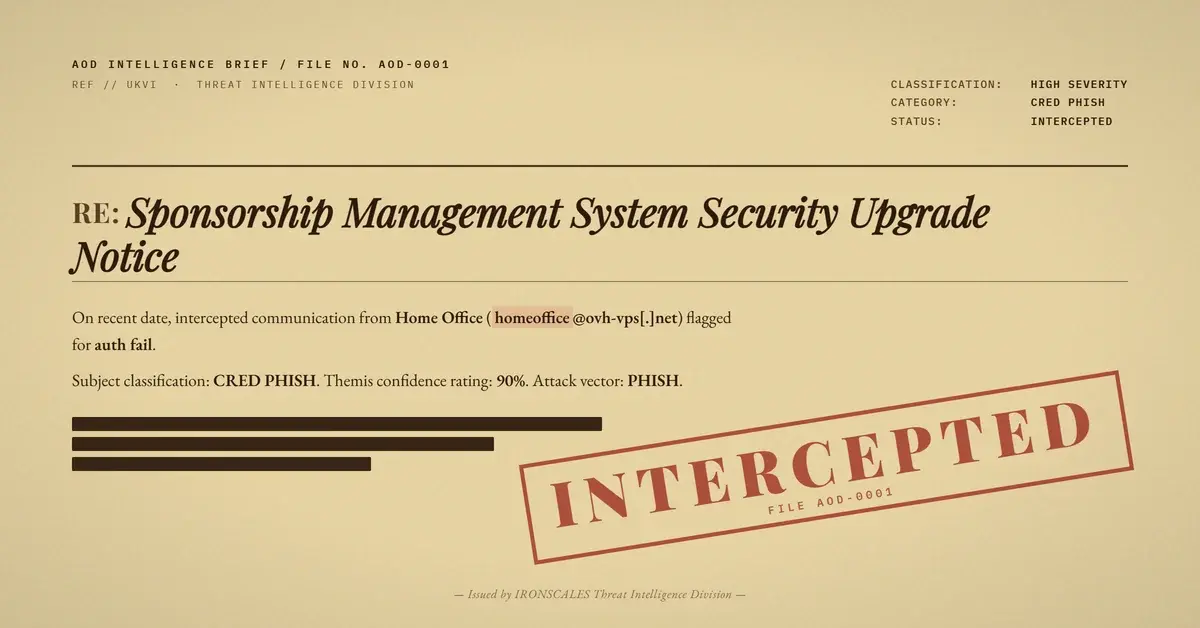
TL;DR An attacker operating from a compromised small-business M365 account sent a SharePoint 'file shared with you' email. Full auth pass (DMARC p=none), link scanner clean verdict. The credential-harvest landing sits one layer inside the shared file on legitimate Microsoft infrastructure. Detection relied on behavioral signals: tracking pixel, first-time sender, unverifiable tenant, and cloud-share-as-lure pattern.
Severity: High Credential Harvesting Account Takeover MITRE: T1566 MITRE: T1078
A compromised small-business Microsoft 365 account sent a well-formed SharePoint file-share notification to a corporate inbox. Every authentication check passed. The URL scanner returned clean. The body resembled a routine internal collaboration request. The only things out of place were a 1x1 tracking pixel and a sender no one had ever written to before.
What the Attack Looked Like: A Microsoft Template Built for Trust
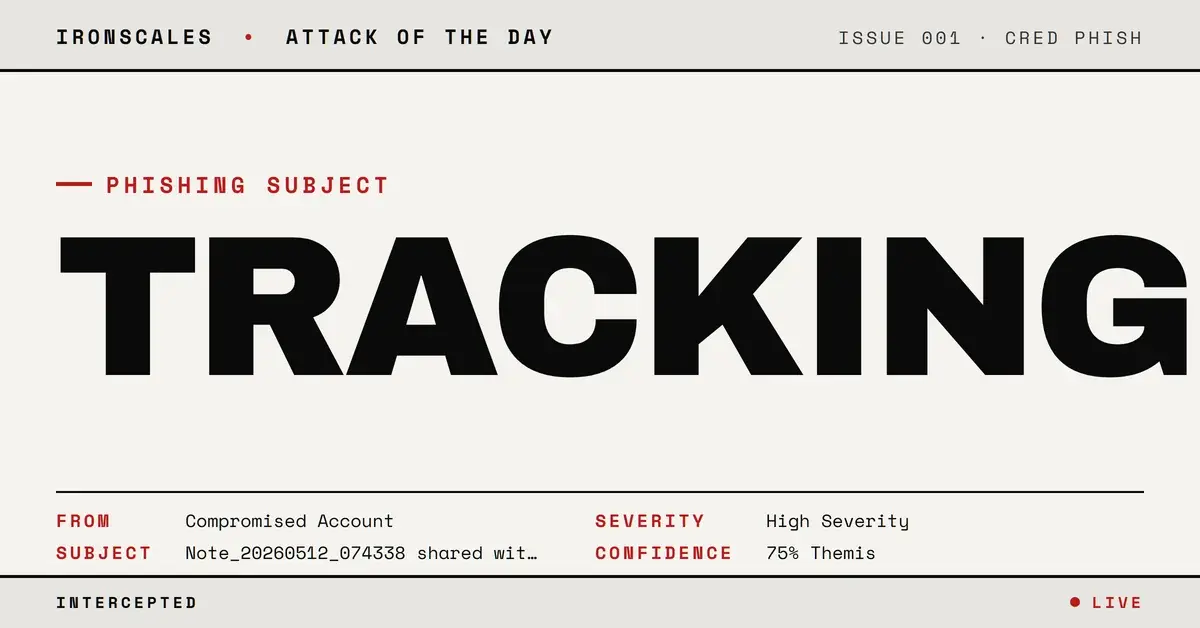
The email used Microsoft's standard "file shared with you" layout, including a large "Open" button, a footer referencing the sending organization's name, and what appeared to be an access token in the URL parameters. The shared file was named Note_20260512_074338. There was no explicit request for credentials, no urgency language, and no invoice or payment hook. The entire message looked like a routine SharePoint collaboration notification from a small business.
The body also contained a 1x1 tracking pixel, a GET request to a Microsoft notification service endpoint. That single invisible image gave the attacker open-and-click telemetry, confirmation that the mailbox was live, and timing data to decide when to activate the payload inside the shared document.
Why It Bypassed Defenses: Legitimate Infrastructure as the Attack Surface
The sending domain for this compromised account carried DMARC p=none, meaning the domain owner had not enabled enforcement. That policy choice allowed the account to send with full SPF/DKIM/DMARC pass even though no enforcement was in place to protect recipients from misuse of the domain.
The destination URL pointed to a [compromised-tenant]-my[.]sharepoint[.]com/:o:/g/personal/[redacted]/... address, which is a Microsoft-managed namespace. URL reputation systems are calibrated against known-bad domains and IPs. A URL on sharepoint.com is, by definition, not a known-bad domain. The credential harvesting form lives one authenticated layer deeper, inside the shared file, where a passive URL scanner cannot reach it.
This is the core structural problem with cloud-hosted phishing: the URL is clean because the host is legitimate. The malicious content only renders after the recipient authenticates, at which point the attacker captures the session or the credentials themselves.
See Your Risk: Calculate how many threats your SEG is missing
How It Was Caught: Behavior Layering Where Reputation Fails
No single signal condemned this message. The detection came from the combination of signals that individually might each be explainable but together form a recognizable pattern.
Phishing incidents like this are exactly where behavioral AI proves its value over reputation-only defenses. Themis (our Adaptive AI) scored the following cluster:
- First-time external sender with no prior communication history.
- Sender risk scored HIGH based on the sending account's profile and the domain's
DMARC p=none posture.
- 1x1 tracking pixel in the HTML body, a signal not present in legitimate SharePoint notifications.
- Single cloud-share CTA as the sole purpose of the message, with the sender having no independently verifiable identity.
- Unverifiable tenant: the SharePoint subdomain could not be confirmed as belonging to the named sending organization.
No credential page was directly observed at analysis time, which is consistent with gated campaigns that only activate after confirming an engaged target. The behavioral cluster was sufficient to classify the email as phishing and route it away from the inbox.
Defender Takeaways: DMARC p=none Means Enforcement Is Off
When a sending domain publishes DMARC p=none, that domain owner has opted out of enforcement. Receiving organizations cannot rely on the sending domain to self-police misuse. For inbound filtering, p=none from a first-time sender should elevate scrutiny even when individual auth checks pass.
Cloud-hosted phishing continues to grow because security teams have trained users and filters to treat microsoft.com, sharepoint.com, and google.com as inherently trusted namespaces. Defenders should:
- Treat first-time cloud-share senders as untrusted until the share is verified out-of-band.
- Flag tracking pixels in email bodies. Legitimate SharePoint notifications from Microsoft do not embed third-party or custom tracking pixels.
- Consider
DMARC p=none an elevated-risk signal on first-contact senders, not a pass.
See the MITRE ATT&CK technique references at https://attack.mitre.org/techniques/T1566/ and https://attack.mitre.org/techniques/T1078/.
Indicators of Compromise
| Type | Value | Notes |
|---|
| Sender | Compromised small-business M365 account | Domain anonymized (victim) |
| Lure type | SharePoint "file shared with you" | High-fidelity Microsoft template |
| File name pattern | Note_20260512_074338 | Date-stamped note file, credential lure |
| Tracking mechanism | 1x1 pixel GET to Microsoft notification endpoint | Confirms open/click telemetry |
| DMARC posture | p=none | No enforcement on sending domain |
| SharePoint tenant | [compromised-tenant]-my[.]sharepoint[.]com | Anonymized; victim infrastructure |
| Authentication | SPF/DKIM/DMARC: pass | Compromised legitimate account |
| Sender risk | HIGH (first-time sender) | Behavioral signal, not auth signal |
Email Attack of the Day is a daily series from
IRONSCALES spotlighting real phishing attacks caught by Adaptive AI and our community of 36,000+ security professionals. Each post breaks down a real attack. What it looked like, why it worked, and what to do about it.







/Blue%20Feature%20Flower%20Icons/gear%20head%20icon.svg)
/Misc%20Icons/icon-nav-credential-theft.svg)










/Leadership%20Headshots/Audian%20Paxson%20Headshot%201000x1000%20032026.webp?width=100&height=100&name=Audian%20Paxson%20Headshot%201000x1000%20032026.webp)



.png?width=50&height=50&name=Untitled%20-%20July%2030%2c%202026%20at%2014.53.38%20(3).png)



/Misc%20Icons/icon-red-teaming-agent-gradient-simple.svg)
/Misc%20Icons/icon-phishing-soc-agent-gradient-simple.webp?width=158&height=167&name=icon-phishing-soc-agent-gradient-simple.webp)
/Misc%20Icons/icon-phishing-simulation-agent-gradient-simple.svg)


/Misc%20Icons/icon-nav-encryption.svg)