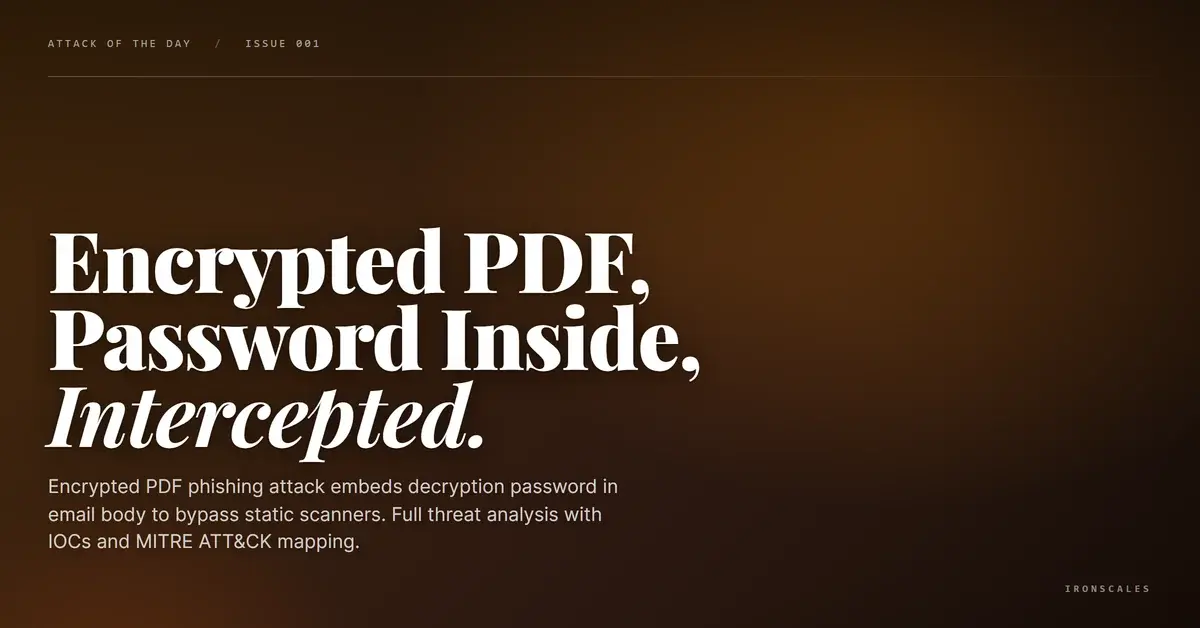
TL;DR A threat actor used a password-protected PDF to evade static content inspection by every scanner in the delivery path. The decryption password was embedded directly in the email body, rendering the encryption purely an anti-analysis tool rather than a confidentiality measure. SPF, DKIM, and DMARC all passed. A clean decoy PDF accompanied the encrypted payload, adding legitimacy. IRONSCALES Themis flagged the inline-password-plus-encrypted-attachment pattern as a high-confidence phishing indicator.
Severity: High Scanner Evasion Encrypted Payload Delivery Social Engineering MITRE: T1566.001 MITRE: T1027.013 MITRE: T1036.008
An employee at a mid-size financial services firm received a routine-looking due diligence request. Attached: two PDFs. One was a clean, machine-scanned document from a legitimate document processing platform. The other was encrypted. And the password to open it, "Diligence@357," was typed directly into the email body, bolded and underlined for convenience.
That single design choice neutralized every static scanner in the delivery chain.
The email passed SPF, DKIM, and DMARC verification. It arrived through a Cisco Secure Email gateway. Microsoft anti-spam scoring gave it an SCL of 1 (not spam). The subject line referenced a specific bank inquiry with a tracking number. Six recipients were CC'd across three different corporate domains. Everything about this message looked like normal inter-company mortgage audit correspondence. The only scanner that flagged it was one that understood the behavioral pattern, not the payload content.
Why the Password Placement Matters More Than the Payload
Password-protected PDFs are everywhere in financial services. Mortgage accruals, audit reports, investor disclosures. Encryption is expected, even required. That is precisely what makes this technique effective.
The encrypted file (G10_P9541-185.pdf, just 5.8 KB) triggered an "Encrypted" quarantine tag from the Cisco IronPort gateway, but ultimately passed through. Running pdftotext against the file returns nothing useful. Static extraction tools see /Encrypt objects and crypt-filter entries, then stop. No embedded URLs, no JavaScript, no form fields can be confirmed or denied. The file is a black box to every automated tool in the pipeline.
Meanwhile, the decoy attachment (dpr20260129000010790010001.pdf, 63.5 KB) scanned perfectly clean. It was a legitimate OPEX CertainScan document, a JBIG2-encoded scanned image with verifiable creation metadata from January 29, 2026. This file exists to give the static scanners something harmless to chew on while the encrypted payload slides past.
The Verizon DBIR 2024 notes that pretexting (fabricated scenarios to extract action) now appears in 24.5% of breaches. This attack is a textbook example: the entire email thread constructs a plausible business scenario where opening a password-protected document feels like the obvious next step, not a risk.
See Your Risk: Calculate how many threats your SEG is missing
The Infrastructure Behind the Evasion
The sending domain, onitygroup[.]com, is a legitimate financial services organization. The email originated from an internal Exchange server (AWSWEXO36504P.corp.ocwen[.]com at 54[.]234[.]176[.]134), passed through Cisco Secure Email infrastructure (esa.hc4155-34[.]iphmx[.]com at 68[.]232[.]131[.]246), and arrived at the recipient Microsoft 365 tenant with full authentication alignment.
This is not a spoofed domain. SPF records explicitly authorize the sending IPs. DKIM signatures verify against onitygroup[.]com. DMARC passes with a p=none policy (no enforcement). The sender address, PvtInvestorAudits@onitygroup[.]com, maps to what appears to be a shared departmental mailbox. Whether this represents a compromised legitimate account or authorized misuse, the authentication layer provides no signal either way.
The email thread shows multiple exchanges dating back to February 10, with a follow-up on February 13 requesting confirmation. The multi-message thread structure (T1036.008) adds another layer of credibility. Attackers who hijack or fabricate existing conversation threads exploit the trust that comes with an ongoing business relationship.
IRONSCALES Adaptive AI identified this delivery pattern through behavioral correlation rather than content inspection. The combination of an encrypted attachment with an inline password, sent from an uncommon external sender, formed a high-confidence phishing signal. Where static analysis saw an uninspectable file and passing authentication, the AI recognized the evasion technique itself as the indicator of compromise.
Indicators of Compromise
| Type | Value |
|---|
| Sender address | PvtInvestorAudits@onitygroup[.]com |
| Sender display name | Fatima Rodrigues, Lead Analyst, Investor Audit Management |
| Subject | RE: FCN Bank_Inquiry 020226 (15)#(MT-756314) |
| Encrypted PDF | G10_P9541-185.pdf |
| Encrypted PDF MD5 | ff50ff5011681a15698813daae9d6d78 |
| Encrypted PDF SHA256 | 3b9bcf1c9449ae6d3378b6811a62f9d4da458cef922f69ab64b09a622e838303 |
| Decoy PDF | dpr20260129000010790010001.pdf |
| Decoy PDF MD5 | 365ebbbb90055193953e25a5f3ca4fbd |
| Decoy PDF SHA256 | 780f8e94214f1ada187ba39bd9fe22e5878c6ef586ceec3564da2ab8c1eb3603 |
| Inline password | Diligence@357 |
| Sending IP | 68[.]232[.]131[.]246 (Cisco Secure Email gateway) |
| Originating IP | 54[.]234[.]176[.]134 (AWSWEXO36504P.corp.ocwen[.]com) |
| MITRE ATT&CK | T1566.001 (Spearphishing Attachment), T1027.013 (Encrypted/Encoded File), T1036.008 (Masquerade: Impersonation via Thread Hijacking) |
What Your Team Should Do Monday Morning
1. Audit your encrypted attachment policy. If your SEG passes through encrypted PDFs by default, you are accepting blind spots as a feature. At minimum, quarantine encrypted attachments from first-time or uncommon external senders for manual review.
2. Write a detection rule for inline passwords. Any email containing both an encrypted attachment and a password string in the body (look for patterns like "password to open," "password is," or "use this password") should trigger elevated scrutiny. This pattern has no legitimate justification. If you need to send someone a password, it goes through a separate channel.
3. Do not rely on authentication alone. SPF/DKIM/DMARC passing tells you the email was authorized by the sending domain infrastructure. It tells you nothing about whether the sender intent is legitimate. Compromised accounts and shared mailboxes send authenticated phishing every day. Layer behavioral analysis through tools like IRONSCALES Agents that evaluate the full context, not just individual signals.
4. Train your finance teams specifically on this pattern. According to the FBI IC3 2024 report, business email compromise losses exceeded $2.9 billion. Financial services employees regularly handle encrypted documents. They need to understand that a password delivered in the same email as the encrypted file is a red flag, not a convenience. Legitimate senders use out-of-band password delivery (phone, separate email, secure portal) for a reason.
5. Submit file hashes to your threat intel feeds. The encrypted PDF hash (ff50ff5011681a15698813daae9d6d78) should be checked against CISA advisories and your AV vendor reputation database, then blocked at the perimeter if confirmed malicious.
The encrypted PDF gambit works because it exploits a fundamental assumption in email security: that you need to see something malicious to flag something malicious. This attack contained nothing visibly malicious. The evasion technique was the attack.
Email Attack of the Day is a daily series from
IRONSCALES spotlighting real phishing attacks caught by Adaptive AI and our community of 36,000+ security professionals. Each post breaks down a real attack. What it looked like, why it worked, and what to do about it.







/Blue%20Feature%20Flower%20Icons/gear%20head%20icon.svg)
/Misc%20Icons/icon-nav-credential-theft.svg)










/Leadership%20Headshots/Audian%20Paxson%20Headshot%201000x1000%20032026.webp?width=100&height=100&name=Audian%20Paxson%20Headshot%201000x1000%20032026.webp)



.png?width=50&height=50&name=Untitled%20-%20July%2030%2c%202026%20at%2014.53.38%20(3).png)



/Misc%20Icons/icon-red-teaming-agent-gradient-simple.svg)
/Misc%20Icons/icon-phishing-soc-agent-gradient-simple.webp?width=158&height=167&name=icon-phishing-soc-agent-gradient-simple.webp)
/Misc%20Icons/icon-phishing-simulation-agent-gradient-simple.svg)


/Misc%20Icons/icon-nav-encryption.svg)