TL;DR A phishing email aimed at the CEO of a French calibration and metrology company passed DMARC and landed in the Inbox with a spam confidence level of 1. The aligned DKIM signature that carried it was produced by Trend Micro Email Security acting as the SENDER's outbound service, because the sending domain had been enrolled as a managed outbound domain with signing switched on. SPF only softfailed. The lesson is directional: a security vendor hostname in Received headers says nothing about whose side it worked for, so read the d= and selector pair.
Severity: High Credential Harvesting Brand Impersonation MITRE: T1566.001 MITRE: T1585.002 MITRE: T1036.005
The DKIM signature that got this phishing email into a CEO's Inbox was minted by a hosted email-security vendor. Not the recipient's vendor. The sender's.
The message carried dkim=pass, dmarc=pass and compauth=pass. Microsoft scored it SCL 1 and delivered it straight to the Inbox of the chief executive at a French calibration and metrology services company. And sitting in the Received chain, right before Microsoft, was Trend Micro Email Security (TMES).
Most analysts who see a well-known security vendor in the headers relax a little. Somebody already scanned this, right? That instinct is the whole attack surface here.
A vendor hostname tells you nothing about direction
Hosted email-security vendors sell two very different things. Inbound filtering protects recipients. Outbound protection relays and signs mail for senders. The hostname in the Received header can look identical either way.
Here is the path this message took:
- A client at 213.210.58.38 connected with a bare IP literal as its HELO and no reverse DNS.
- It handed the message to repre01.tmes.trendmicro.com, which assigned its own Message-ID.
- An internal hop moved it to repost01.tmes.trendmicro.com.
- repost01 delivered directly to Microsoft Exchange Online Protection (EOP).
Three facts pin down whose relay that was. The recipient organization's MX points directly at EOP, with no Trend Micro gateway in front of it. Its only other EU incident arrived from the sender's host straight into EOP with no TMES hop at all. And the decisive one: TMES signed the message as the sending domain. TMES documents DKIM signing only under Outbound Protection for a managed domain. An inbound gateway has no business signing as somebody else's domain.
So the vendor was working for the sender. Legitimately, as designed. Nothing suggests Trend Micro was breached.
How an SPF softfail became a DMARC pass
The current-hop Authentication-Results, written by Microsoft, tell the story in one line:
- spf=softfail (sender IP 18.208.22.128, the TMES relay)
- dkim=pass, header.d matching the sending .eu domain
- dmarc=pass action=none
- compauth=pass reason=100
SPF softfailed because the sending domain never listed the vendor's relay IP in its SPF record. Under DMARC, that should not matter if DKIM passes and aligns with the From domain. It did. The DKIM signature used d= set to the sending domain and the selector TM-DKIM-2025120882751.
That pass proves something specific. At send time, a public key sat at that selector under the sending domain's DNS. Somebody with control of that DNS enrolled the domain with the vendor and switched outbound signing on. That does not happen by accident. The selector name appears to embed a date eight days before the send, though that is a reading of the string, not a confirmed creation date.
What the pass does not prove is who registered the domain. WHOIS returns nothing, and the domain now returns NXDOMAIN with no DNS records at all. Whether it was set up for this purpose or was an abused legitimate tenant cannot be established from the record. What is clear is that whoever held it used a security vendor's own signer to make DMARC say yes.
See Your Risk: Calculate how many threats your SEG is missing
What arrived in the Inbox
The From line read as a document-sharing notice using the victim company's own name as the display name, sent from a do.not.reply address on the .eu domain. The body was empty apart from the recipient's external-sender caution banner. No links. No inline images.
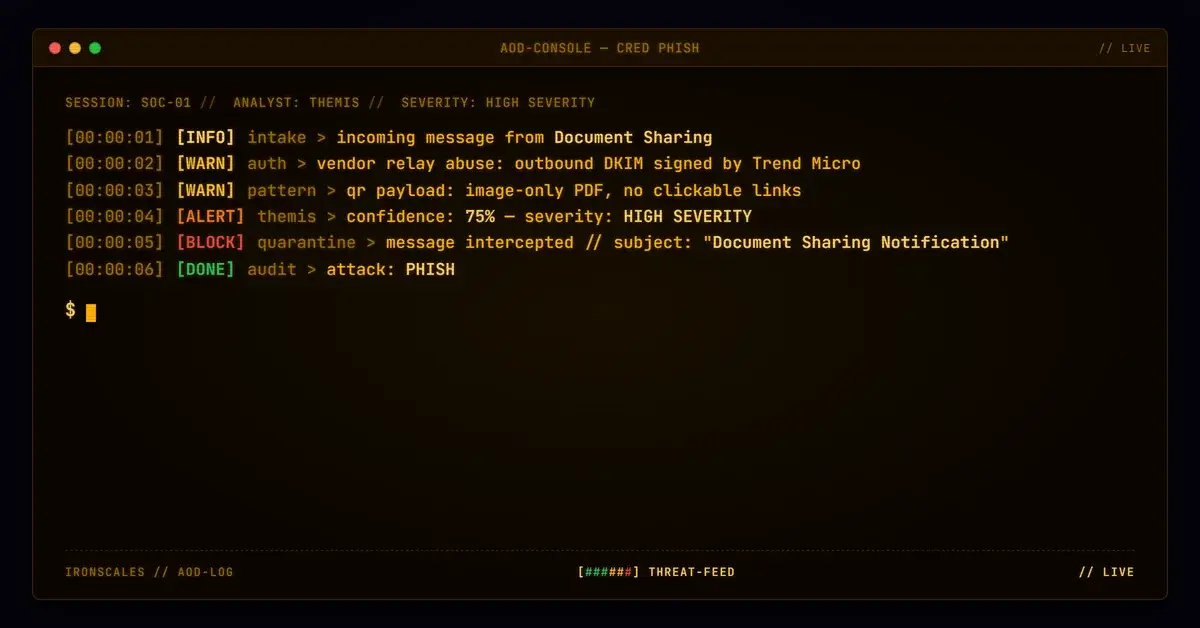
The only payload was a single-page, 103,436-byte PDF named after the CEO, with "2FA-Confirmation" appended. It held no JavaScript, no auto-open action, no forms, no embedded files and no clickable link. Just a raster QR code pointing to a subdomain of lunwah[.]com, plus text instructing the reader to scan it. Image-only payloads like this give link scanners nothing to follow.
The landing domain was registered in August 2025 behind a privacy proxy and Cloudflare name servers, roughly three and a half months before the send. It was not freshly registered. What the landing page served was never resolved, so this analysis does not claim what it collected.
Two executive mailboxes received the message, about an hour apart, each with its own personalised variant.
Mapping the technique
- T1566.001, Spearphishing Attachment: the PDF was the sole payload.
- T1585.002, Establish Accounts (Email Accounts): a sending domain enrolled with an outbound security service and a published signing key.
- T1036.005, Match Legitimate Name or Location: the victim's own company name in the display name.
The broader phishing pattern is familiar. The 2026 Verizon Data Breach Investigations Report puts phishing at 16% of breach initial access and finds 62% of breaches involve the human element. Its gateway telemetry shows 80% of blocked email attacks are plain phishing. The ones that are not blocked are the problem, and this one was built to be unblockable on authentication alone.
Indicators
| Type | Indicator | Context |
|---|
| IP | 213[.]210[.]58[.]38 | Submitting client to the vendor outbound relay (bare-IP HELO, no rDNS) |
| URL | hxxps://mxy0j3jp[.]lunwah[.]com/c/ | QR destination path prefix (per-recipient token omitted) |
| Domain | lunwah[.]com | QR landing apex, registered 2025-08-28 |
| MD5 | d8d9d91ebde4826ca5b2ba37a97797ca | PDF attachment, rendered as -2FA-Confirmation.pdf |
| DKIM selector | TM-DKIM-2025120882751 | Vendor-style outbound selector, signed as the sending domain |
| Relay | repre01[.]tmes[.]trendmicro[.]com | Legitimate vendor outbound relay, abused, NOT attacker infrastructure |
| Sender | do.not.reply@ | Sender local part; domain now NXDOMAIN |
Ask whose hop it is
The fix is a habit, not a product. When a security vendor appears in the Received chain, ask one question first: is that my gateway or theirs?
- Compare against your own mail flow. If your MX points straight at EOP and you do not run that vendor inbound, the hop belongs to the sender.
- Read the d= and selector pair. A DKIM-Signature with the sender's domain in d= and a vendor-prefixed selector means the vendor signed as an outbound service for that sender. It is a statement about the sending domain's configuration, not about safety.
- Treat a disposable sender domain with a pristine pass as a signal. One incident in the domain's history, no prior human safe votes, and a domain that vanished afterward.
The CISA phishing guidance and the NIST definition of phishing both frame authentication as one layer. This case shows why it cannot be the deciding one.
Microsoft passed this message. The IRONSCALES platform did not. Adaptive AI and Themis auto-resolved the incident as phishing with a VIP Recipient label, flagged the PDF as malicious and the display name as company impersonation, and quarantined it from both mailboxes. None of those signals depended on the authentication verdict, which is exactly why they held when it said yes.
Email Attack of the Day is a daily series from
IRONSCALES spotlighting real phishing attacks caught by Adaptive AI and our community of 35,000+ security professionals. Each post breaks down a real attack. What it looked like, why it worked, and what to do about it.







/Blue%20Feature%20Flower%20Icons/gear%20head%20icon.svg)
/Misc%20Icons/icon-nav-credential-theft.svg)










/Leadership%20Headshots/Audian%20Paxson%20Headshot%201000x1000%20032026.webp?width=100&height=100&name=Audian%20Paxson%20Headshot%201000x1000%20032026.webp)



.png?width=50&height=50&name=Untitled%20-%20July%2030%2c%202026%20at%2014.53.38%20(3).png)



/Misc%20Icons/icon-red-teaming-agent-gradient-simple.svg)
/Misc%20Icons/icon-phishing-soc-agent-gradient-simple.webp?width=158&height=167&name=icon-phishing-soc-agent-gradient-simple.webp)
/Misc%20Icons/icon-phishing-simulation-agent-gradient-simple.svg)


/Misc%20Icons/icon-nav-encryption.svg)