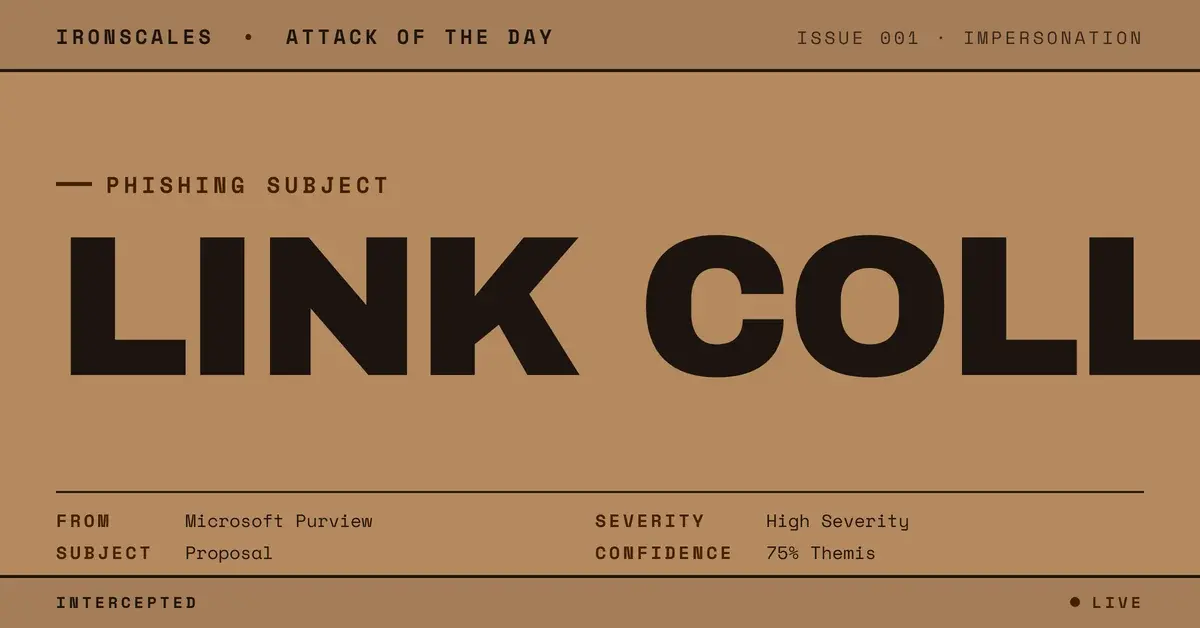
TL;DR A manufacturer's general manager and three colleagues received a counterfeit Microsoft Purview Message Encryption card sent through an authenticated Microsoft 365 tenant. The Read the message button, the Privacy Statement link and the Learn More link all resolved to the same page on a public tutorial-builder site, a page only about two days old. Scanners rated every link clean, and the message carried a decade-old business thread unrelated to the card. A human analyst resolved it as malicious and all four mailboxes were quarantined. Reader-learnable test: hover the legal footer, not the button.
Severity: High Brand Impersonation Credential Harvesting MITRE: T1566.002 MITRE: T1204.001 MITRE: T1656 MITRE: T1036.005
The email looked like a Microsoft Purview Message Encryption card, down to the lock icon hosted on Microsoft's own domain and the Redmond street address in the footer. Then you hovered the footer. The Privacy Statement, the Learn More link and the big blue Read the message button all went to the same place.
A genuine wrapper sends those three links to three different destinations. This one sent them to a single page on a public tutorial-builder site.
That is the whole detection lesson, and it is one a reader can learn in ten seconds: hover the legal footer, not the button.
A faithful card with a collapsed footer
The message reached four mailboxes at a manufacturer of caravan and recreational-vehicle components, including the Italian general manager. Anyone who has opened a real protected message from a business partner would recognize the layout: a lock graphic, a line saying the sender "has sent you a protected message," a button, a note about Microsoft Purview Message Encryption, and boilerplate links below.
Attackers copied all of it. What they could not copy was Microsoft's link architecture. Open the message, read the privacy statement and get help are three jobs, and a real wrapper routes each to its own destination. Here the originating URL behind every clickable element was identical.
Two details deepen the mismatch:
- The delivered links were receiver-side security rewrites, so the true target only shows in the original-URL field the platform preserves. That field showed one address for all three links.
- The destination was a hosted tutorial page whose URL slug was the sender organisation's own name. We mask it here.
That is a classic phishing construction: a trusted visual identity wrapped around a destination the brand would never use. It maps to T1566.002, spearphishing link, with T1036.005 (masquerading as a legitimate name or location) and T1656 (impersonation) alongside.
Why every scanner said Clean
Authentication gave defenders nothing. IRONSCALES analysis of the record shows SPF passed, DKIM verified, DMARC alignment passed and the ARC chain validated. The DKIM body hash matched at every hop, so nothing altered the message between signing and delivery.
The message was signed and sent by the sender organisation's own Microsoft 365 tenant. How that mailbox came to send it is not shown in the record, and nobody should read "authenticated" as "compromised" or as "honest."
Reputation checks fared no better. The tutorial platform is a long-lived SaaS site, registered in January 2024, hosting user-created pages. It is an abused host, not an attacker-registered domain. Every link scored Clean, and Clean only means unflagged. This is the pattern the 2026 Verizon Data Breach Investigations Report keeps pointing at: in its email gateway mix, 80% of attacks are plain phishing, the kind that gets through on credibility rather than malware. The same report finds 62% of breaches involve the human element.
See Your Risk: Calculate how many threats your SEG is missing
The second stage: a fake protected-file page built from a tutorial tool
The linked page, captured in a link screenshot, was itself a counterfeit. It carried a "Messaggio protetto" heading, Italian text saying the sender had shared a protected file, a VISUALIZZA DOCUMENTO button and a confidentiality notice. The platform showed the page as created about two days earlier.
So the Purview card was not the destination. It was a front door to a second fake, assembled in a no-code tool that exists to make step-by-step guides.
What the document button did was not observed. We make no claim of credential theft or malware here. What is established is the structure: a fake wrapper, a fake file page, and a legitimate host in between.
A decade-old thread under a subject that never matched
Beneath the card sat a long, quoted business thread in Italian, dated 2016 and unrelated to the card above it. The subject line called the message a "proposal," a word the card never mentions. We do not reproduce or describe the thread's content, and its provenance was not established. Many real people appear in it, none involved in this attack.
For a recipient, the effect is business-as-usual texture: a forwarded chain with a familiar feel. For a defender, the mismatch is a second structural tell. A protected-message notice has no reason to carry a ten-year-old thread under a subject it never references.
IOC table
| Type | Indicator | Context |
|---|
| URL | hxxps://www[.][.]com/tutorials/ | Single destination of Read the message, Privacy Statement and Learn More |
| Page type | Hosted tutorial page, Italian "protected file" lure | Second-stage fake page, about two days old when captured |
| Host class | Public tutorial and screenshot-guide builder | Legitimate user-content SaaS abused as a host, not attacker-owned |
| Pattern | Three distinct footer and button links, one originating URL | Structural mismatch with a genuine Purview wrapper |
| Subject | "Proposal" forward subject | Unrelated to card text and to the quoted 2016 thread |
What the analyst saw, and what to teach
A human analyst resolved the incident as malicious, and all four mailboxes were quarantined. The record carries a VIP Recipient label and no Themis confidence value, so no automated percentage is claimed here.
The takeaway for defenders is to stop asking whether each link is bad and start asking whether the links agree with each other. DKIM and reputation answer who sent it and whether a URL has been flagged. Neither answers whether a Purview card behaves like Purview. Layering M365 augmentation with Adaptive AI that checks wrapper structure against genuine patterns closes that gap, rather than trusting a clean verdict on a URL.
For users, the training line is short. When a protected-message email asks you to act, hover the privacy statement and the help link. If they match the button, or match each other on a non-Microsoft host, report it. CISA's phishing guidance and the NIST definition of phishing both frame this as a recognition problem, and the FBI IC3 2024 report shows why that matters at scale. IRONSCALES platform data shows 36,000+ security professionals across 18,000+ organizations contribute to community threat intelligence.
A fake lock icon is cheap. Three links that agree with each other are not.
Email Attack of the Day is a daily series from
IRONSCALES spotlighting real phishing attacks caught by Adaptive AI and our community of 35,000+ security professionals. Each post breaks down a real attack. What it looked like, why it worked, and what to do about it.