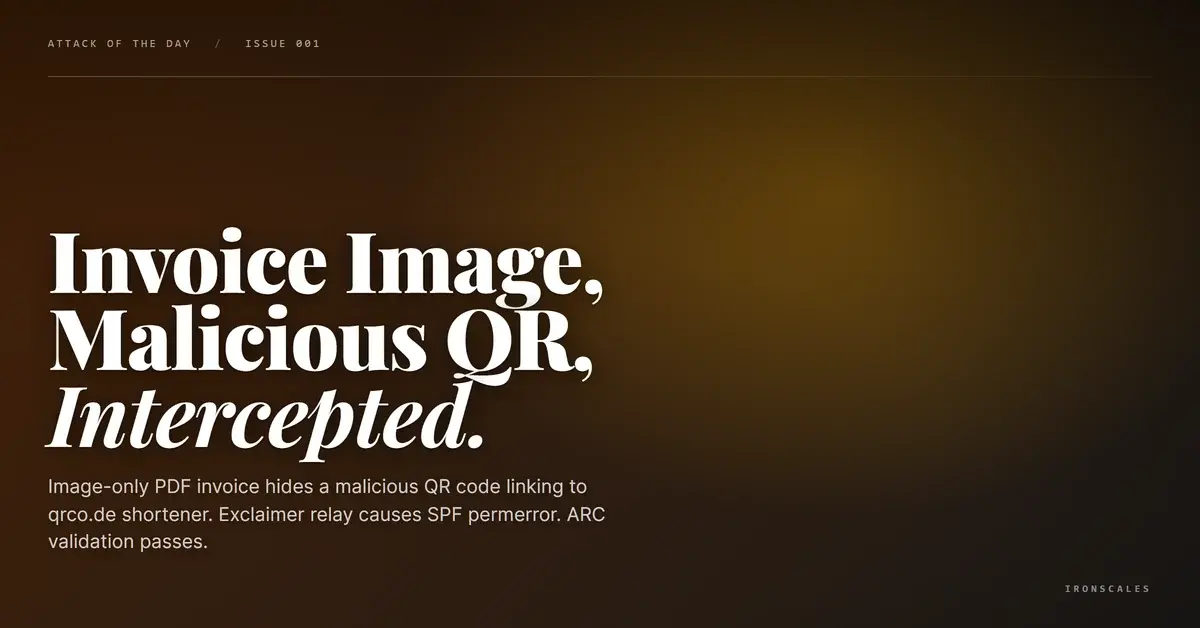
TL;DR A phishing email from a Houston investment advisory firm delivered an image-only PDF invoice containing a QR code that resolved to a known-malicious qrco[.]de shortener URL. The PDF had no extractable text, rendering text-based analysis useless. SPF, DKIM, and DMARC passed via final ARC validation, but an intermediate Exclaimer relay caused an SPF permanent error during transit. SafeLinks-wrapped URLs and multiple Exclaimer-wrapped links were present in the email body. A secondary JPG attachment declared as image/png added another MIME mismatch. IRONSCALES Themis flagged the malicious QR shortener and the behavioral anomaly of an image-only invoice from a first-time sender.
Severity: High Credential Harvesting Social Engineering Invoice Fraud MITRE: {'id': 'T1566.001', 'name': 'Phishing: Spearphishing Attachment'} MITRE: {'id': 'T1027', 'name': 'Obfuscated Files or Information'} MITRE: {'id': 'T1036.005', 'name': 'Masquerading: Match Legitimate Name or Location'}
The PDF was 18,230 bytes. It contained zero extractable text. Every character, every number, every line of the invoice was rendered as a single image. Text-based scanners saw an empty document. OCR would have seen a quarterly invoice with an Oracle-like scan layout. And embedded in that image, a QR code pointed to a known-malicious shortener.
The email came from a Houston investment advisory firm with a simple body: "Please see the attached 1Q26 invoice." SPF, DKIM, and DMARC passed on final ARC validation. The domain was legitimate. The sender appeared authorized. Everything looked routine.
The QR Code That Was Already Flagged
The QR code embedded in the PDF resolved to qrco[.]de, a URL shortener. The specific short URL was already classified as MALICIOUS in threat intelligence feeds at the time of delivery. This is a quishing attack, where the phishing payload lives inside a QR code rather than a clickable link, forcing the recipient to scan with a mobile device that likely lacks enterprise email security controls.
The image-only PDF is the delivery mechanism that makes quishing effective against enterprise security stacks. Because the QR code exists as pixels within a rasterized image, not as a URL string in the PDF's object structure, link scanners that parse PDF objects for URLs find nothing. The scanner needs OCR capability specifically trained to detect and decode QR codes within document images, a feature that most secure email gateway solutions do not enable by default.
The attachment filename, DOC_2026040517112627.pdf, followed the pattern of automated document generation systems. The naming convention (DOC + timestamp) mimicked the output of scanning software or ERP export functions, reinforcing the pretext that this was a legitimate scanned invoice.
The Relay That Broke Authentication
The email transited through Exclaimer signature infrastructure (us[.]content[.]exclaimer[.]net), a cloud service that appends branded email signatures to outbound messages. The relay changed the sending IP mid-transit, which caused an intermediate SPF permanent error. ARC validation preserved the original authentication results, allowing the final receiving server to accept the message despite the relay-induced SPF failure.
SafeLinks-wrapped URLs were present in the email body, indicating the sending environment had Microsoft Defender protections active. Multiple Exclaimer-wrapped links appeared alongside the SafeLinks URLs, creating a layered wrapping pattern where each link passed through two intermediary services before reaching its destination.
A secondary JPG attachment (an award badges collage) accompanied the PDF. The file was declared as image/png in the MIME headers despite containing JPEG content, another indicator that suggests the email was assembled from template components without updating asset metadata. The phone number in the email signature did not match the number listed on the sender firm's official website.
See Your Risk: Calculate how many threats your SEG is missing
Indicators of Compromise
| Type | Indicator | Context |
|---|
| QR Destination | qrco[.]de/[path-removed] | Known-malicious QR shortener URL |
| Attachment | DOC_2026040517112627.pdf (18,230 bytes) | Image-only PDF, no extractable text |
| Relay | us[.]content[.]exclaimer[.]net | Exclaimer signature relay (caused SPF permerror) |
| MIME Mismatch | JPG attachment declared as image/png | Template asset metadata inconsistency |
| Authentication | SPF/DKIM/DMARC pass (final ARC) | Intermediate SPF permerror via Exclaimer relay |
MITRE ATT&CK Mapping
Email Attack of the Day is a daily series from
IRONSCALES spotlighting real phishing attacks caught by Adaptive AI and our community of 36,000+ security professionals. Each post breaks down a real attack. What it looked like, why it worked, and what to do about it.







/Blue%20Feature%20Flower%20Icons/gear%20head%20icon.svg)
/Misc%20Icons/icon-nav-credential-theft.svg)










/Leadership%20Headshots/Audian%20Paxson%20Headshot%201000x1000%20032026.webp?width=100&height=100&name=Audian%20Paxson%20Headshot%201000x1000%20032026.webp)



.png?width=50&height=50&name=Untitled%20-%20July%2030%2c%202026%20at%2014.53.38%20(3).png)



/Misc%20Icons/icon-red-teaming-agent-gradient-simple.svg)
/Misc%20Icons/icon-phishing-soc-agent-gradient-simple.webp?width=158&height=167&name=icon-phishing-soc-agent-gradient-simple.webp)
/Misc%20Icons/icon-phishing-simulation-agent-gradient-simple.svg)


/Misc%20Icons/icon-nav-encryption.svg)