TL;DR A founding partner at a US plaintiff-side litigation law firm received a hand-built copy of a Microsoft 365 share invite. Every button opened a Microsoft Form styled as a SharePoint overdue invoice from a billing department, and that Form offered a PDF that was really an Evernote shared note. Both hops the record shows sat on trusted platforms and scanned clean. The giveaway was a mismatch between what each page claimed to be and where it was hosted, plus lure strings that contradicted each other. The partner reported it and an analyst confirmed it malicious.
Severity: High Brand Impersonation Legitimate Service Abuse MITRE: T1566.002 MITRE: T1036 MITRE: T1583.006
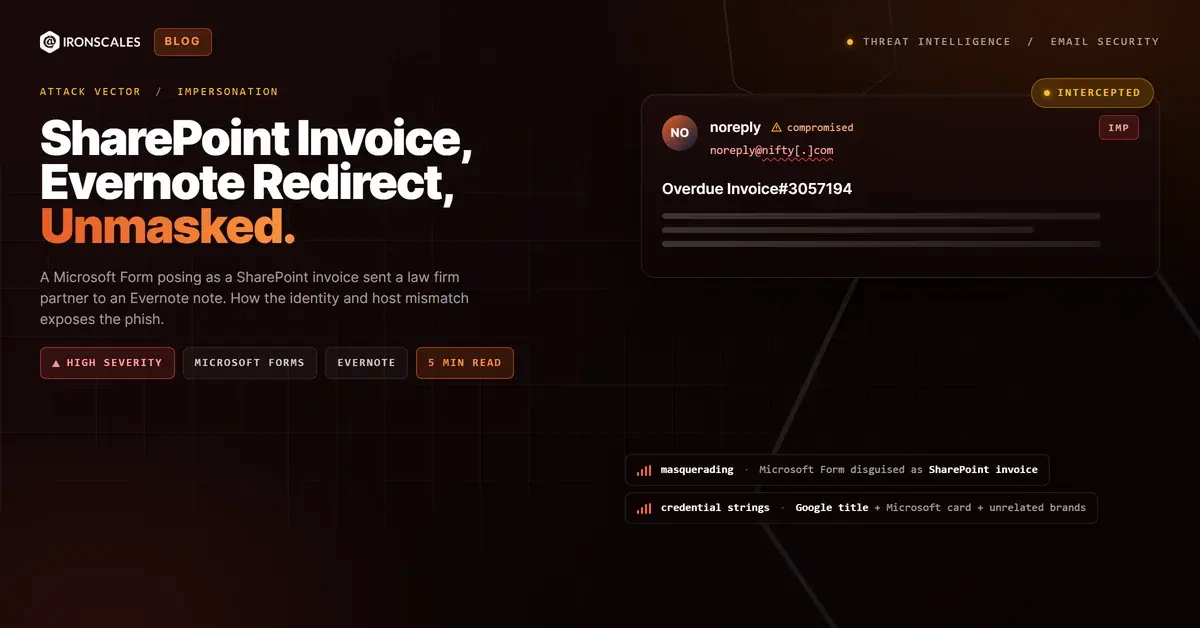
The "SharePoint invoice" was a Microsoft Form. The "PDF" it offered was an Evernote shared note. And the email carrying both was a hand-built copy of a Microsoft 365 share invite, sent to the founding partner of a US plaintiff-side litigation law firm.
Three layers. Three claimed products. Not one of them was hosted where it said it was.
That is the lesson worth keeping. Domain reputation could not help here: the two hops the record shows sit on Microsoft Forms and Evernote, and the scanned links came back clean. What gave the lure away was simpler. Each page claimed to be a product it did not live on, and the lure's own strings disagreed with each other.
Three costumes on one click path
Layer one, the email. The body copies the Microsoft 365 "invited you to view a file" card. It names a colleague at the firm as the sharer, repeats the familiar line "This invite will only work for you and people with existing access," and closes with a footer claiming the message was generated through the firm's own use of Microsoft 365. Every clickable element (the file name, "Open" and "Share") points to the same short link on forms.cloud.microsoft.
Layer two, the Form. Open that link and the page does not present itself as a Form. It renders as "SharePoint : Overdue Invoice#3057194 shared by Billing Department," with a SharePoint logo and the line "A Colleague shared a PDF Document with you." So the email said a colleague shared a file, and the landing page now says the billing department shared an invoice.
Layer three, the "PDF." The Form's only call to action reads "View the PDF file" and links to a share.evernote.com note. A PDF stored in SharePoint opens from a SharePoint address. It does not open from a note-sharing service. The note itself was never opened during the investigation, so what sits there (a form, a file, or another redirect) is not established.
Forms hand-offs to app-hosting services are familiar. This one hands off to a consumer note-taking product, with its own trusted reputation and its own clean scan.
The lure argues with itself
Read the strings side by side and the costume falls apart.
- The subject names a large industrial company and a PDF reference number.
- The file name on the card is a statement attributed to an unrelated consumer brand.
- The HTML title reads "rdgee shared a document," which is Google-style sharing language, and the stylesheet loads Google Sans and Google's signature blue.
- The visible layout is Microsoft's.
Four identities in one message. Neither brand has any relationship shown to the firm; they are lure strings. No genuine share notification mixes a Google title, a Microsoft card, and two unrelated corporate names, and spotting that takes no scanner at all.
Mapping the chain to MITRE ATT&CK
The delivery is T1566.002, Spearphishing Link: a link in the body, not an attachment, does the work. (A 651-byte calendar file rode along and scanned clean.) The share card and the SharePoint-styled Form are masquerading (T1036). Hosting the decoy on Microsoft Forms and staging the next hop on Evernote fits acquiring web services (T1583.006).
Each extra hop borrows another platform's reputation. That matters because plain phishing still dominates the mail that defenders see. The 2026 Verizon Data Breach Investigations Report puts phishing at 16% of initial access, and in its Figure 54 gateway data, 80% of blocked email attacks were plain phishing. The same report finds the human element in 62% of breaches and credentials across the kill chain in 39%. The IBM Cost of a Data Breach 2024 report likewise ranks phishing among the most common initial attack vectors.
A tenant that keeps hearing from the same ISP
The sender was a noreply mailbox on nifty.com, a Japanese consumer ISP, submitted from a client IP through the ISP's own mail server. The record does not establish whether that account was compromised or registered by the attacker, and the ISP itself is a bystander.
What the record does show is history. This firm's tenant has now received three lures from nifty.com mailboxes: a fake "Messages Failed to Deliver" notice in May 2025, an "HR Advisory" timesheet lure in September 2025, and this share invite in October 2026. The sender was first-time, with no correspondence history in either direction. A colleague share coming from an external consumer ISP is its own contradiction.
See Your Risk: Calculate how many threats your SEG is missing
Who actually caught it
Not a reputation engine. The founding partner looked at the message, decided something was off, and reported it as a suspicious link. That report is exactly what the human element of the platform is built to capture. A human analyst then reviewed it and confirmed it malicious, and the record already flagged the mailbox as a VIP recipient, which is the kind of context Themis, the agentic AI SOC analyst, carries into triage.
Across IRONSCALES platform data, drawn from 36,000+ security professionals across 18,000+ organizations, we see 67.5 phishing emails per 100 mailboxes each month. Reports like this one are how a lure that scans clean still gets named.
Indicators of compromise
| Type | Indicator | Context |
|---|
| Email | noreply@nifty[.]com | From address on a consumer ISP mailbox (account ownership unresolved) |
| IP | 151[.]247[.]22[.]106 | Client IP that submitted the message to the ISP mail server |
| IP | 106[.]153[.]227[.]39 | ISP outbound mail server (legitimate infrastructure, bystander) |
| URL | hxxps://forms[.]cloud[.]microsoft/r/npGtFsKzwv | All three buttons; Form styled as a SharePoint overdue invoice |
| URL | hxxps://share[.]evernote[.]com/note/40791c71-29a4-8847-3147-455f52d28749 | Next hop offered as a "PDF"; content not inspected |
| File | invite.ics | 651-byte calendar attachment, scanned clean |
| MD5 | 0da809360d87b4573963228318c3359b | invite.ics |
Ask whether the page is the product it claims to be
Trusted hosts are now the default stage for phishing, as Microsoft's Digital Defense Report 2024 makes clear in its coverage of cloud service abuse. So teach a different question than "is this domain safe?"
- Match the claim to the host. A SharePoint share lives on a SharePoint address. A page that says SharePoint but sits on a Forms URL is a costume.
- Match the file to the product. A "PDF" that opens in a note-sharing service is not the PDF you were promised.
- Read the strings together. Subject, file name, page title and layout should agree. Here, four of them did not.
- Treat platform hops as signal. Email to Form to note is three trust handoffs for one invoice.
- Make reporting easy. The CISA phishing guidance centers on stopping the cycle at the user, and NIST's definition of phishing rests on impersonation, not on bad infrastructure.
For collaboration lures that ride legitimate SaaS, collaboration tool protection focuses on the behavior of the message, not the reputation of the host.
The scanner saw Microsoft and Evernote. The partner saw a SharePoint invoice that was not SharePoint. The partner was right.
Email Attack of the Day is a daily series from
IRONSCALES spotlighting real phishing attacks caught by Adaptive AI and our community of 35,000+ security professionals. Each post breaks down a real attack. What it looked like, why it worked, and what to do about it.