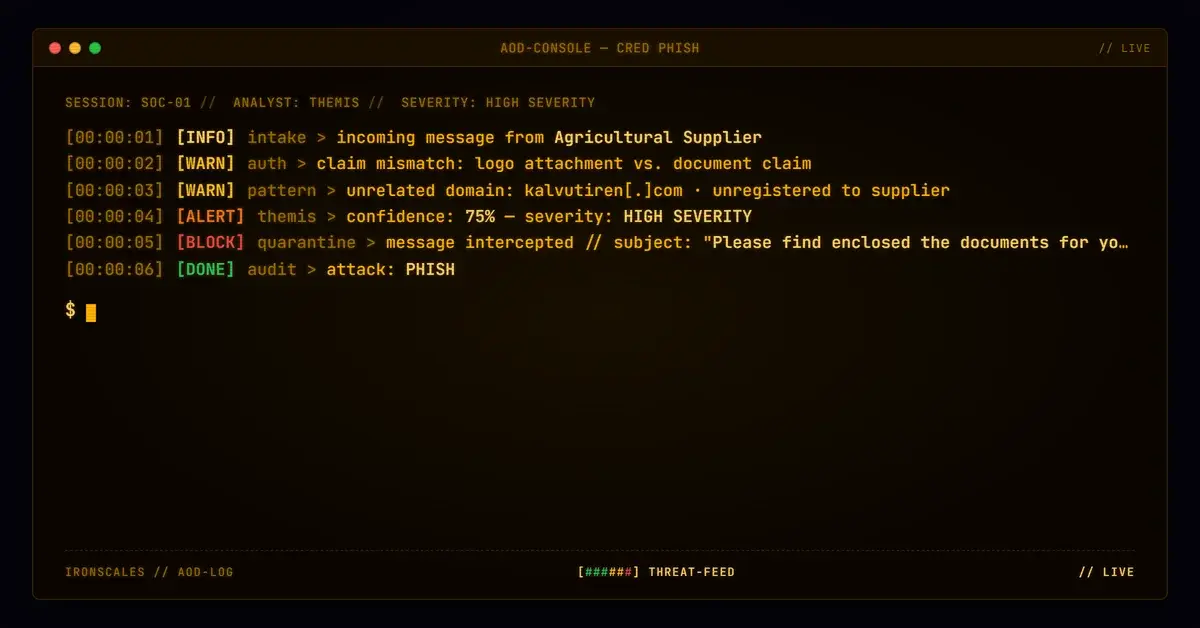
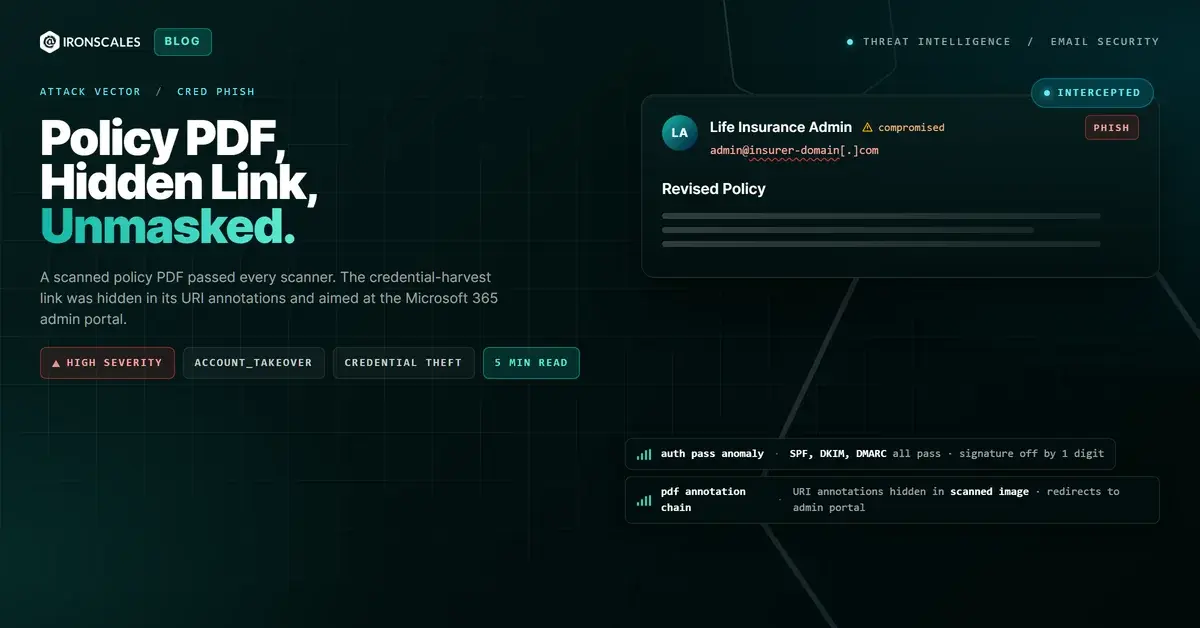
TL;DR A finance team at an insurance company received a Revised Policy email that passed SPF, DKIM, and DMARC and carried a scanned PDF with almost no extractable text. Static scanners found no JavaScript, forms, or macros and called the file clean. The attack lived in the PDF's URI link annotations: one chained through a compromised WordPress site to the Microsoft 365 admin sign-in portal, targeting admin-tier credentials for tenant takeover. The only text-level tell was a phone number one digit off from the sender's real line. Themis flagged the message at 90% confidence on behavioral signals and quarantined it across four mailboxes.
Severity: High Credential Harvesting Account Takeover MITRE: {'id': 'T1566.001', 'name': 'Phishing: Spearphishing Attachment'} MITRE: {'id': 'T1566.002', 'name': 'Phishing: Spearphishing Link'} MITRE: {'id': 'T1078.004', 'name': 'Valid Accounts: Cloud Accounts'}
A finance team at an insurance company received a "Revised Policy" email on a Wednesday afternoon. It came from a life-insurance administrator they had corresponded with before. It passed SPF. It passed DKIM. It passed DMARC. Microsoft scored the message compauth=pass reason=100. The visible body was a tidy corporate signature block and a data-protection disclaimer. Nothing in the text asked for money, credentials, or urgency.
The attachment was a scanned PDF named Policy_Revision...KY.pdf. Every static engine that touched it returned clean: no JavaScript, no AcroForm fields, no macros, no embedded executables, roughly 302 KB of mostly image data.
The malicious part of this attack was never in the email body, and it was never in the readable text of the PDF. It lived in the PDF's link annotations. One of them pointed, through a compromised website, at the Microsoft 365 admin sign-in portal.
Authenticated Is Not the Same as Safe
The instinct when a message passes every authentication check is to trust it. That instinct is exactly what this attack rented.
SPF passed. The DKIM signature verified against a real d= selector for the sending insurer's domain. DMARC aligned and passed. This was not a spoof, and the platform correctly recorded it as not an impersonation. The mail came from infrastructure genuinely authorized for that domain, which means either a compromised mailbox or an authorized account was doing the sending. Authentication answered the question "did this domain send it?" It said nothing about "is what it sent safe?"
There was one tell in the text, and it was quiet. The phone number in the signature block was a single digit off from the sending organization's real published line (a 9 where the genuine number carries a 4). A recipient who called it would reach the attacker, not the insurer. That is the entire visible signal. Everything else in the body was clean, correct, and reassuring.
For defenders, the takeaway is blunt: credential harvesting increasingly rides on authenticated mail. The 2026 Verizon Data Breach Investigations Report found credentials involved in 39% of breaches across the full kill chain, and phishing behind 16% of breaches as an initial-access vector. Passing DMARC does not remove an email from either statistic.
The Link Was in the Annotations
A scanned PDF is, functionally, a picture. There is almost no extractable text for a scanner to read, which is why the file's low text-density was itself an anomaly: a legitimate policy revision is a text document, not a photograph of one. Static analysis parses text and known object types, hunting for /JS, forms, or embedded files. When a document is an image and carries none of those, a text-based tool has nothing to flag.
What forensic extraction did find was seven URI annotations. These are links attached to regions of the page in the PDF object tree, not words in the body. A user opening the "policy revision" would see a document and a clickable area. A scanner reading text would see neither.
Two of the annotations were artifacts of upstream link-rewriting from a prior hop (a Cisco redirector and a mail-scanning proxy), a hint the file had traveled before it reached this inbox. The one that mattered was different. It pointed to a path on a compromised WordPress site belonging to a legitimate, unrelated business, and that path redirected onward to hxxps://admin[.]microsoft[.]com/AdminPortal/Home?ref=Domains.
A compromised WordPress redirector is a classic cloaking layer. It can serve a benign destination to scanners and analysts while sending a targeted victim to a credential-capture page, and it launders the initial click through a domain with real history and clean reputation. As observed, the chain resolved toward the Microsoft 365 admin portal deep-link. The intent maps cleanly to MITRE ATT&CK T1566.001 (Spearphishing Attachment) for delivery and T1566.002 (Spearphishing Link) for the annotation itself.
See Your Risk: Calculate how many threats your SEG is missing
Why the Admin Portal Is the Prize
Most credential phishing goes after a single mailbox. This one went after the tenant.
The redirect terminated at the Microsoft 365 admin sign-in flow, not a generic login. Admin-tier credentials are not one account among many. They control the whole tenant: the ability to create accounts, disable security controls, rewrite mail-flow rules, add federated domains, and read every mailbox. A captured global-admin login is escalation to full tenant takeover, which maps to T1078.004 (Valid Accounts: Cloud Accounts). The ?ref=Domains deep-link is a small but telling detail, steering the victim toward domain administration where the most consequential changes get made.
The targeting was deliberate. The recipients were finance leaders, including a VP of Finance, exactly the kind of high-privilege, high-trust roles that Microsoft's 2024 Digital Defense Report notes attackers prioritize for financial and administrative reach.
What Actually Caught It
None of the file-level verdicts stopped this. The scanners said clean because, by their own logic, the file was clean. Themis flagged the message at 90% confidence on behavioral and contextual signals rather than a payload signature: an authenticated sender paired with an anomalously low-text scanned attachment, redirecting link annotations to an administrative sign-in surface, a signature inconsistency, and a VIP finance recipient. The message was quarantined across all four affected mailboxes within minutes of delivery, before anyone clicked.
This is the gap behavioral email security exists to close. When "no malicious code found" and "safe to open" are treated as the same statement, attachments like this one walk straight through.
Indicators of Compromise (IOCs)
Indicators of Compromise
| Type | Indicator | Context |
|---|
| Redirect chain | hxxps://[compromised-wordpress-site]/wp-includes/.../ -> hxxps://admin[.]microsoft[.]com/AdminPortal/Home?ref=Domains | Annotation redirect through compromised WP to M365 admin portal |
| Hash (MD5) | ae1702513ffcb66f903ec432c22e42ca | Scanned policy-revision PDF, ~302 KB, no JS/forms/macros |
| Subject | Revised Policy Service No:38902 INS | Lure subject, fabricated policy number |
| Auth result | SPF/DKIM/DMARC pass; compauth=pass reason=100 | Fully authenticated sender (DMARC policy p=none on sender domain) |
| Signature tell | Phone one digit off from sender's real published line | Callback number diverts to attacker |
What to Change on Monday
Treat PDF annotations as links, because they are. If your attachment analysis only reads text and checks for JavaScript, it is blind to URI annotations. Extract and evaluate every annotation destination, and follow redirect chains to their real terminus rather than trusting the first hop.
Flag low-text scanned PDFs from business senders. A policy, invoice, or contract that arrives as an image with near-zero extractable text is an anomaly worth scoring, not a formatting quirk to ignore.
Weight the destination, not just the domain. A link resolving toward admin.microsoft.com/AdminPortal or any admin sign-in surface deserves far more scrutiny than a generic login, especially when the recipient holds privileged access.
Verify out of band. The single-digit phone swap is why "call the number in the signature" fails. Confirm unexpected document requests through a contact you already have, never one supplied by the message.
Authentication told the truth here: the domain really sent the mail. It just was not the question that mattered. The question that mattered was hidden one layer down, in an annotation a text scanner will never read, pointed at the one login that unlocks everything.
Email Attack of the Day is a daily series from
IRONSCALES spotlighting real phishing attacks caught by Adaptive AI and our community of 36,000+ security professionals. Each post breaks down a real attack. What it looked like, why it worked, and what to do about it.







/Blue%20Feature%20Flower%20Icons/gear%20head%20icon.svg)
/Misc%20Icons/icon-nav-credential-theft.svg)










/Leadership%20Headshots/Audian%20Paxson%20Headshot%201000x1000%20032026.webp?width=100&height=100&name=Audian%20Paxson%20Headshot%201000x1000%20032026.webp)



.png?width=50&height=50&name=Untitled%20-%20July%2030%2c%202026%20at%2014.53.38%20(3).png)



/Misc%20Icons/icon-red-teaming-agent-gradient-simple.svg)
/Misc%20Icons/icon-phishing-soc-agent-gradient-simple.webp?width=158&height=167&name=icon-phishing-soc-agent-gradient-simple.webp)
/Misc%20Icons/icon-phishing-simulation-agent-gradient-simple.svg)


/Misc%20Icons/icon-nav-encryption.svg)