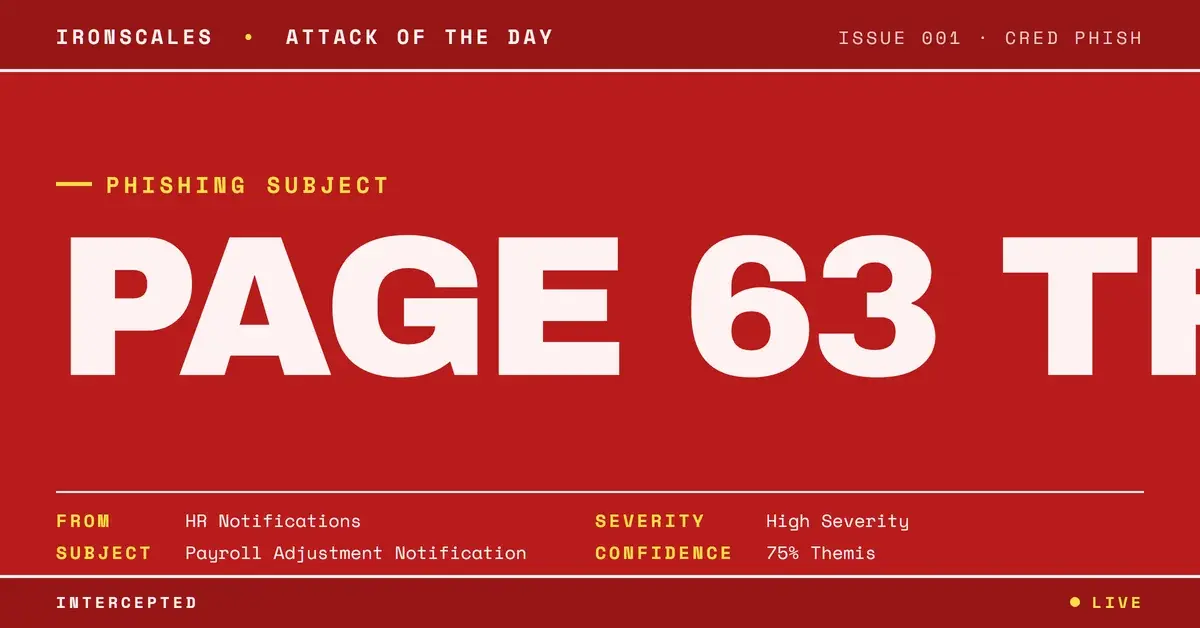
TL;DR A phishing email impersonated a mid-size home-health provider using only the display name, while the real sending address belonged to an unrelated home-services company. It was relayed through Amazon SES, so SPF, DKIM, and DMARC all passed by validating the wrong domain. The lure was a clean-scanned PDF payroll adjustment instructing the victim to sign via a QR code, and it told the reader to sign page 63 of a three-page document, a copy-paste artifact from a reused phishing kit. Themis flagged the display-name impersonation and the page-count contradiction that authentication checks could not see.
Severity: High Impersonation Credential Harvesting Qr Code Phishing MITRE: T1566.001 MITRE: T1036.005 MITRE: T1204.002 MITRE: T1598
The instructions were specific. Review the payroll adjustment, sign page 63, and return it by scanning the QR code before the deadline. There was one problem: the attached PDF was three pages long.
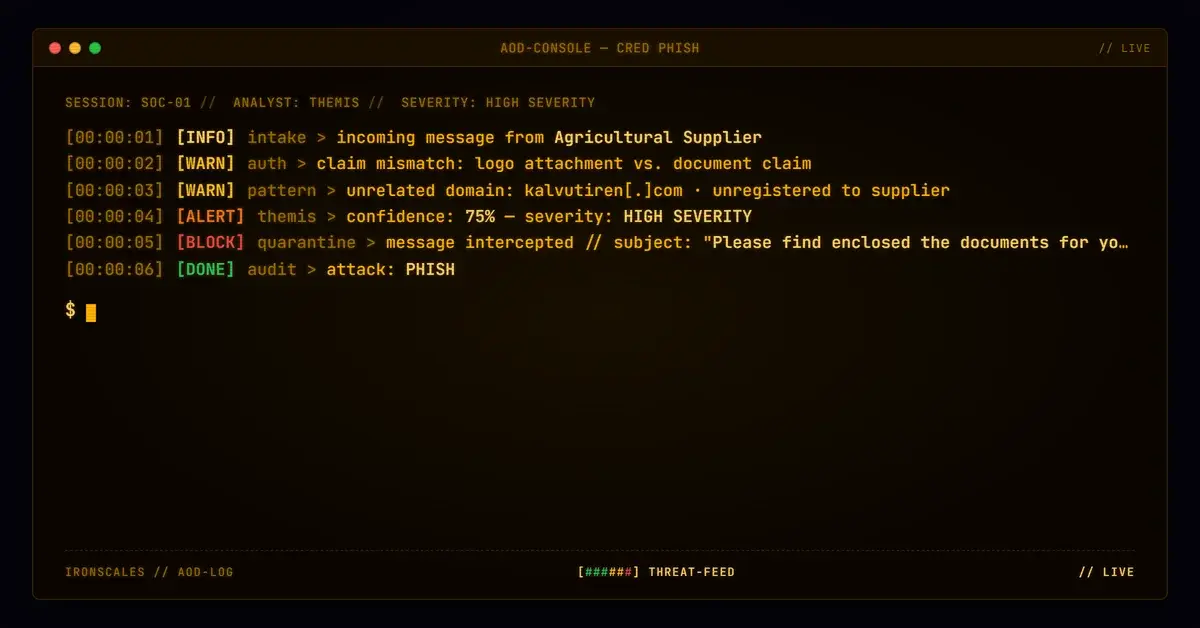
That single inconsistency, a "sign page 63" instruction inside a three-page document, is the tell that unravels the whole operation. It is the kind of artifact you get when an attacker reuses a phishing kit template and forgets to update the boilerplate. And it landed in the inbox of a mid-size home-health services provider inside a message that passed every authentication check a legacy Secure Email Gateway (SEG) relies on.
Here is why the gateway had nothing to grab onto.
A payroll notice that came from a home-services company
The email was built to look like an internal HR notification. The display name read like the organization's own automated reporting and notifications system, the subject invoked a payroll adjustment, and the body carried the urgency of a benefits deadline. To the recipient, it was a routine internal message.
The actual From address told a different story. It resolved to info[@]larsonhomeservices[.]com, an unrelated home-services business with no connection to the healthcare organization being impersonated. The attacker never spoofed the target's domain. They did not need to. They put the target's name in the display field and let human pattern-matching do the rest.
To reinforce the illusion, the Reply-To was set to an address on the target organization's own domain, so any reply would appear to route internally. The message CC'd internal-sounding addresses (accounts payable, payroll) to simulate a legitimate broadcast to a distribution group. And the body embedded real, functioning Microsoft Teams meeting and dial-in links as trust filler, the kind of legitimate content that makes a message feel operational rather than malicious.
Authentication that passed by validating the wrong company
This is where the attack defeats the gateway. The message was sent through Amazon Simple Email Service (SES), a legitimate transactional relay that thousands of real businesses use every day. SPF passed. DKIM passed. DMARC passed.
But read what actually authenticated. SPF, DKIM, and DMARC all validated larsonhomeservices[.]com, the sender's real domain, not the healthcare organization the display name claimed to represent. The cryptographic signatures were real. They were just signing the wrong identity. SPF and DKIM confirm that a message genuinely came from the domain that sent it. They say nothing about whether the human-readable display name is honest.
A SEG evaluating this message at the domain level sees a fully authenticated, non-spoofed Amazon SES email from a real business. There is no failed check, no reputation hit, no spoofed header to flag. From a pure authentication standpoint, there is no basis to block it. The deception lives entirely in the gap between the display name and the authenticated sending domain, a semantic mismatch that protocol-level checks are not designed to see.
Page 63 of three: the phishing kit's copy-paste tell
The payload was a PDF named to match the target organization, generated the same day with wkhtmltopdf (an HTML-to-PDF conversion tool) and scanned clean by malware engines. No macros, no embedded executables, nothing for a sandbox to detonate.
The document framed itself as a payroll adjustment requiring the employee to review, sign, and return it through a "secure QR code" before a stated deadline. The QR code is the actual delivery mechanism, moving the victim off the monitored email channel and onto a mobile device, where the credential-harvesting page loads outside the reach of most corporate controls. This is quishing, QR-code phishing, and it works precisely because a QR image carries no clickable URL for a scanner to inspect.
And then the mistake. The instructions told the victim to sign page 63. The PDF had three pages. That is not a typo. It is the residue of a reused template, boilerplate lifted from a kit built for a much longer document and dropped into a shorter one without editing. Attackers running phishing kits at volume optimize for speed, not proofreading, and the artifacts they leave behind are often the clearest signal that a "notification" was mass-produced.
What Themis flagged that the gateway could not
IRONSCALES did not evaluate this message the way a gateway does. Instead of asking whether the authentication passed, our Adaptive AI analyst, Themis, asked whether the claimed identity matched the authenticated one. It flagged the core deception directly: the company's name appeared in the display name while the authenticated sending domain belonged to someone else entirely.
Static analysis of the attachment did the rest. Themis parsed the PDF, ran OCR on its contents, and counted its pages, surfacing the page-63-of-three inconsistency that no employee skimming a payroll notice would likely catch. The IRONSCALES analysis fused two independent signals, an impersonation mismatch in the header and a structural contradiction in the payload, into a single verdict a gateway checking SPF, DKIM, and DMARC alone would never reach.
The volume problem is real. IRONSCALES platform data, drawn from 36,000+ security professionals across 18,000+ organizations, shows SEGs miss an average of 67.5 phishing emails per 100 mailboxes each month. Messages like this one, fully authenticated and free of any malicious attachment, are exactly the category that slips through.
See Your Risk: Calculate how many threats your SEG is missing
The indicators and the technique map
| Type | Indicator | Context |
|---|
| Email | info[@]larsonhomeservices[.]com | Actual sending address, unrelated home-services domain |
| Display name | [Target Org] Reporting Notifications | Impersonated the target's internal notification system |
| Attachment | [target-org].pdf (MD5 bb6118361ce4e2aaeeef8a51e357152c) | wkhtmltopdf-generated payroll lure, created same day |
| Relay | a8-30[.]smtp-out[.]amazonses[.]com (54[.]240[.]8[.]30) | Amazon SES sending relay |
| Domain | email[.]amazonses[.]com | Return-Path domain |
None of this is novel in ambition, only in packaging. The 2024 Verizon Data Breach Investigations Report found phishing present in 15% of breaches and the human element in 68%, with a median time to click of just 21 seconds once a lure reaches an inbox. CISA's phishing guidance makes the same point from the defender's side: stopping these attacks means breaking the cycle before a user acts, not after. The Microsoft Digital Defense Report 2024 documents the same industrialization of identity-based attacks, and NIST defines phishing itself around exactly this deception, a message crafted to appear to come from a trusted source.
Stop trusting the display name
The defensive takeaway is narrow and actionable. Authentication tells you a message was sent by the domain it claims. It does not tell you the display name is honest, and modern impersonation lives in that gap. Treat display-name-only impersonation, especially from legitimate relays like Amazon SES, as a first-class detection problem, not an edge case. That means inspecting the relationship between the claimed identity and the authenticated one on every message, analyzing attachment structure instead of trusting a clean malware scan, and treating QR codes in payroll, HR, and finance workflows as the credential-harvesting vector they have become. The gateway will keep passing these. Something has to be reading the display name.
Email Attack of the Day is a daily series from
IRONSCALES spotlighting real phishing attacks caught by Adaptive AI and our community of 36,000+ security professionals. Each post breaks down a real attack. What it looked like, why it worked, and what to do about it.







/Blue%20Feature%20Flower%20Icons/gear%20head%20icon.svg)
/Misc%20Icons/icon-nav-credential-theft.svg)










/Leadership%20Headshots/Audian%20Paxson%20Headshot%201000x1000%20032026.webp?width=100&height=100&name=Audian%20Paxson%20Headshot%201000x1000%20032026.webp)



.png?width=50&height=50&name=Untitled%20-%20July%2030%2c%202026%20at%2014.53.38%20(3).png)



/Misc%20Icons/icon-red-teaming-agent-gradient-simple.svg)
/Misc%20Icons/icon-phishing-soc-agent-gradient-simple.webp?width=158&height=167&name=icon-phishing-soc-agent-gradient-simple.webp)
/Misc%20Icons/icon-phishing-simulation-agent-gradient-simple.svg)


/Misc%20Icons/icon-nav-encryption.svg)