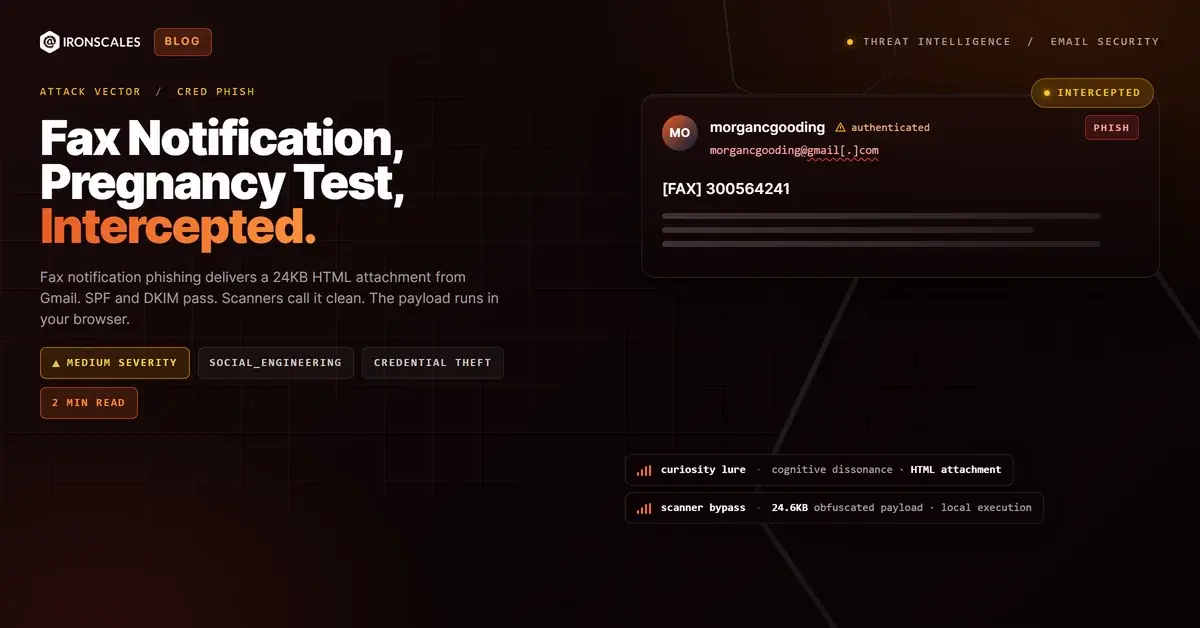
TL;DR A phishing email from a Gmail account used a fax notification pretext with the subject line '[FAX] 300564241' and a body containing only 'Proof of pregnancy' followed by 'Sent from my iPhone.' The 24KB HTML attachment passed SPF, DKIM, and DMARC authentication for gmail[.]com and was rated clean by every automated scanner. The gateway quarantined the message, but the attachment itself contained a client-side credential harvesting page designed to render locally in the recipient's browser. The curiosity-driven lure relied on the bizarre subject matter to compel the recipient to open the file.
Severity: Medium Credential Harvesting Social Engineering MITRE: {'id': 'T1566.001', 'name': 'Phishing: Spearphishing Attachment'} MITRE: {'id': 'T1204.002', 'name': 'User Execution: Malicious File'}

The subject line read "[FAX] 300564241." The body contained two lines: "Proof of pregnancy" and "Sent from my iPhone." An HTML attachment sat at the bottom of the message, 24,669 bytes, waiting to be opened.

It arrived from a Gmail address, morgancgooding@gmail[.]com, with full SPF, DKIM, and DMARC authentication. This was not a spoofed sender. Google's infrastructure confirmed the message was legitimately sent through Gmail. Every automated scanner that evaluated the attachment returned a clean verdict.

The curiosity factor was the entire weapon. The bizarre combination of a fax notification and a pregnancy reference created exactly the kind of cognitive dissonance that makes people click. That instinct to investigate is what social engineering exploits at scale.

The Attachment That Scanners Could Not Read

The HTML file, named a1f939ee-aacc-49c9-8488-8b0e537c0aac.html, carried an MD5 hash of 71c8586fc813ed173c905f09756b3364. At nearly 25KB, it was large enough to contain substantial obfuscated JavaScript and a full credential harvesting form.

HTML attachment phishing works because the payload executes locally in the recipient's browser, not on a remote server. There is no URL for a gateway to scan. There is no domain reputation to check. The file renders from the local filesystem, presenting a login form or data collection page that captures credentials and transmits them to an attacker-controlled endpoint.

In this case, the sandbox environment could not even extract the file's contents, returning a FileNotFoundError during automated analysis. When a scanner cannot inspect a file, it typically defaults to a clean verdict. The attachment passed every gate.

A Minimal Lure With Maximum Leverage

The email body contained no links, no corporate branding, no urgency language, and no instructions. The "Sent from my iPhone" signature is a stock iOS footer that adds a layer of casual legitimacy. The entire social engineering payload was compressed into three elements: a fax number in the subject, a provocative phrase in the body, and an HTML file that answered the question the recipient was already asking.

This is a credential harvesting technique that inverts the typical phishing model. Instead of building an elaborate pretext to convince the recipient the email is legitimate, the attacker built a pretext so strange that the recipient's curiosity overrides their caution.

Adaptive AI flagged the message based on first-time sender signals, the mismatch between the Gmail sending address and the fax notification pretext, and behavioral patterns associated with HTML attachment delivery. The gateway quarantined the message before the recipient could open the file.

See Your Risk: Calculate how many threats your SEG is missing

Indicators of Compromise

TypeIndicatorContext
Sender Emailmorgancgooding@gmail[.]comReal or compromised Gmail account
Subject[FAX] 300564241Fax notification pretext
Attachmenta1f939ee-aacc-49c9-8488-8b0e537c0aac.htmlHTML credential harvesting file (24,669 bytes)
Attachment Hash (MD5)71c8586fc813ed173c905f09756b3364HTML file hash
Scanner VerdictCleanAll automated scanners returned clean

MITRE ATT&CK Mapping

TechniqueIDRelevance
Phishing: Spearphishing AttachmentT1566.001HTML attachment delivering credential harvesting payload
User Execution: Malicious FileT1204.002Requires recipient to open HTML file in browser
Email Attack of the Day is a daily series from IRONSCALES spotlighting real phishing attacks caught by Adaptive AI and our community of 35,000+ security professionals. Each post breaks down a real attack. What it looked like, why it worked, and what to do about it.

Related attacks

Attack What happened
136 Bytes Was All It Took: The SVG That Redirected to a Credential HarvestA 136-byte SVG attachment used a JavaScript onload event to redirect the browser to a credential-harvesting page.
The Webinar Invite That Came With an Apple Wallet Pass and a Three-Hop Redirect ChainA Google Calendar invite for a fake AI webinar passed full authentication and carried an .ics file, an Apple Wallet .pkpass.
The Bank Statement You Had to Unlock With Your Birthday: PII-Gated PDF Evasion From Authenticated InfrastructureA fully authenticated email from banking infrastructure delivered a password-protected PDF that required the recipient's mobile number and date of birth...
The Employee Handbook That Built Its Own Links at RuntimeAn HTML attachment contained zero forms and zero URLs in its static markup.
The Voicemail That Wasn't: How Calendar File Attacks Bypass Email SecurityAn attacker sent an empty email with a voicemail-themed .ics calendar attachment from a Japanese domain while impersonating a US financial services...

Explore More Articles

Say goodbye to Phishing, BEC, and QR code attacks. Our Adaptive AI automatically learns and evolves to keep your employees safe from email attacks.